# 🍃 Bevy Tweening
[](https://opensource.org/licenses/MIT)
[](https://docs.rs/bevy_tweening)
[](https://crates.io/crates/bevy_tweening)
[](https://github.com/djeedai/bevy_tweening/actions/workflows/ci.yaml)
[](https://coveralls.io/github/djeedai/bevy_tweening?branch=main)
[](https://github.com/bevyengine/bevy/blob/main/docs/plugins_guidelines.md#main-branch-tracking)
Tweening animation plugin for the Bevy game engine.
## Features
- [x] Animate any field of any component or asset, including custom ones.
- [x] Run multiple tweens (animations) per component/asset in parallel.
- [x] Chain multiple tweens (animations) one after the other for complex animations.
- [x] Raise a Bevy event or invoke a one-shot system when an animation completed.
## Usage
### Dependency
Add to `Cargo.toml`:
```toml
[dependencies]
bevy_tweening = "0.15"
```
This crate supports the following features:
| `bevy_sprite` | Yes | Includes built-in lenses for some `Sprite`-related components. |
| `bevy_ui` | Yes | Includes built-in lenses for some UI-related components. |
| `bevy_text` | Yes | Includes built-in lenses for some `Text`-related components. |
### System setup
Add the `TweeningPlugin` to your app:
```rust
App::default()
.add_plugins(DefaultPlugins)
.add_plugins(TweeningPlugin)
.run();
```
This provides enough setup for using 🍃 Bevy Tweening and animating any Bevy built-in or custom component or asset. Animations update as part of the `Update` schedule of Bevy.
### Animate a component
Animate the transform position of an entity by creating a `Tween` animation for the transform, and enqueuing the animation with the `tween()` command extension:
```rust
// Create a single animation (tween) to move an entity back and forth.
let tween = Tween::new(
// Use a quadratic easing on both endpoints.
EaseFunction::QuadraticInOut,
// Animation time (one way only; for ping-pong it takes 2 seconds
// to come back to start).
Duration::from_secs(1),
// The lens gives the TweenAnimator access to the Transform component,
// to animate it. It also contains the start and end values associated
// with the animation ratios 0. and 1.
TransformPositionLens {
start: Vec3::ZERO,
end: Vec3::new(1., 2., -4.),
},
)
// Repeat twice (once per direction)
.with_repeat_count(RepeatCount::Finite(2))
// After each cycle, reverse direction (ping-pong)
.with_repeat_strategy(RepeatStrategy::MirroredRepeat);
commands
// Spawn an entity to animate the position of.
.spawn(Transform::default())
// Queue the tweenable animation
.tween(tween);
```
This example shows the general pattern to add animations for any component
or asset. Since moving the position of an object is a very common
task, 🍃 Bevy Tweening provides a shortcut for it. The above example can be
rewritten more concicely as:
```rust
commands
// Spawn an entity to animate the position of.
.spawn((Transform::default(),))
// Create-and-queue a new Transform::translation animation
.move_to(
Vec3::new(1., 2., -4.),
Duration::from_secs(1),
EaseFunction::QuadraticInOut,
);
```
### Chaining animations
Bevy Tweening supports several types of _tweenables_, building blocks that can be combined to form complex animations. A tweenable is a type implementing the `Tweenable<T>` trait.
- **`Tween`** - A simple tween (easing) animation between two values.
- **`Sequence`** - A series of tweenables executing in series, one after the other.
- **`Delay`** - A time delay.
Most tweenables can be chained with the `then()` operator:
```rust
// Produce a sequence executing 'tween1' then 'tween2'
let tween1 = Tween { [...] }
let tween2 = Tween { [...] }
let seq = tween1.then(tween2);
```
To execute multiple animations in parallel, simply enqueue each animation
independently. This require careful selection of timings.
Note that some tweenable animations can be of infinite duration; this is the
case for example when using `RepeatCount::Infinite`. If you add such an
infinite animation in a sequence, and append more tweenable after it, those
tweenable will never play because playback will be stuck forever repeating
the first animation. You're responsible for creating sequences that make
sense. In general, only use infinite tweenable animations alone or as the
last element of a sequence.
## Built-in Lenses
A small number of predefined lenses are available for the most common use cases, which also serve as examples. **Users are encouraged to write their own lens to tailor the animation to their use case.**
The naming scheme for predefined lenses is `"<TargetName><FieldName>Lens"`, where `<TargetName>` is the name of the target Bevy component or asset type which is queried by the internal animation system to be modified, and `<FieldName>` is the field which is mutated in place by the lens. All predefined lenses modify a single field. Custom lenses can be written which modify multiple fields at once.
| [`Transform`](https://docs.rs/bevy/0.17/bevy/transform/components/struct.Transform.html) | [`translation`](https://docs.rs/bevy/0.17/bevy/transform/components/struct.Transform.html#structfield.translation) | [`TransformPositionLens`](https://docs.rs/bevy_tweening/a3257d01b64f2ae1e5457c52df681c750d1d4b42/bevy_tweening/lens/struct.TransformPositionLens.html) | (builtin) |
| | [`rotation`](https://docs.rs/bevy/0.17/bevy/transform/components/struct.Transform.html#structfield.rotation) (`Quat`)¹ | [`TransformRotationLens`](https://docs.rs/bevy_tweening/a3257d01b64f2ae1e5457c52df681c750d1d4b42/bevy_tweening/lens/struct.TransformRotationLens.html) | (builtin) |
| | [`rotation`](https://docs.rs/bevy/0.17/bevy/transform/components/struct.Transform.html#structfield.rotation) (angle)² | [`TransformRotateXLens`](https://docs.rs/bevy_tweening/a3257d01b64f2ae1e5457c52df681c750d1d4b42/bevy_tweening/lens/struct.TransformRotateXLens.html) | (builtin) |
| | [`rotation`](https://docs.rs/bevy/0.17/bevy/transform/components/struct.Transform.html#structfield.rotation) (angle)² | [`TransformRotateYLens`](https://docs.rs/bevy_tweening/a3257d01b64f2ae1e5457c52df681c750d1d4b42/bevy_tweening/lens/struct.TransformRotateYLens.html) | (builtin) |
| | [`rotation`](https://docs.rs/bevy/0.17/bevy/transform/components/struct.Transform.html#structfield.rotation) (angle)² | [`TransformRotateZLens`](https://docs.rs/bevy_tweening/a3257d01b64f2ae1e5457c52df681c750d1d4b42/bevy_tweening/lens/struct.TransformRotateZLens.html) | (builtin) |
| | [`rotation`](https://docs.rs/bevy/0.17/bevy/transform/components/struct.Transform.html#structfield.rotation) (angle)² | [`TransformRotateAxisLens`](https://docs.rs/bevy_tweening/a3257d01b64f2ae1e5457c52df681c750d1d4b42/bevy_tweening/lens/struct.TransformRotateAxisLens.html) | (builtin) |
| | [`scale`](https://docs.rs/bevy/0.17/bevy/transform/components/struct.Transform.html#structfield.scale) | [`TransformScaleLens`](https://docs.rs/bevy_tweening/a3257d01b64f2ae1e5457c52df681c750d1d4b42/bevy_tweening/lens/struct.TransformScaleLens.html) | (builtin) |
| [`Sprite`](https://docs.rs/bevy/0.17/bevy/sprite/struct.Sprite.html) | [`color`](https://docs.rs/bevy/0.17/bevy/sprite/struct.Sprite.html#structfield.color) | [`SpriteColorLens`](https://docs.rs/bevy_tweening/a3257d01b64f2ae1e5457c52df681c750d1d4b42/bevy_tweening/lens/struct.SpriteColorLens.html) | `bevy_sprite` |
| [`Node`](https://docs.rs/bevy/0.17/bevy/ui/struct.Node.html) | [`position`](https://docs.rs/bevy/0.17/bevy/ui/struct.Node.html) | [`UiPositionLens`](https://docs.rs/bevy_tweening/a3257d01b64f2ae1e5457c52df681c750d1d4b42/bevy_tweening/lens/struct.UiPositionLens.html) | `bevy_ui` |
| [`BackgroundColor`](https://docs.rs/bevy/0.17/bevy/ui/struct.BackgroundColor.html) | | [`UiBackgroundColorLens`](https://docs.rs/bevy_tweening/a3257d01b64f2ae1e5457c52df681c750d1d4b42/bevy_tweening/lens/struct.UiBackgroundColorLens.html) | `bevy_ui` |
| [`TextColor`](https://docs.rs/bevy/0.17/bevy/text/struct.TextColor.html) | | [`TextColorLens`](https://docs.rs/bevy_tweening/a3257d01b64f2ae1e5457c52df681c750d1d4b42/bevy_tweening/lens/struct.TextColorLens.html) | `bevy_text` |
| [`ColorMaterial`](https://docs.rs/bevy/0.17/bevy/sprite/struct.ColorMaterial.html) | [`color`](https://docs.rs/bevy/0.17/bevy/sprite/struct.ColorMaterial.html#structfield.color) | [`ColorMaterialColorLens`](https://docs.rs/bevy_tweening/a3257d01b64f2ae1e5457c52df681c750d1d4b42/bevy_tweening/lens/struct.ColorMaterialColorLens.html) | `bevy_sprite` |
There are two ways to interpolate rotations. See the [comparison of rotation lenses](https://docs.rs/bevy_tweening/a3257d01b64f2ae1e5457c52df681c750d1d4b42/bevy_tweening/lens/index.html#rotations) for details:
- ¹ Shortest-path interpolation between two rotations, using `Quat::slerp()`.
- ² Angle-based interpolation, valid for rotations over ½ turn.
## Custom lens
A custom lens allows animating any field or group of fields of a Bevy component or asset. A custom lens is a type implementing the `Lens` trait, which is generic over the type of component or asset.
```rust
struct MyXAxisLens {
start: f32,
end: f32,
}
impl Lens<Transform> for MyXAxisLens {
fn lerp(&mut self, target: Mut<Transform>, ratio: f32) {
let x = self.start * (1. - ratio) + self.end * ratio;
let y = target.translation.y;
let z = target.translation.z;
target.translation = Vec3::new(x, y, z);
}
}
```
Note that the lens always **linearly** interpolates the field(s) of the component or asset. The type of easing applied modifies the rate at which the `ratio` parameter evolves, and is applied before the `lerp()` function is invoked.
The basic formula for lerp (linear interpolation) is either of:
- `start + (end - start) * scalar`
- `start * (1.0 - scalar) + end * scalar`
The two formulations are mathematically equivalent, but one may be more suited than the other depending on the type interpolated and the operations available, and the potential floating-point precision errors. Some types like `Vec3` also provide a `lerp()` function
which can be used directly.
## Custom component support
Custom components are animated via a lens like the ones described in [Bevy Components](#bevy-components).
```rust
#[derive(Component)]
struct MyCustomComponent(f32);
struct MyCustomLens {
start: f32,
end: f32,
}
impl Lens<MyCustomComponent> for MyCustomLens {
fn lerp(&mut self, target: Mut<MyCustomComponent>, ratio: f32) {
target.0 = self.start + (self.end - self.start) * ratio;
}
}
```
Unlike previous versions of 🍃 Bevy Tweening, there's no other setup to animate custom components or assets.
## Examples
See the [`examples/`](https://github.com/djeedai/bevy_tweening/tree/a3257d01b64f2ae1e5457c52df681c750d1d4b42/examples) folder.
### [`menu`](examples/menu.rs)
```rust
cargo run --example menu --features="bevy/bevy_winit"
```

### [`sprite_color`](examples/sprite_color.rs)
```rust
cargo run --example sprite_color --features="bevy/bevy_winit"
```
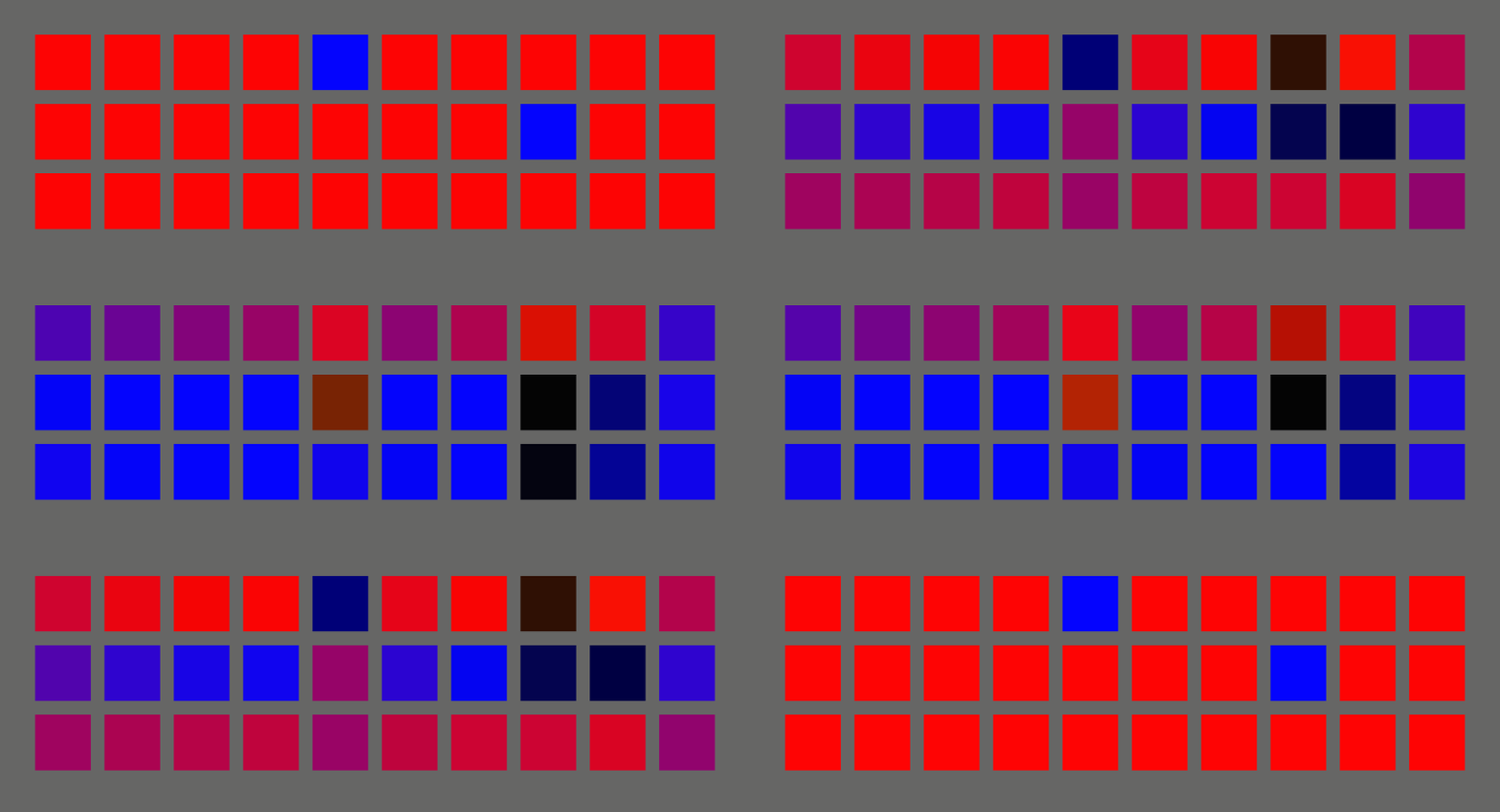
### [`transform_rotation`](examples/transform_rotation.rs)
```rust
cargo run --example transform_rotation --features="bevy/bevy_winit"
```
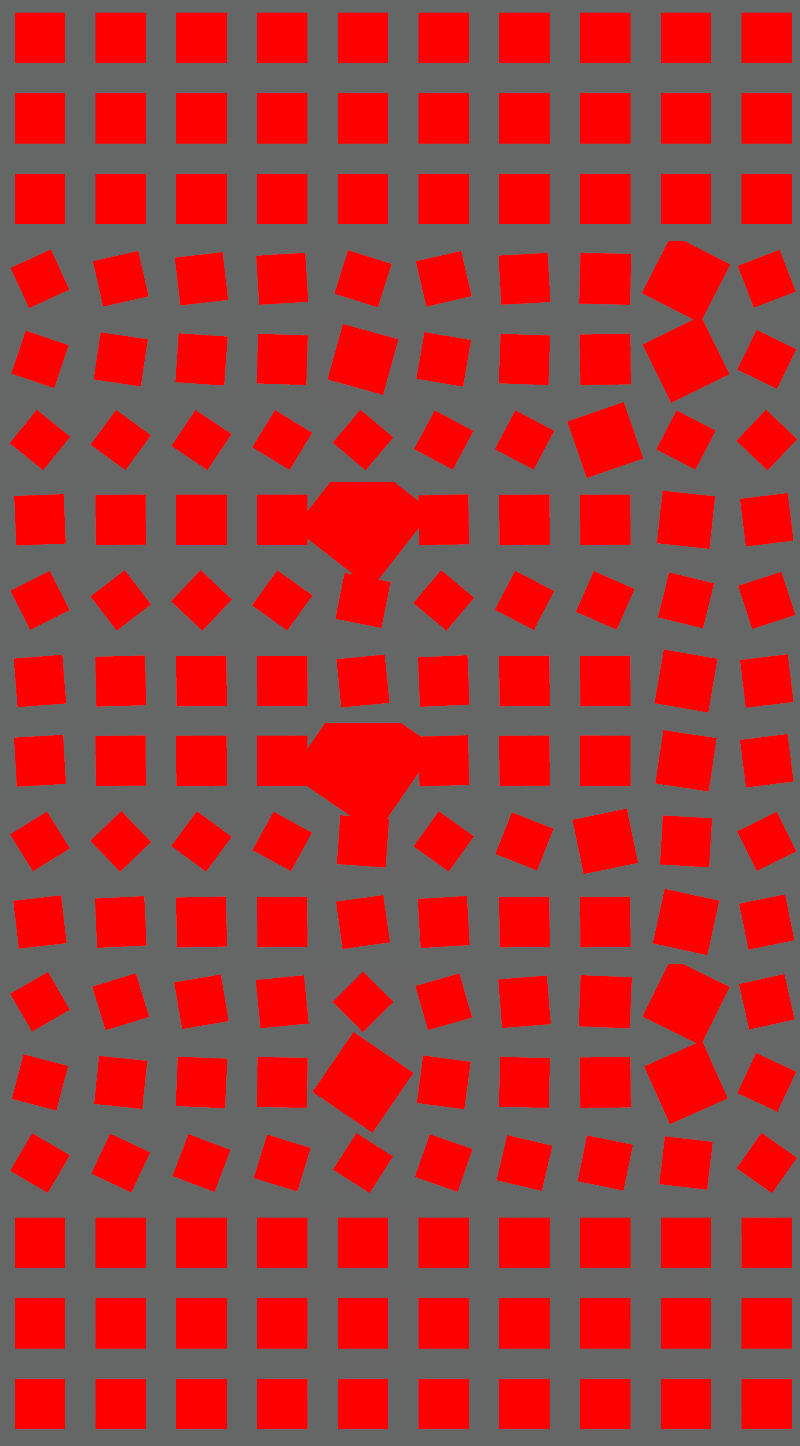
### [`transform_translation`](examples/transform_translation.rs)
```rust
cargo run --example transform_translation --features="bevy/bevy_winit"
```
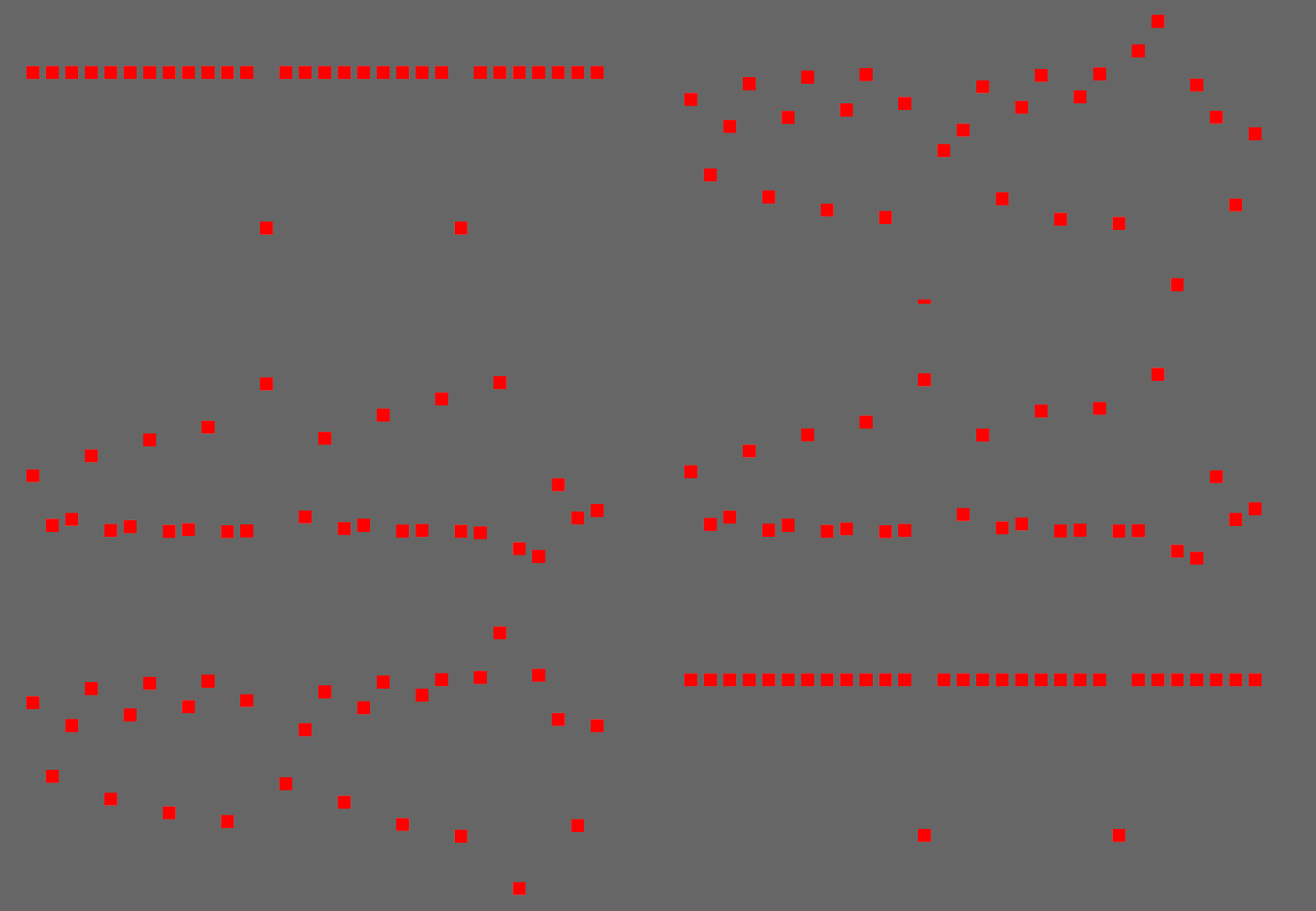
### [`colormaterial_color`](examples/colormaterial_color.rs)
```rust
cargo run --example colormaterial_color --features="bevy/bevy_winit"
```
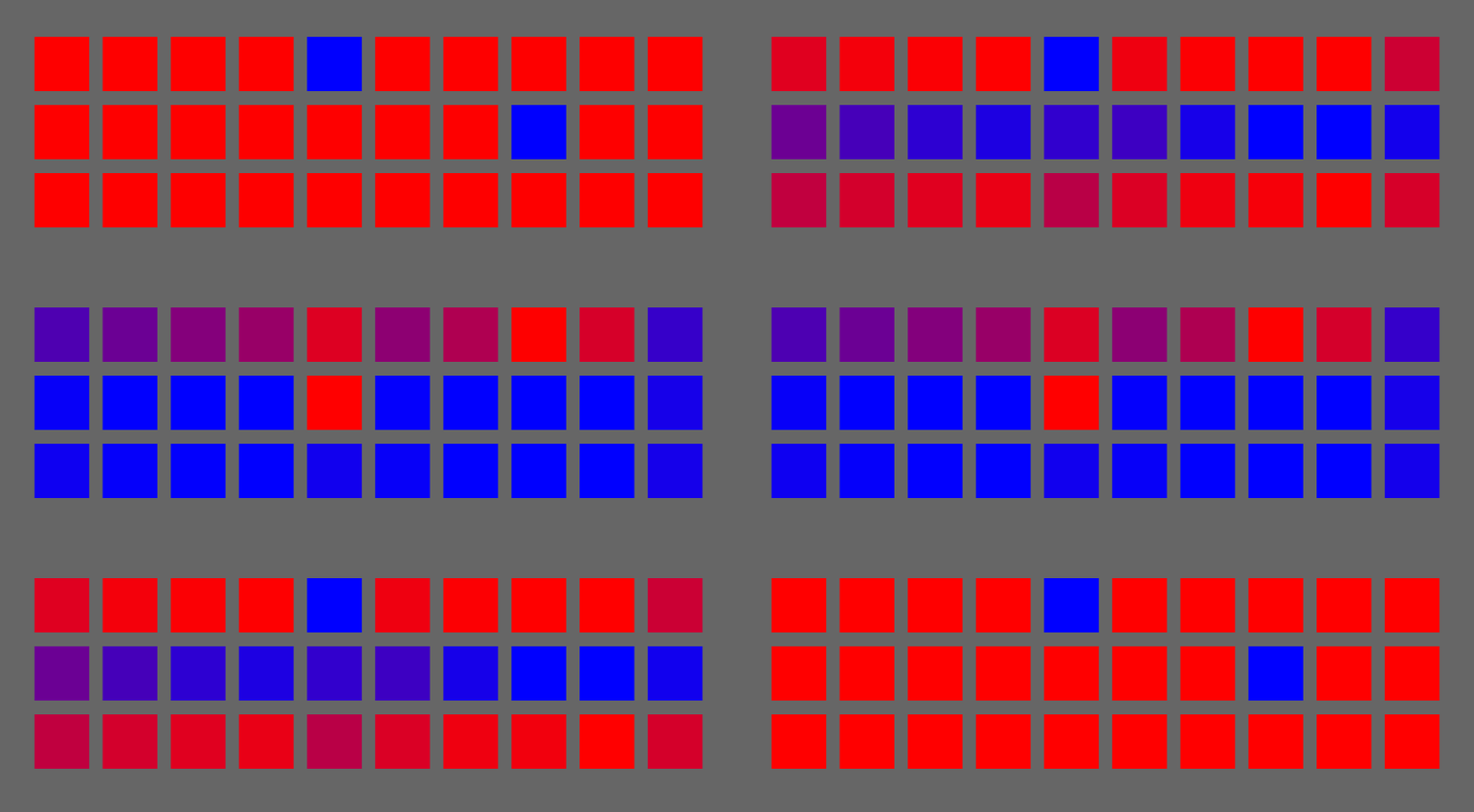
### [`ui_position`](examples/ui_position.rs)
```rust
cargo run --example ui_position --features="bevy/bevy_winit"
```

### [`sequence`](examples/sequence.rs)
```rust
cargo run --example sequence --features="bevy/bevy_winit"
```
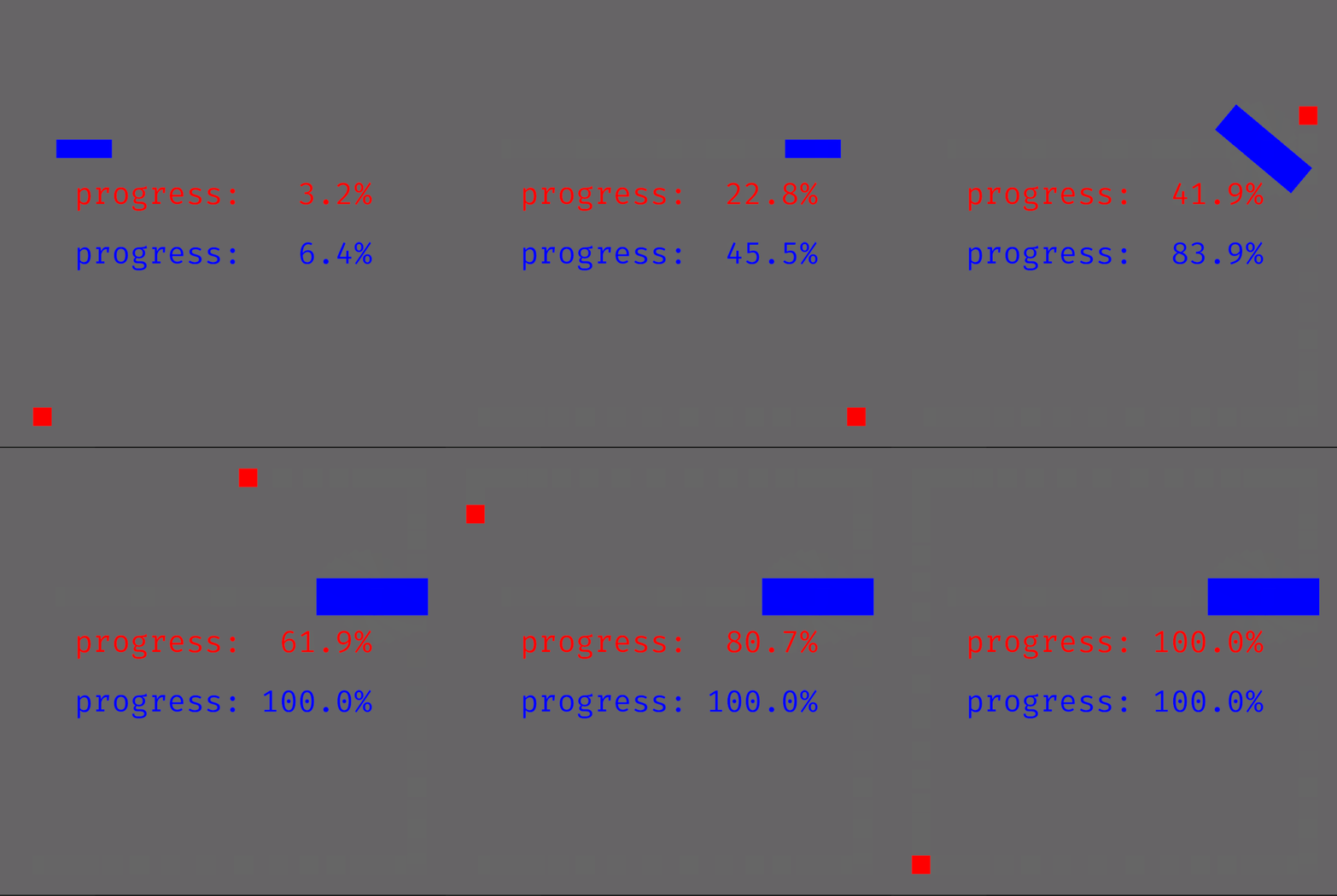
## Compatible Bevy versions
The `main` branch is compatible with the latest Bevy release.
Compatibility of `bevy_tweening` versions:
| `0.15` | `0.18` |
| `0.14` | `0.17` |
| `0.13` | `0.16` |
| `0.12` | `0.15` |
| `0.11` | `0.14` |
| `0.10` | `0.13` |
| `0.9` | `0.12` |
| `0.8` | `0.11` |
| `0.7` | `0.10` |
| `0.6` | `0.9` |
| `0.5` | `0.8` |
| `0.4` | `0.7` |
| `0.2`-`0.3` | `0.6` |
| `0.1` | `0.5` |
Due to the fast-moving nature of Bevy and frequent breaking changes, and the limited resources to maintan 🍃 Bevy Tweening, the `main` (unreleased) Bevy branch is not supported. However the `bevy_tweening` crate is upgraded shortly after each new `bevy` release to support the newly released version.
## License
🍃 Bevy Tweening is dual-licensed under either:
- MIT License ([`LICENSE-MIT`](./LICENSE-MIT) or <http://opensource.org/licenses/MIT>)
- Apache License, Version 2.0 ([`LICENSE-APACHE2`](./LICENSE-APACHE2) or <http://www.apache.org/licenses/LICENSE-2.0>)
at your option.
`SPDX-License-Identifier: MIT OR Apache-2.0`
## Comparison with `bevy_easings`
The `bevy_tweening` library started as a fork of [the `bevy_easings` library by François Mocker](https://github.com/vleue/bevy_easings), with the goals to:
- explore an alternative design based on lenses instead of generic types for each easer/animator. This reduces both the number of generic types needed, and hopefully the code size, as well as the number of systems needed to perform the interpolation.
- improve the interpolation of assets to avoid creating many copies like `bevy_easings` does, and instead mutate the assets (and, by similarity, the components too) in-place without making a copy. The in-place mutation also allows a more optimal interpolation limited to modifying the fields of interest only, instead of creating a new copy of the entire component each tick.