
Please check the build logs for more information.
See Builds for ideas on how to fix a failed build, or Metadata for how to configure docs.rs builds.
If you believe this is docs.rs' fault, open an issue.
bevy_tiled_background




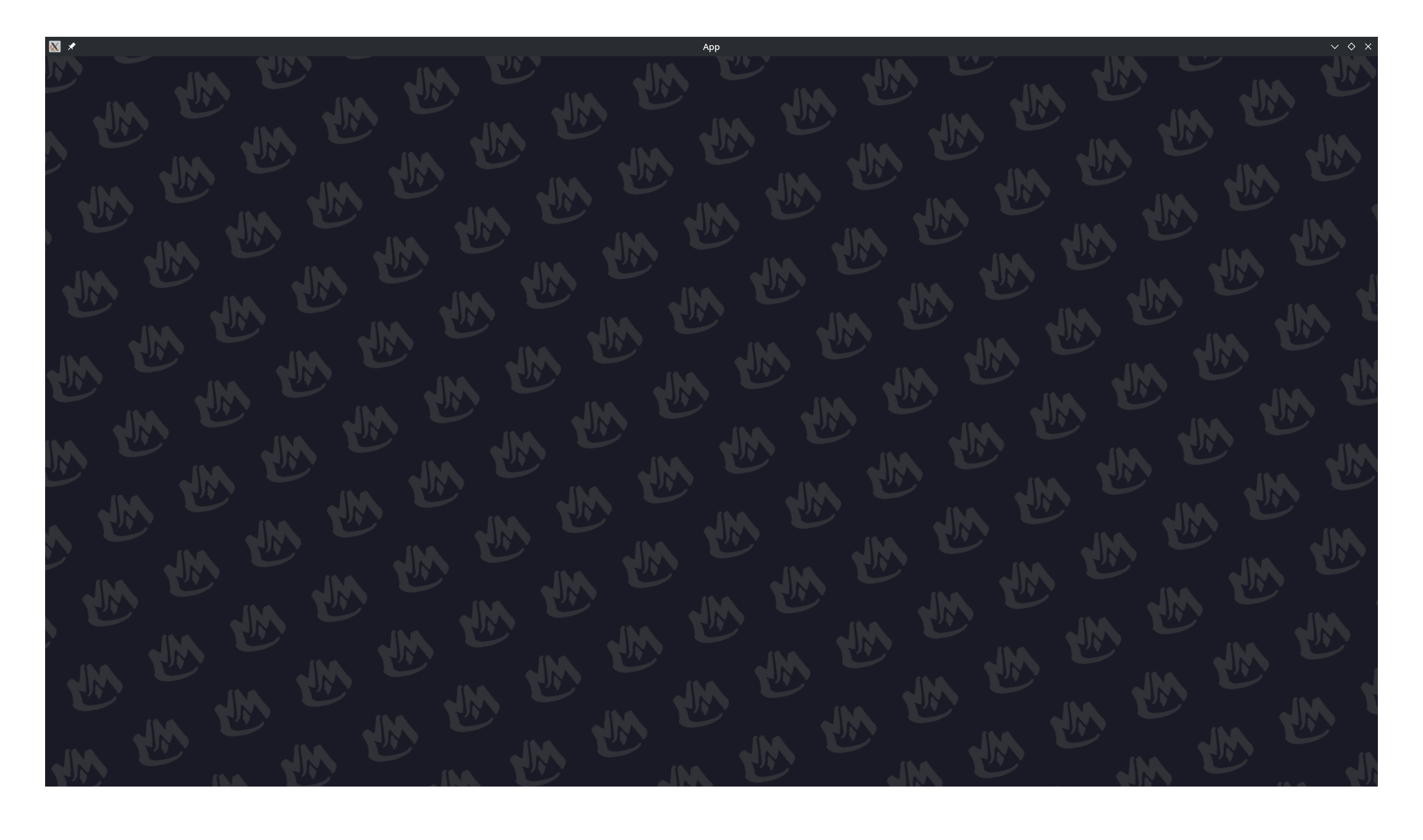
A small Bevy UI material plugin for repeating image patterns as full-screen or panel backgrounds. It keeps tiles in logical UI pixels, so high-DPI displays keep the same visual density as desktop.
What it does
bevy_tiled_background renders a texture repeatedly inside a Bevy Node using a custom UiMaterial.
Use it for animated menu backgrounds, decorative panels, loading screens, card backdrops, or any UI area that needs a tiled image pattern.
Features
- Logical-pixel tiling that looks consistent across desktop, mobile, and high-DPI screens
- Native texture aspect ratio preservation without stretching
- Tint and opacity control through
color - An explicit two-axis lattice for cell size, rotation, and skew
- Image scale and rotation independent of the lattice
- Alternating checkerboard layers for patterns made from multiple images
- Optional design-reference cover scaling and cropping
- Gaps set by making lattice cells larger than their images
- Smooth scrolling animation in any direction
Installation
Or add it manually:
[]
= "0.6"
Quick start
Add TiledBackgroundPlugin, create a TiledBackgroundMaterial, then attach it to any UI Node with MaterialNode.
use *;
use ;
Run the included example with:
Material properties
| Property | Type | Description |
|---|---|---|
color |
LinearRgba |
Tint multiplied with the texture. Use white for no tint; alpha controls opacity. |
image_scale |
f32 |
Positive image size multiplier. 1.0 uses the texture's native size. |
image_rotation |
f32 |
Clockwise image rotation in radians, independent of the lattice. |
lattice_x_axis |
Vec2 |
Vector from a cell center to its neighbor at (1, 0). |
lattice_y_axis |
Vec2 |
Vector from a cell center to its neighbor at (0, 1). Setting both axes to zero uses the scaled texture's native size. |
origin |
Vec2 |
Center of cell (0, 0), relative to the node center or reference top-left corner. |
reference_size |
Vec2 |
Positive design dimensions used to cover and crop the node. Vec2::ZERO disables this mode. |
scroll_velocity |
Vec2 |
Visual pattern velocity in logical screen pixels per second. |
checkerboard_parity |
i32 |
-1 draws every cell; 0 or 1 draws one checkerboard parity. |
pattern_texture |
Handle<Image> |
Texture image to repeat. |
pixel_scale |
f32 |
Plugin-managed window scale conversion. Leave this at the default value. |
The lattice axes must form an invertible basis unless both are zero. Rotate both axes and image_rotation to rotate the whole pattern. Change only image_rotation to turn each image inside fixed cells.
With a positive reference_size, lattice and origin values use reference pixels measured from its top-left corner. The shader cover-scales that reference rectangle over the node. scroll_velocity remains in logical screen pixels per second.
Bevy compatibility
| Bevy | bevy_tiled_background |
|---|---|
| 0.19 | 0.5-0.6 |
| 0.17 | 0.4 |
License
Licensed under either of:
- Apache License, Version 2.0 (LICENSE-APACHE or http://www.apache.org/licenses/LICENSE-2.0)
- MIT license (LICENSE-MIT or http://opensource.org/licenses/MIT)
at your option.