# Bevy Stream Deck

[](https://docs.rs/bevy_streamdeck)
[](https://crates.io/crates/bevy_streamdeck)
[](https://github.com/bevyengine/bevy/blob/main/docs/plugins_guidelines.md#main-branch-tracking)
[](https://github.com/vleue/bevy_streamdeck/actions/workflows/ci.yml)
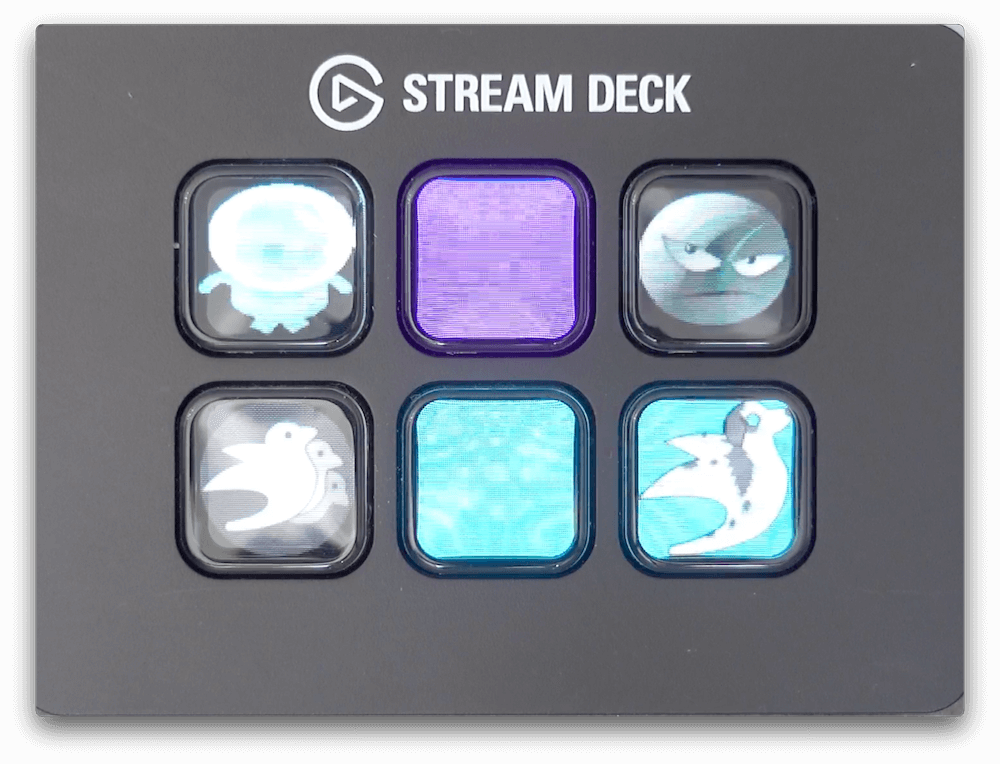
This is a plugin for integrating the [Elgato Stream Deck](https://www.elgato.com/en/stream-deck) with the [Bevy](https://bevyengine.org) game engine. It allows you to handle input events from the Stream Deck and control its display.
## Getting Started
### Adding the Plugin
```rust
app.add_plugin(StreamDeckPlugin);
```
### Handling Input Events
Receive events from button presses (see [inputs example](https://github.com/vleue/bevy_streamdeck/blob/main/examples/inputs.rs)):
```rust
fn print_streamdeck_events(mut streamdeck_input_events: EventReader<StreamDeckInput>) {
for event in streamdeck_input_events.iter() {
info!("{:?}", event);
}
}
```
### Setting Button Colors
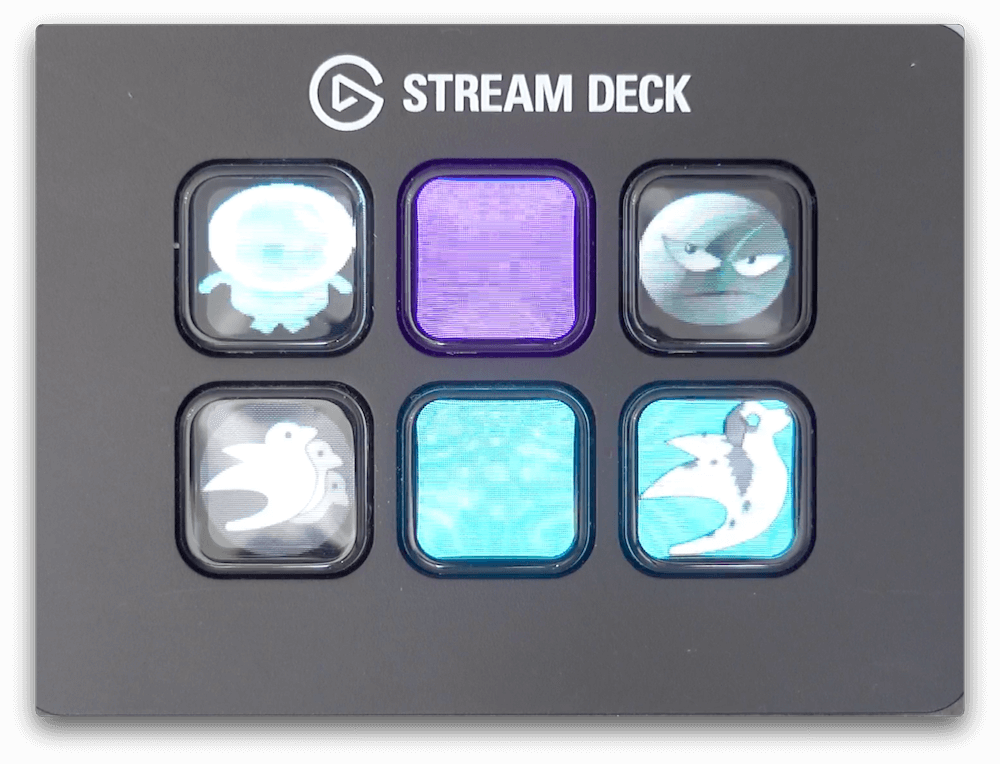
Set a button color (see [colors example](https://github.com/vleue/bevy_streamdeck/blob/main/examples/colors.rs)):
```rust
fn set_color(streamdeck: Res<StreamDeck>) {
streamdeck.set_key_color(1, Color::BLUE);
}
```
### Displaying Images
Display an image on a button (see [image example](https://github.com/vleue/bevy_streamdeck/blob/main/examples/image.rs)):
```rust
fn set_image(streamdeck: Res<StreamDeck>, logo: Res<Logo>, images: Res<Assets<Image>>) {
let handle: Handle<Image> = ...;
if let Some(image) = images.get(&handle) {
streamdeck.set_key_image(1, &image);
}
}
```
## Platform-Specific Setup
### Linux
For Linux setup, please refer to the [rust-streamdeck getting started guide](https://github.com/ryankurte/rust-streamdeck#getting-started).
## Compatibility
### Bevy Compatibility
| 0.18 | 0.8 |
| 0.17 | 0.7 |
| 0.16 | 0.6 |
| 0.15 | 0.5 |
| 0.14 | 0.4 |
| 0.13 | 0.3 |
| 0.9 | 0.2 |
| 0.8 | 0.1 |