# bevy_smud
Sdf 2d shape rendering for [Bevy](https://bevyengine.org).
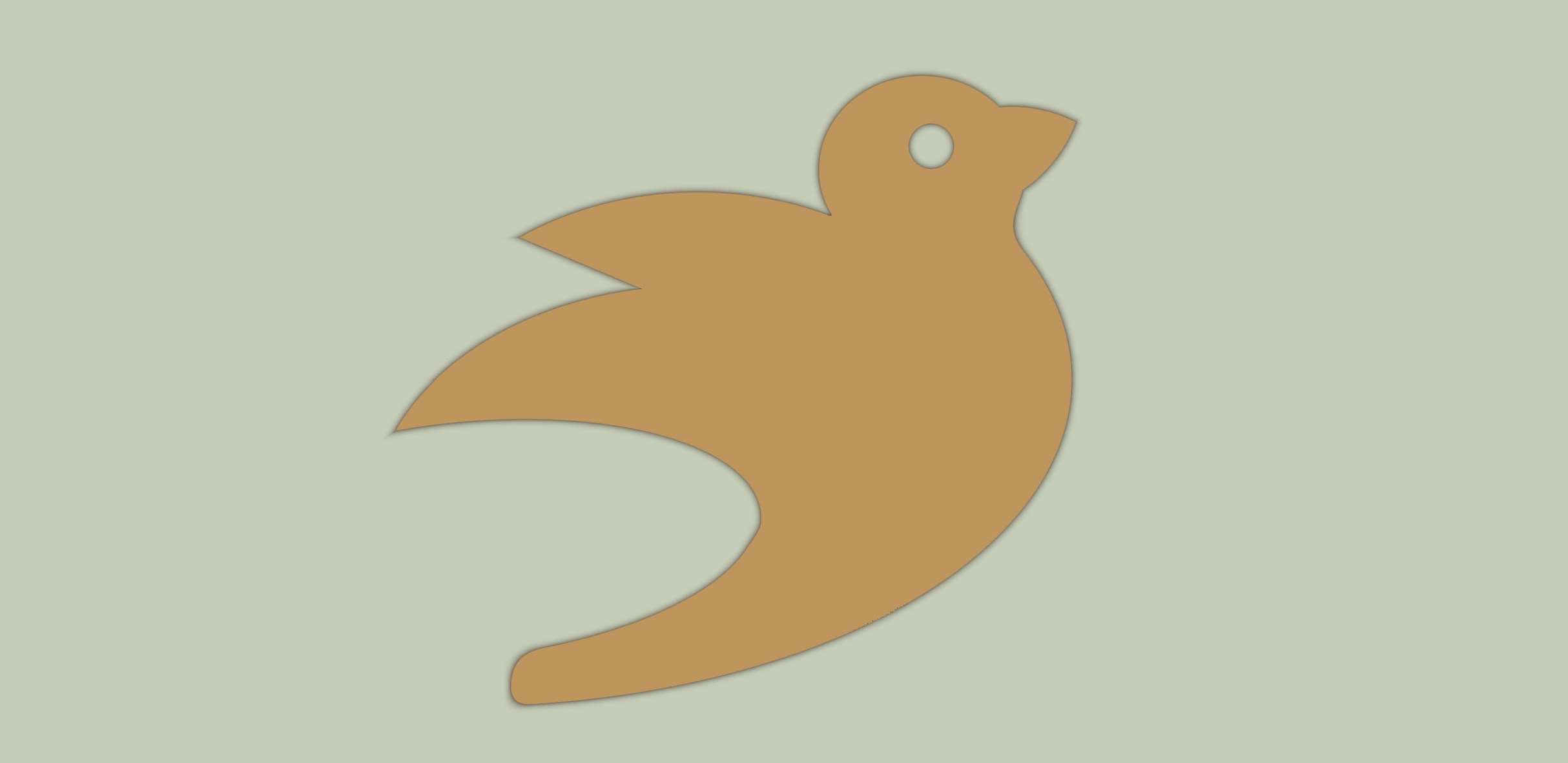
Bevy smud is a way to conveniently construct and render sdf shapes with Bevy.
Given a shape function/expression, and a fill type, it generates shaders at run-time.
If you keep the number of different sdf and fill combinations relatively low it's pretty performant. My machine easily handles 100k shapes at 60 fps, with 40 different shape/fill combinations in randomized order (see [gallery](examples/gallery.rs) example).
## Usage
A signed distance field (sdf) is a way to map points in space to distances to a surface. If a point maps to a positive value, it's outside the shape, if it's negative, it's inside the shape. These "mappings" can be described by functions, which takes a point as input and returns a distance to a surface. For instance, if you wanted to make a circle, it could be described as `length(position - center) - radius`. That way, all the points that are `radius` away from `center` would be 0 and would define the edge of the shape.
Many such functions describing geometric primitives are included in this library, they are imported automatically when using the single-expression or body shorthand for adding sdfs. For instance, the circle above could also be described as:
```wgsl
sd_circle(p - center, 50.)
```
Similarly there are a bunch of other shapes (`sd_ellipse`, `sd_box`, `sd_rounded_box`, `sd_egg` etc. etc.)
Most of the built-in shapes are direct ports of the ones on [this page](https://iquilezles.org/www/articles/distfunctions2d/distfunctions2d.htm), which includes screenshots of the various shapes. So that page might act as a good reference. The ports here use snake_case instead of camelCase.
To put together a shape, you can do:
```rust
fn spawn_circle(
mut commands: Commands,
mut shaders: ResMut<Assets<Shader>>,
) {
let circle = shaders.add_sdf_expr("sd_circle(p, 50.)");
commands.spawn_bundle(ShapeBundle {
shape: SmudShape {
color: Color::TOMATO,
sdf: circle,
frame: Frame::Quad(55.),
..Default::default()
},
..Default::default()
});
}
```
Make sure you reuse the shaders, i.e. don't call `add_sdf_expr` every frame.
You can also define shapes in .wgsl files. Note that in order to use the built-in shapes, you have to import [`bevy_smud::shapes`](assets/shapes.wgsl), and you must create a function named `sdf` that takes a `vec2<f32>` and returns `f32`.
Other than that, make sure you understand how to combine shapes, use symmetries and change domains. For instance, the [bevy](assets/bevy.wgsl) in the screenshot above is built up of several circles, ellipses, and a vesica for the beak.
Also, check out the [examples](examples). In particular, the [basic](examples/basic.rs) example should be a good place to start.
The library also has *some* level of ui support. The [ui](examples/ui.rs) example shows how to create a "bevy" button.
## Word of caution
This crate should still be considered highly experimental.
If you want something more finished, you should probably check out [bevy_prototype_lyon](https://github.com/Nilirad/bevy_prototype_lyon).
## Bevy version support
The `main` branch targets the latest bevy release.
I intend to support the `main` branch of Bevy in the `bevy-main` branch.
|bevy|bevy_smud|
|---|---|
|0.7|0.2, main|
|0.6|0.1|
## Thanks!
Little of this crate is original work. It's mostly a mishmash of [`bevy_sprite`](https://github.com/bevyengine/bevy/tree/main/crates/bevy_sprite) and [Inigo Quilez sdf rendering primitives](https://iquilezles.org/www/articles/distfunctions2d/distfunctions2d.htm) ported to wgsl. I just put the two together in a way I found convenient.