
bevy_ratatui_render
Bevy inside the terminal!
Uses bevy headless rendering, ratatui, and ratatui_image to print the rendered output of your bevy application to the terminal using unicode halfblocks.
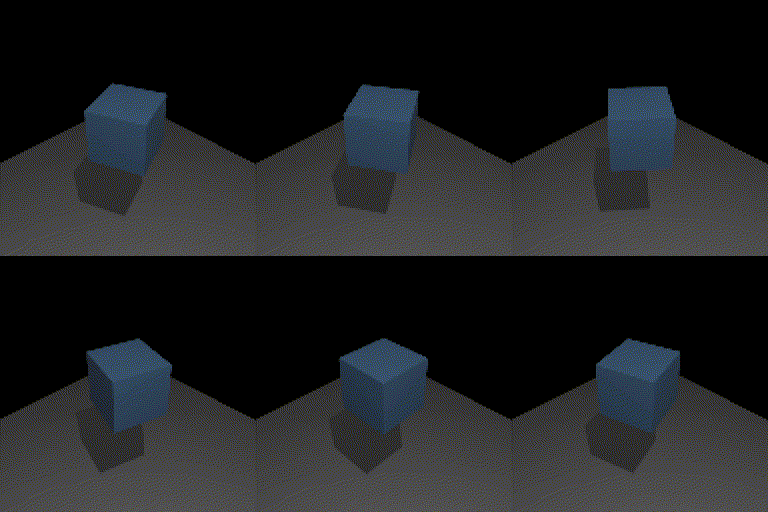
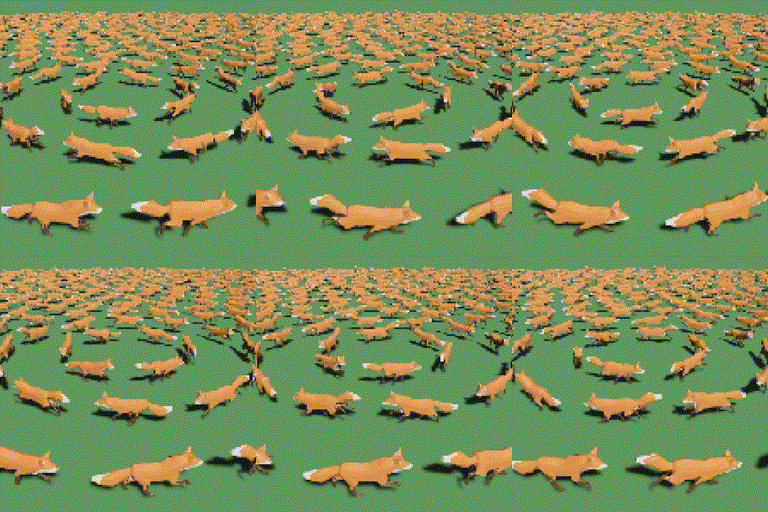
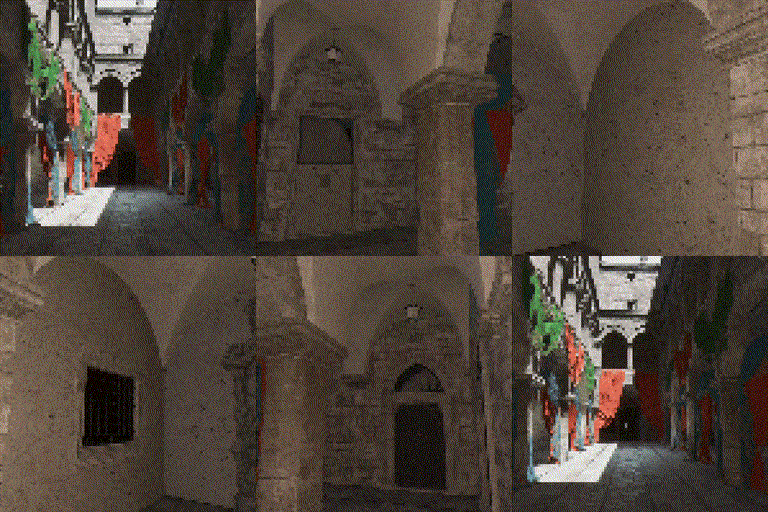
examples/cube.rs, bevy many_foxes example, sponza test scene
Use bevy_ratatui for setting ratatui up and receiving terminal events (keyboard, focus, mouse, paste, resize) inside bevy.
getting started
cargo add bevy_ratatui_render bevy_ratatui
There is a convenience function if you do not need access to the ratatui draw loop and just would like
the render to print to the full terminal (use instead of adding the draw_scene system above):
new.add_render.print_full_terminal
I also recommend telling bevy you don't need a window or anti-aliasing:
DefaultPlugins
.set
.set
multiple renders
When you call add_render((width, height)) a new render target and destination will be created,
associated with an index that increments from zero. For multiple renders, just call add_render multiple
times, and then use the index for the order it was created in the target(index), widget(index), and
print_full_terminal(index) methods (I may implement string IDs in the future, but for now using an
index kept the code simple).
supported terminals
This relies on the terminal supporting 24-bit color. I've personality tested and confirmed that the following terminals display color correctly:
- Alacritty
- Kitty
- iTerm
- WezTerm
what's next?
I am still refining the interface for creating render targets- I would like devs to be able to identify render targets with descriptive string IDs instead of integer indices.
Also, it may be slightly nicer to create multiple render targets by instantiating the plugin multiple times, rather than the current builder pattern.
credits
- Headless rendering code adapted from bevy's headless_render example (@bugsweeper, @alice-i-cecile, @mockersf).
- bevy's many_foxes example used for example gif.
- bevy_sponza_scene used for example gif.