# bevy_ratatui
[![Crate Badge]][Crate]
[![Docs Badge]][Docs]
[![Downloads Badge]][Downloads]
[![License Badge]][License]
Set up a Ratatui application, using bevy to manage the update loop, handle
input events, draw to the buffer, etcetera.
## getting started
`cargo add bevy_ratatui ratatui crossterm`
```rust
use bevy::prelude::*;
use bevy::app::ScheduleRunnerPlugin;
use bevy_ratatui::{terminal::RatatuiContext, RatatuiPlugins};
fn main() {
let frame_time = std::time::Duration::from_secs_f32(1. / 60.);
App::new()
.add_plugins((
MinimalPlugins.set(ScheduleRunnerPlugin::run_loop(frame_time)),
RatatuiPlugins::default(),
))
.add_systems(Update, draw_system)
.run();
}
fn draw_system(mut context: ResMut<RatatuiContext>) -> Result {
context.draw(|frame| {
let text = ratatui::text::Text::raw("hello world");
frame.render_widget(text, frame.area());
})?;
Ok(())
}
```
To read user input, you can listen for the crossterm input events forwarded by
this crate:
```rust
use bevy::app::AppExit;
use bevy_ratatui::event::KeyEvent;
use crossterm::event::KeyCode;
fn input_system(mut events: EventReader<KeyEvent>, mut exit: EventWriter<AppExit>) {
for event in events.read() {
if let KeyCode::Char('q') = event.code {
exit.send_default();
}
}
}
```
...or use the `enable_input_forwarding` option in `RatatuiPlugins` which will
map crossterm input events to normal bevy input events.
## demo
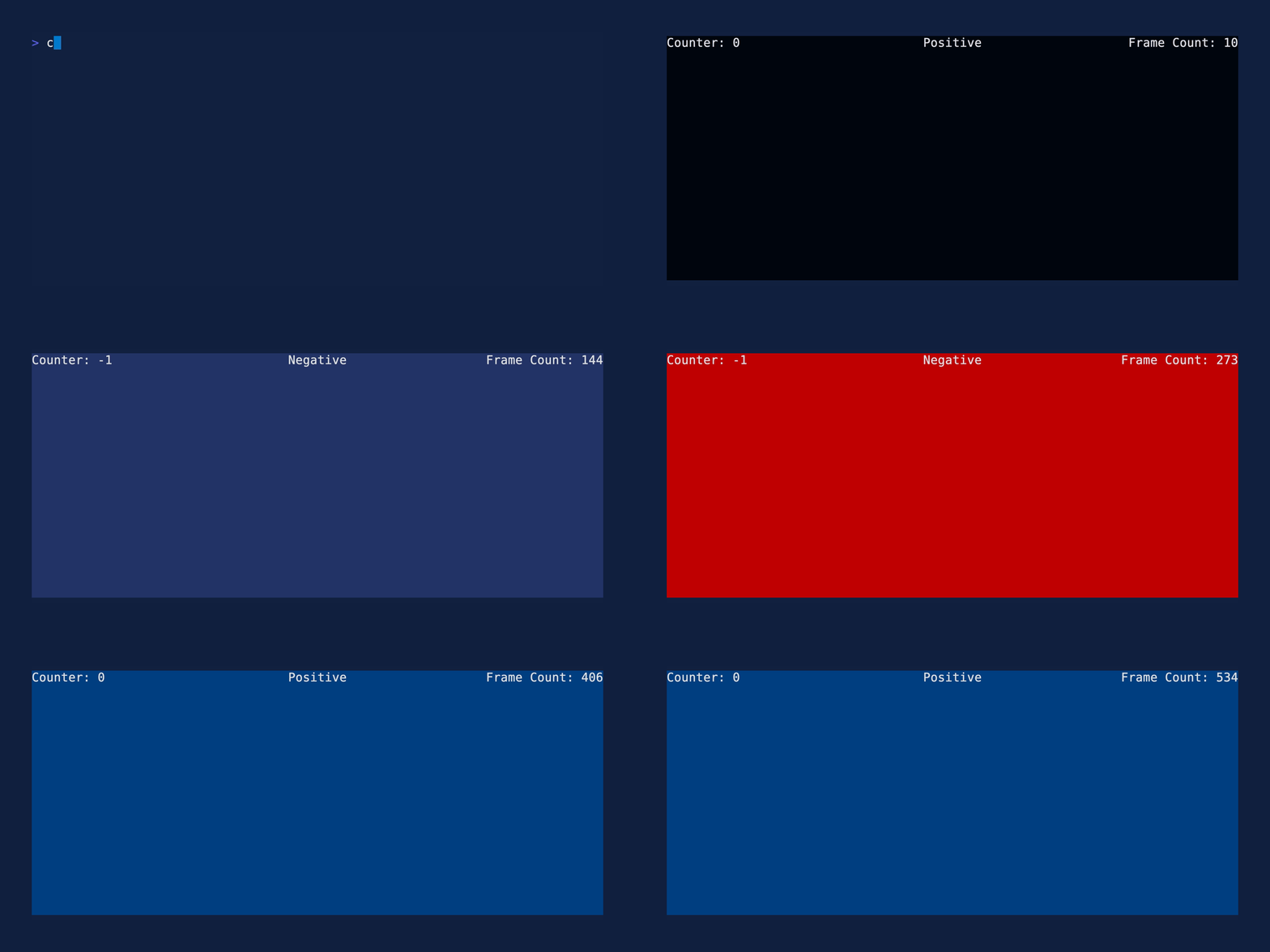
See the [demo example](examples/demo.rs) for the code and more information.
## see also
### integrates with
- [bevy](https://github.com/bevyengine/bevy): A refreshingly simple data-driven
game engine built in Rust.
- [ratatui](https://github.com/ratatui/ratatui): A Rust crate for cooking up
terminal user interfaces (TUIs).
### more tools
- [egui_ratatui](https://github.com/gold-silver-copper/egui_ratatui): A ratatui
backend that is also an egui widget. Deploy on web with WASM or ship natively
with bevy, macroquad, or eframe. Demo at
<https://gold-silver-copper.github.io/>.
- [bevy_ratatui_camera](https://github.com/cxreiff/bevy_ratatui_camera): Print
a bevy scene to the terminal. Provides a ratatui widget that converts a bevy
camera's rendered image to text and draws it to the terminal with ratatui.
### alternatives
- [widgetui](https://github.com/TheEmeraldBee/widgetui): A wrapper for ratatui
that reduces boilerplate and handles the update loop. Uses an approach
similar to bevy systems.
- [bevyterm](https://github.com/Mimea005/bevyterm): A bevy crossterm
integration that uses bevy systems to set up a terminal application.
## compatibility
| 0.16 | 0.8 |
| 0.15 | 0.7 |
| 0.14 | 0.6 |
| 0.13 | 0.5 |
## license
Copyright (c) Josh McKinney
Copyright (c) Cooper Jax Reiff
This project is licensed under either of
- Apache License, Version 2.0
([LICENSE-APACHE](LICENSE-APACHE) or <http://www.apache.org/licenses/LICENSE-2.0>)
- MIT license
([LICENSE-MIT](LICENSE-MIT) or <http://opensource.org/licenses/MIT>)
at your option.
## contribution
Unless you explicitly state otherwise, any contribution intentionally submitted
for inclusion in the work by you, as defined in the Apache-2.0 license, shall be
dual licensed as above, without any additional terms or conditions.
[Crate]: https://crates.io/crates/bevy_ratatui
[Crate Badge]: https://img.shields.io/crates/v/bevy_ratatui
[Docs]: https://docs.rs/bevy_ratatui
[Docs Badge]: https://img.shields.io/badge/docs-bevy_ratatui-886666
[Downloads]: https://crates.io/crates/bevy_ratatui
[Downloads Badge]: https://img.shields.io/crates/d/bevy_ratatui.svg
[License]: ./LICENSE-MIT
[License Badge]: https://img.shields.io/crates/l/bevy_ratatui