# Bevy Live Wallpaper

[](https://crates.io/crates/bevy_live_wallpaper)
[](https://docs.rs/bevy_live_wallpaper/latest/bevy_live_wallpaper/)

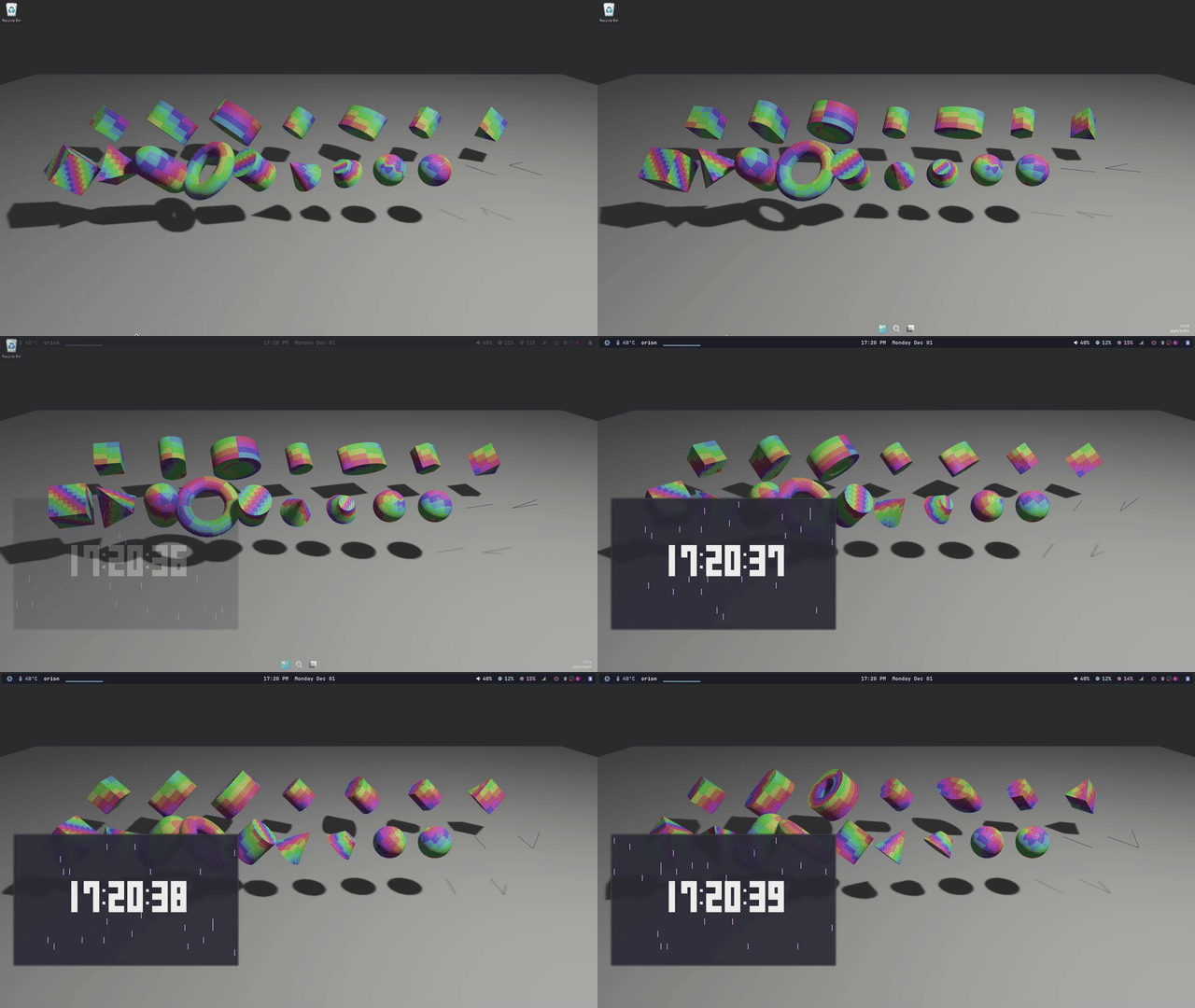
A [Bevy](https://bevyengine.org/) plugin that renders your scene into a Wayland
layer-shell surface, an X11 root window, or a Windows desktop background.
## Compatibility
| `0.18` | `0.4` |
| `0.17` | `0.1`-`0.3` |
## Requirements
- **Wayland**: A compositor that advertises `zwlr_layer_shell_v1` (e.g. Sway,
Hyprland, River, Niri).
- **X11**: An X server with the RandR extension enabled (standard on modern
desktops).
- **Windows**: The standard desktop environment.
## Configuration
- On **Windows**, the appropriate backend is selected automatically. No features
need to be enabled.
- On **Linux/BSD**, you can enable the `wayland` and/or `x11` features.
- If both are enabled, the backend is automatically selected at runtime based
on the user's session (Wayland is preferred). You can also request a
specific backend.
- If only one is enabled, it will be used.
```toml
# In your Cargo.toml
# For Windows:
[dependencies]
bevy_live_wallpaper = "0.4.0"
# For Linux/BSD:
[dependencies]
bevy_live_wallpaper = { version = "0.4.0", features = ["wayland", "x11"] }
```
## Usage
Add the `LiveWallpaperPlugin` to your app. To make your application
cross-platform, you will need to use conditional compilation (`#[cfg]`) for
platform-specific setup.
- On **Wayland**/**X11**, you must disable the primary window and add the
`LiveWallpaperCamera` component to the camera you want to render.
- On **Windows**, the plugin will automatically find the primary window and
parent it to the desktop background. `LiveWallpaperCamera` is not required,
but keeping it attached is harmless.
Here is a complete, cross-platform example:
```rust
use bevy::prelude::*;
use bevy_live_wallpaper::{LiveWallpaperCamera, LiveWallpaperPlugin};
fn main() {
let mut app = App::new();
// Platform-specific window adjustments for wallpaper mode.
// On Wayland/X11, the primary window must be disabled; on Windows, use a borderless window.
let mut window_plugin = WindowPlugin::default();
#[cfg(any(feature = "wayland", feature = "x11"))]
{
window_plugin.primary_window = None;
window_plugin.exit_condition = bevy::window::ExitCondition::DontExit;
}
#[cfg(target_os = "windows")]
{
window_plugin.primary_window = Some(Window {
decorations: false,
..default()
});
}
app.add_plugins(DefaultPlugins.set(window_plugin));
app.add_plugins(LiveWallpaperPlugin::default());
app.add_systems(Startup, setup_scene).run();
}
fn setup_scene(mut commands: Commands) {
// Spawn a camera. On Wayland/X11 this component is required; on Windows
// it is optional but harmless to keep for consistency.
commands.spawn((Camera2d, LiveWallpaperCamera));
// ... spawn your scene entities here ...
commands.spawn((
Sprite::from_color(Color::srgb(0.15, 0.4, 0.85), Vec2::splat(1600.0)),
Transform::from_xyz(0.0, 0.0, 0.0),
));
}
```
## Examples
The included examples are cross-platform.
- **Run on Linux/BSD:**
```sh
cargo run --features=wayland,x11 --example=3d_shapes -- --help
# or
nix run github:yadokani389/bevy_live_wallpaper -- --help
```
- **Run on Windows:**
```sh
cargo run --example=3d_shapes -- --help
```
https://github.com/yadokani389/flow-clock
https://github.com/yadokani389/co-myaku-wallpaper
## Known Issues
- On Windows, with Intel integrated graphics, the Vulkan backend may not work
for setting the desktop background. In such cases, it is necessary to use the
DX12 backend.
- On Wayland, cursor position is only reported while the pointer is directly
over the layer surface; If another window is on top (or the pointer isn't
reaching the background), the position won't update. This is a Wayland
protocol limitation.
## Credits & References
- [comavius/wayggle-bg](https://github.com/comavius/wayggle-bg) — licensed under
the MIT License; portions of the Wayland layer-shell backend are adapted from
this project.
- [ohkashi/LiveWallpaper](https://github.com/ohkashi/LiveWallpaper) — licensed
under the MIT License; the Windows WorkerW discovery and wallpaper lifecycle
logic are adapted from this project.
- [zuranthus/LivePaper](https://github.com/zuranthus/LivePaper) — licensed under
the MIT License; the X11 background attachment strategy is inspired by this
project.