
bevy-sculpter



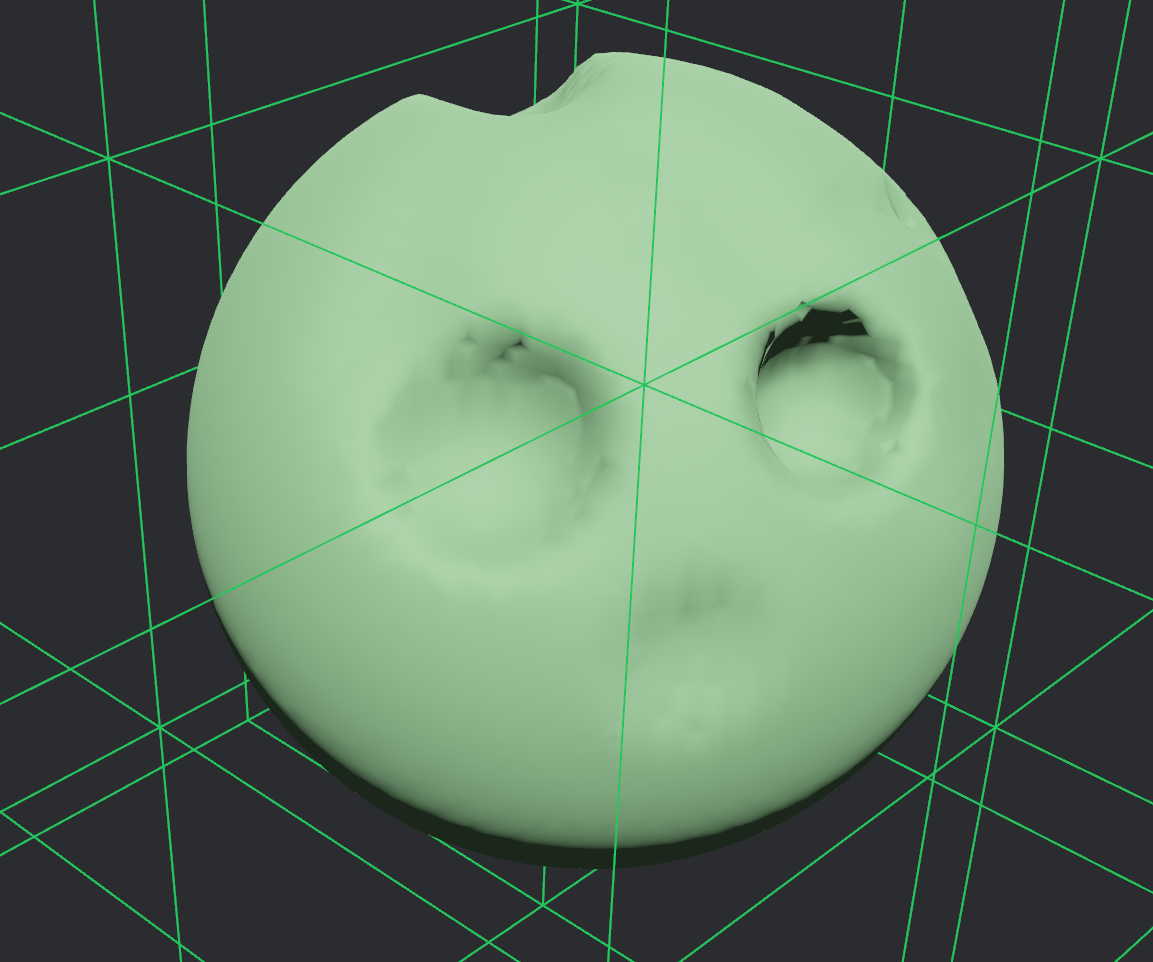
SDF-based voxel sculpting and Surface Nets meshing for Bevy.
⚠️ Early Development: This crate is under heavy development. Expect breaking changes between versions until 1.0.
Features
- Density Fields: SDF-based volumetric representation with chunked storage
- Surface Nets Meshing: Smooth mesh generation from density fields with seamless chunk boundaries
- Sculpting Brushes: Smooth, hard (CSG), blur, and flatten brushes
- Raycasting: Sphere-tracing and DDA-based raycasting into density fields
- SDF Redistancing: Fast Sweeping Method for restoring proper signed distance fields
Bevy Compatibility
| bevy-sculpter | Bevy |
|---|---|
| 0.18 | 0.18 |
| 0.1 | 0.17 |
Quick Start
use *;
use *;
use *;
Sculpting
The crate provides several brush types for modifying density fields:
use *;
// Hard CSG operations (instant)
brush_sphere; // Add material
brush_sphere; // Remove material
// Smooth continuous brushes (for held input)
brush_smooth_timed;
// Surface smoothing
brush_blur;
// Terrain flattening
brush_flatten;
Examples
Run the interactive sculpting example:
Controls:
- Middle click + drag: Rotate camera
- Right click (hold): Add material
- Left click (hold): Remove material
- Ctrl + click: Hard brush (instant CSG)
- B: Toggle brush mode (Smooth/Blur)
- Scroll: Adjust brush size
- [ / ]: Adjust brush strength
- WASD/Space/Shift: Move camera
License
Licensed under either of
- Apache License, Version 2.0 (LICENSE-APACHE or http://www.apache.org/licenses/LICENSE-2.0)
- MIT license (LICENSE-MIT or http://opensource.org/licenses/MIT)
at your option.
Contribution
Unless you explicitly state otherwise, any contribution intentionally submitted for inclusion in the work by you, as defined in the Apache-2.0 license, shall be dual licensed as above, without any additional terms or conditions.
Acknowledgments
Surface Nets implementation inspired by fast-surface-nets-rs by bonsairobo.