# Bevy Clipmap
[](./LICENSE)
[](https://docs.rs/bevy-clipmap)
[](https://crates.io/crates/bevy-clipmap)
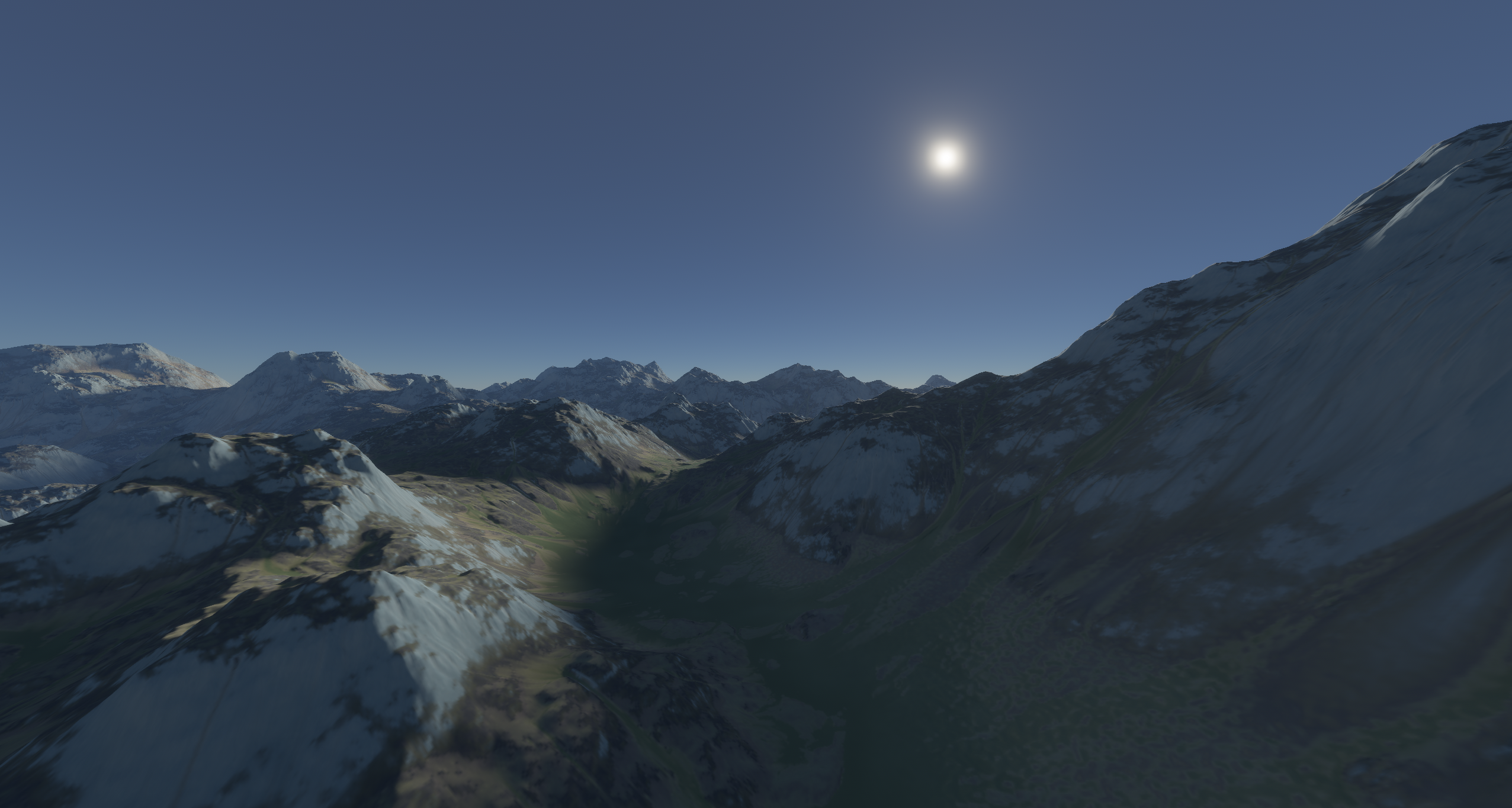
## Overview
This project implements GPU-Based Geometry Clipmaps from this paper: https://hhoppe.com/gpugcm.pdf
This is an adaptive LOD technique that allows us to render huge worlds for cheap!
## Usage
The example usage can be seen in the [examples](examples/basic.rs) directory.
This example uses very low-resolution maps to save space when cloning this repository. Especially horizon maps can become quite huge. For better visual results, create your own higher-resolution textures.
## How to create textures
To create heightmap and horizon map textures you can use the [clipmap.py](convert/clipmap.py) script.
First of all, you have to install required libraries:
```sh
> pip install -r requirements.txt
```
```sh
> python clipmap.py --help
usage: clipmap.py [-h] filename {ktx,horizon} ...
Heightmap processing tool for the bevy-clipmap plugin
positional arguments:
filename 16-bit PNG heightmap
{ktx,horizon}
ktx Convert the heightmap to KTX2
horizon Create KTX2 horizon map
options:
-h, --help show this help message and exit
```
### Example usage:
```sh
> python clipmap.py heightmap.png ktx 8192 8192 # Convert 16-bit PNG to 8192x8192 KTX
> python clipmap.py heightmap.png horizon 2048 2048 16 # Convert 16-bit PNG to 2048x2048 horizon map with 16 FFT coefficients
```
Warning: Horizon maps require significant disk space. It generates 360 horizon maps and requires `360 * W * H * 4` bytes. For 1k map it requires only 1.4GB, but for 16k map it leads to 360GB.
## Compatible Bevy versions
| `bevy-clipmap` | `bevy` |
| :-- | :-- |
| `1.0.4` | `0.18.0` |
| `1.0.3` | `0.17.3` |
## Contributing
PRs are very welcome!