# Barebones Watch Face for Rust + Mynewt on PineTime Smart Watch
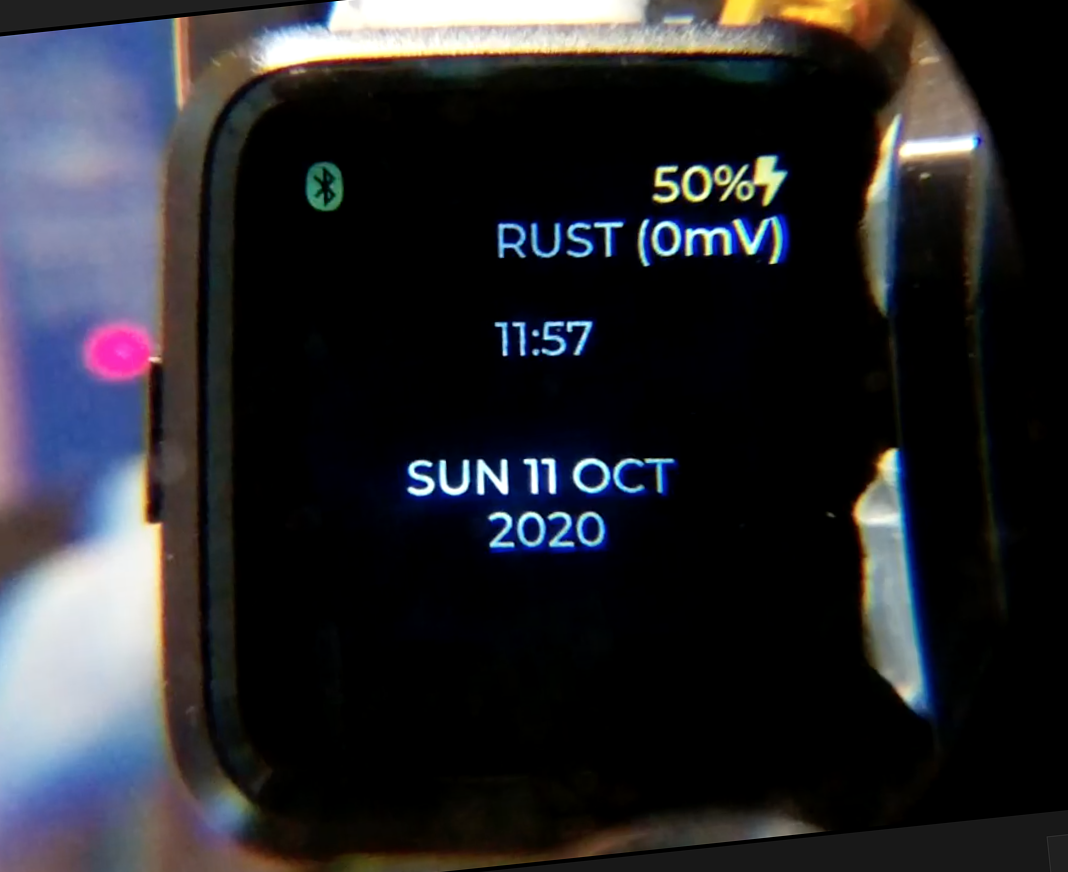
[__Preview this Watch Face in your web browser__](https://lupyuen.github.io/barebones-watchface/lvgl.html)
Barebones, no frills Rust Watch Face for PineTime Smart Watch with LVGL and Mynewt...
1. Bluetooth LE Time Sync
1. Date and Time
1. Bluetooth Indicator
1. Power Indicator
Built with [`pinetime-watchface`](https://crates.io/crates/pinetime-watchface) framework for watch faces.
To select this watch face in the [`pinetime-rust-mynewt`](https://github.com/lupyuen/pinetime-rust-mynewt) firmware...
1. Add [`barebones-watchface`](https://crates.io/crates/barebones-watchface) to [`pinetime-rust-mynewt/rust/app/Cargo.toml`](https://github.com/lupyuen/pinetime-rust-mynewt/blob/master/rust/app/Cargo.toml)
1. Set `WatchFaceType` in [`pinetime-rust-mynewt/rust/app/src/lib.rs`](https://github.com/lupyuen/pinetime-rust-mynewt/blob/master/rust/app/src/lib.rs)
```rust
type WatchFaceType = barebones_watchface::BarebonesWatchFace;
```
The WebAssembly Simulator for this watch face was auto-generated by a GitHub Actions Workflow: [`simulator.yml`](.github/workflows/simulator.yml)
Source code for the WebAssembly Simulator is at the [`mynewt`](https://github.com/AppKaki/lvgl-wasm/tree/mynewt) branch of [`github.com/AppKaki/lvgl-wasm`](https://github.com/AppKaki/lvgl-wasm/tree/mynewt)
Refer to the article...
["Create Your Own PineTime Watch Face in Rust... And Publish on crates.io"](https://lupyuen.github.io/pinetime-rust-mynewt/articles/watchface)