# ansimage
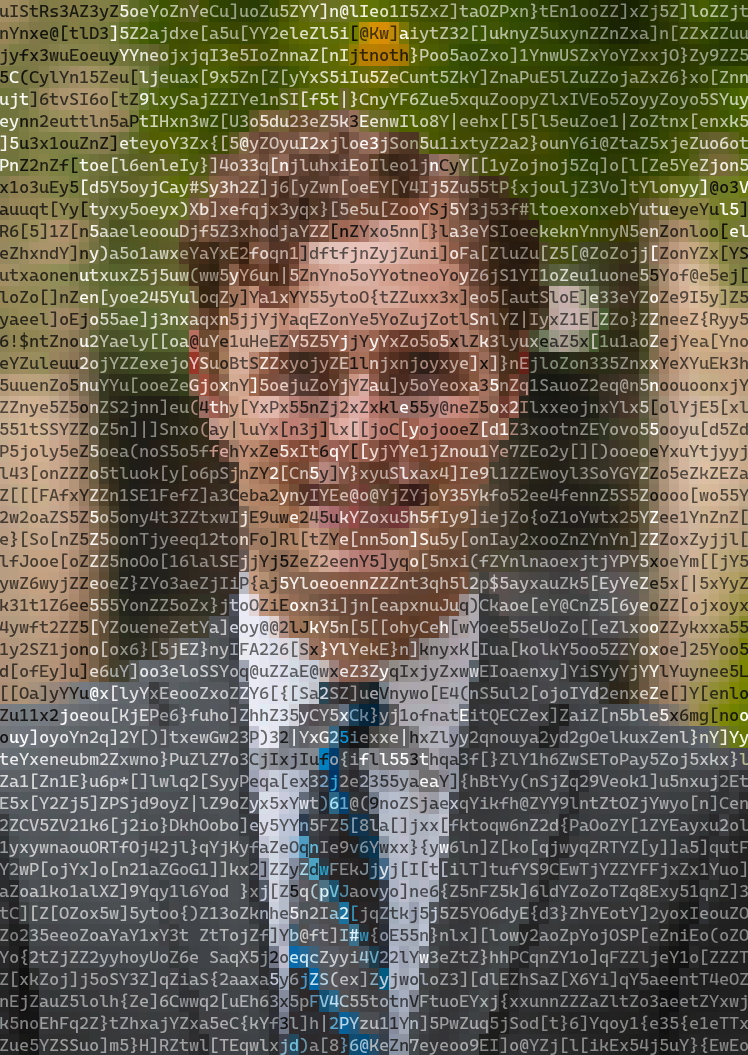
**`ansimage` is a versatile Rust library and command-line tool for converting images into colorful terminal ANSI art.**
It offers a high degree of control over character sets, color palettes, and output size, using perceptually uniform color calculations to generate high-quality results.
[](https://crates.io/crates/ansimage)
[](https://docs.rs/ansimage)
## Features
* **Multiple Character Modes**: Render images using standard ASCII brightness ramps, high-fidelity Unicode block characters, or your own custom character sets.
* **Advanced Color Handling**: Supports 24-bit "truecolor" output as well as color quantization for terminals with limited palettes (e.g., 256 or 16 colors).
* **High-Quality Processing**: Uses the L\*u\*v\* color space for perceptually accurate color comparisons and `imagequant` for high-quality dithering and palette mapping.
* **Performance**: Image processing is parallelized using Rayon to take advantage of multiple CPU cores.
* **Flexible Sizing**: Easily fit the output to specific dimensions while preserving aspect ratio, or scale to an exact character width and height.
* **Simple CLI and Library API**: Use it as a quick command-line tool or integrate it directly into your Rust projects.
## Installation
### As a Command-Line Tool
Ensure you have the Rust toolchain installed. You can then install `ansimage` directly from Crates.io:
```sh
cargo install --locked ansimage
```
### As a Library
Add `ansimage` as a dependency in your `Cargo.toml` file:
```toml
[dependencies]
ansimage = "0.1.0" # Replace with the latest version
```
## Usage
### Command-Line Interface
The CLI provides a straightforward way to convert an image. The only required argument is the input file path.
**Basic Conversion**
This command will process `photo.jpg` and print the resulting ANSI art to your terminal.
```sh
ansimage photo.jpg
```
**Saving to a File**
Use the `--output` or `-o` flag to save the result to a text file. You can combine this with `--quiet` to suppress terminal output.
```sh
ansimage photo.jpg --output art.txt --quiet
```
For a full list of commands, run:
```sh
ansimage --help
```
### Library API
Integrating `ansimage` into your own project is simple. The main entry point is the `convert` function, which takes an image path and a `Settings` struct.
Here's a basic example:
```rust
use ansimage::{convert, error::Result, Settings};
use std::path::Path;
fn main() -> Result<()> {
// Use default settings for a quick conversion.
let settings = Settings::default();
// The path to the image you want to convert.
let image_path = Path::new("path/to/my_image.png");
// Call the convert function.
let terminal_art = convert(image_path, &settings)?;
// Print the result!
println!("{}", terminal_art);
Ok(())
}
```
## Configuration
You can customize the output by modifying the `Settings` struct.
* `size`: Control the output `width`, `height`, and `SizeMode` (`Fit` vs. `Exact`).
* `characters`: Choose a `CharacterMode` (`Ascii`, `Unicode`, `Custom`), `ColorMode` (`OneColor` vs. `TwoColor`), and adjust the font's `aspect_ratio`.
* `colors`: Enable or disable `is_truecolor` mode. When `false`, you must provide a `palette` of `image::Rgb<u8>` colors.
* `advanced`: Configure the `resize_filter` and enable/disable `dithering`.
**Example: Custom Unicode Settings**
```rust
use ansimage::{
palettes, settings::{CharacterMode, UnicodeCharSet},
Characters, Colors, Settings, Size,
};
let custom_settings = Settings {
size: Size {
width: 100,
..Default::default()
},
characters: Characters {
// Use high-resolution quarter-block Unicode characters.
mode: CharacterMode::Unicode(UnicodeCharSet::Quarter),
..Default::default()
},
colors: Colors {
// Disable truecolor and use a predefined 16-color palette.
is_truecolor: false,
palette: palettes::COLOR_PALETTE_SWEETIE16.to_vec(),
},
..Default::default()
};
// Use this custom_settings object with the `convert` function.
```
## Examples
> me
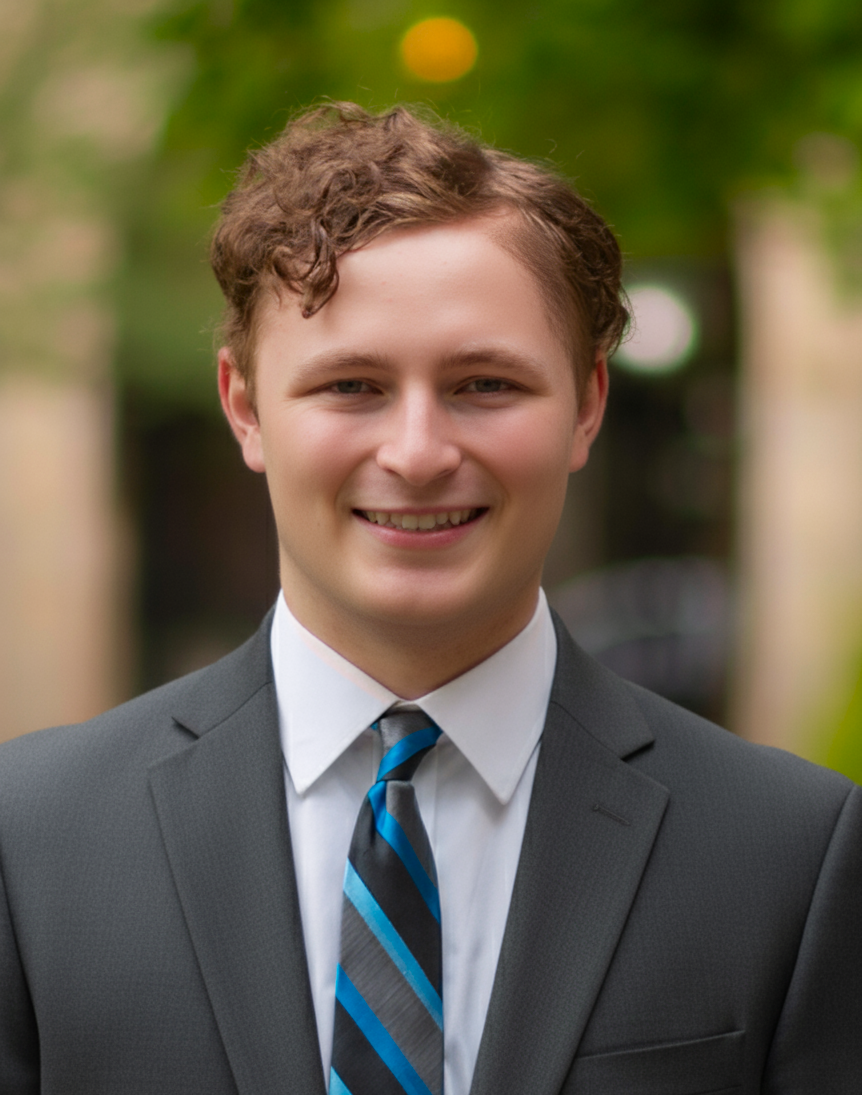
> me ascii

> me fullblock
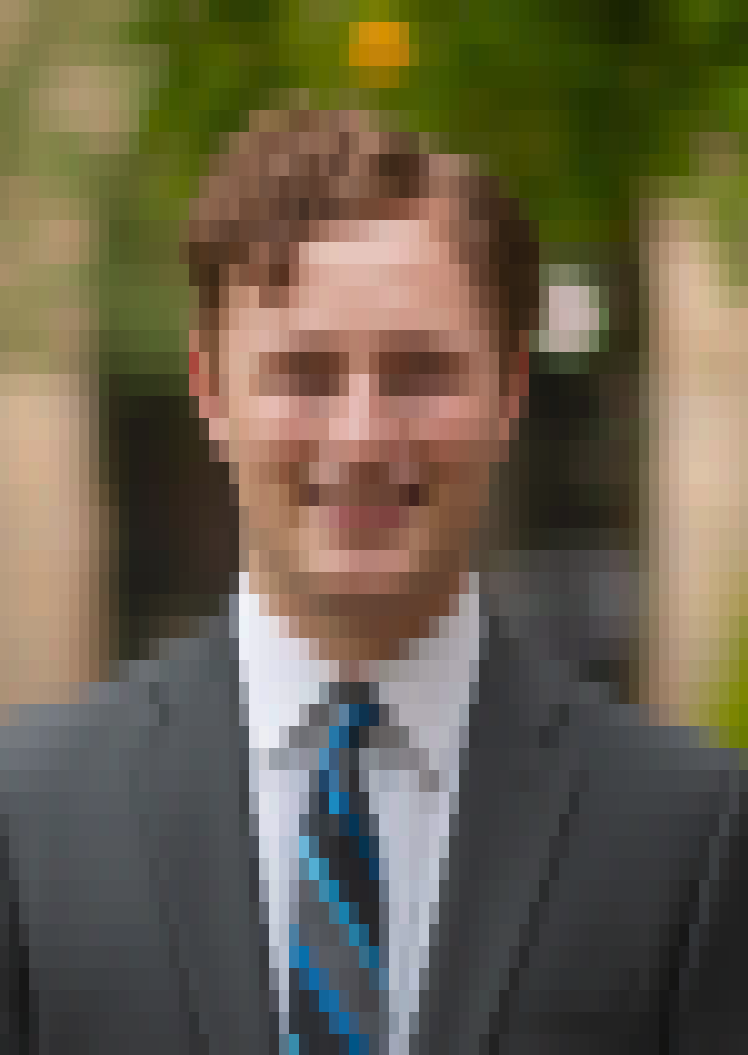
> me quarterblock
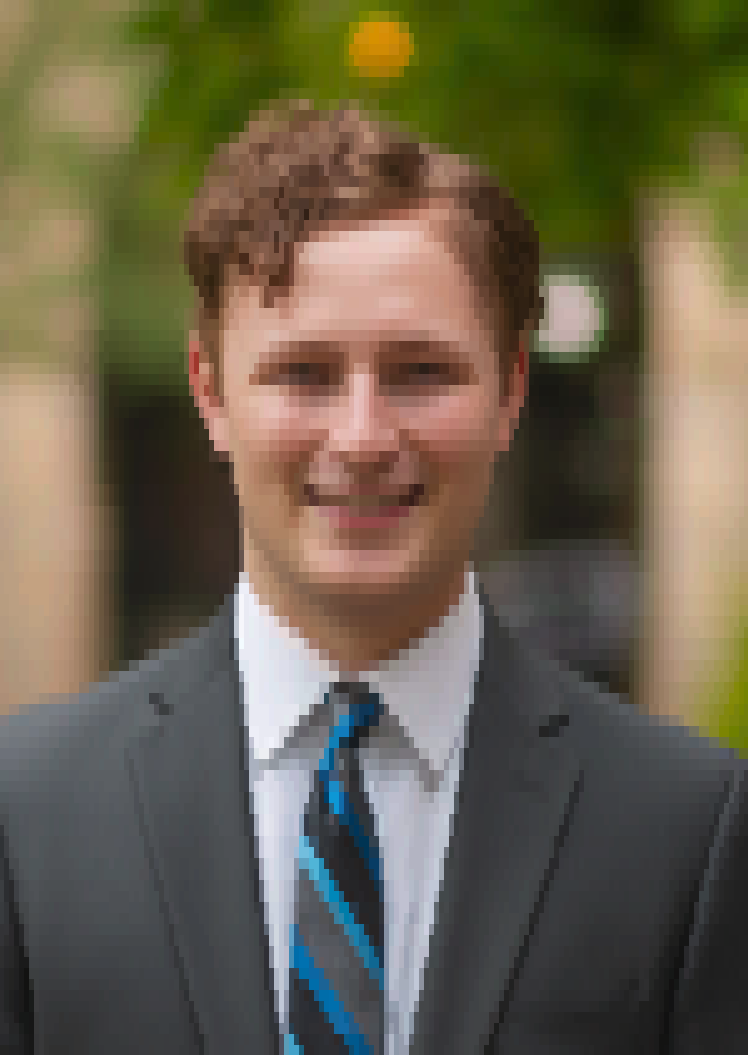
> me quarterblock sweetie16
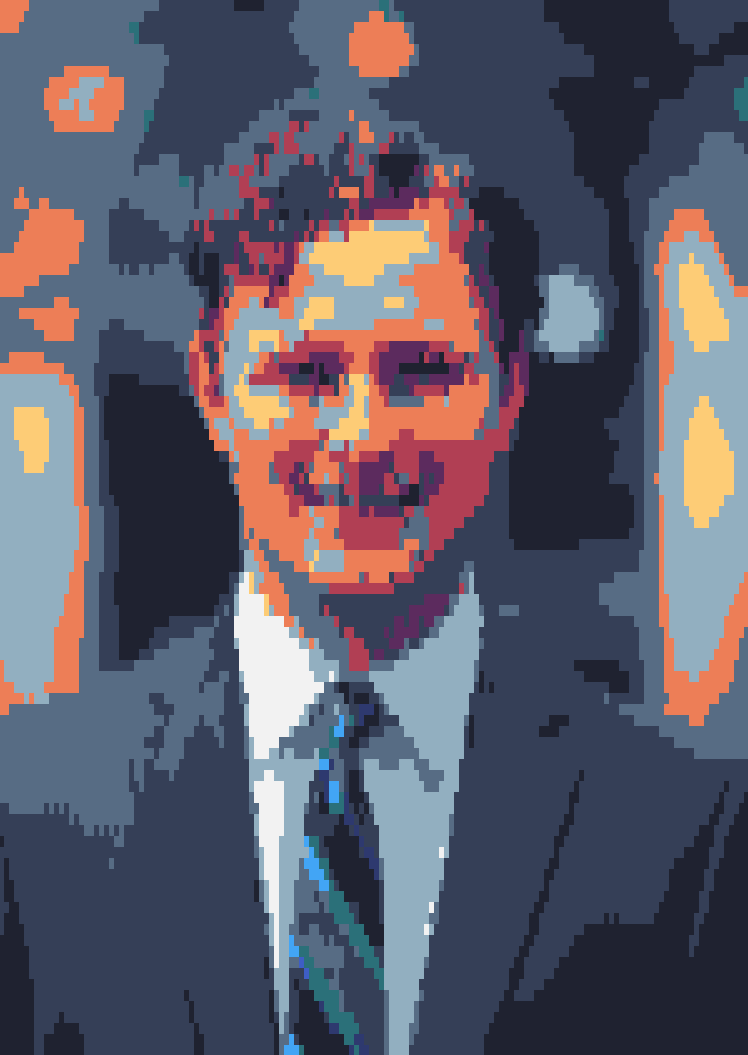
> me quarterblock horrorbluedark
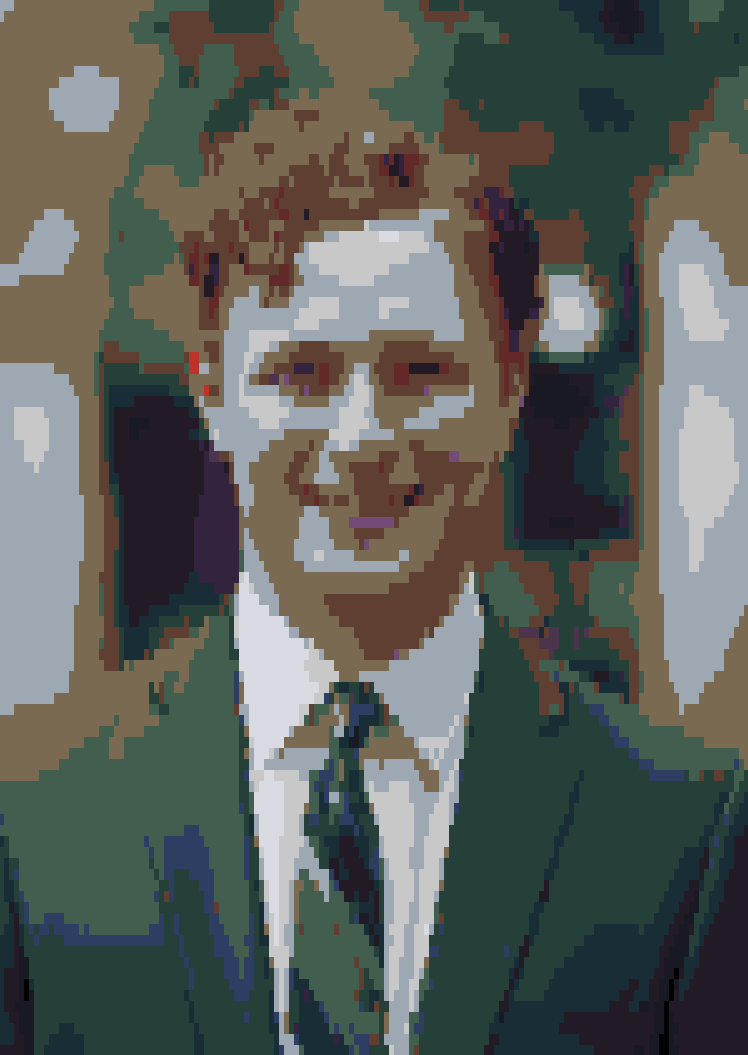
> redpanda
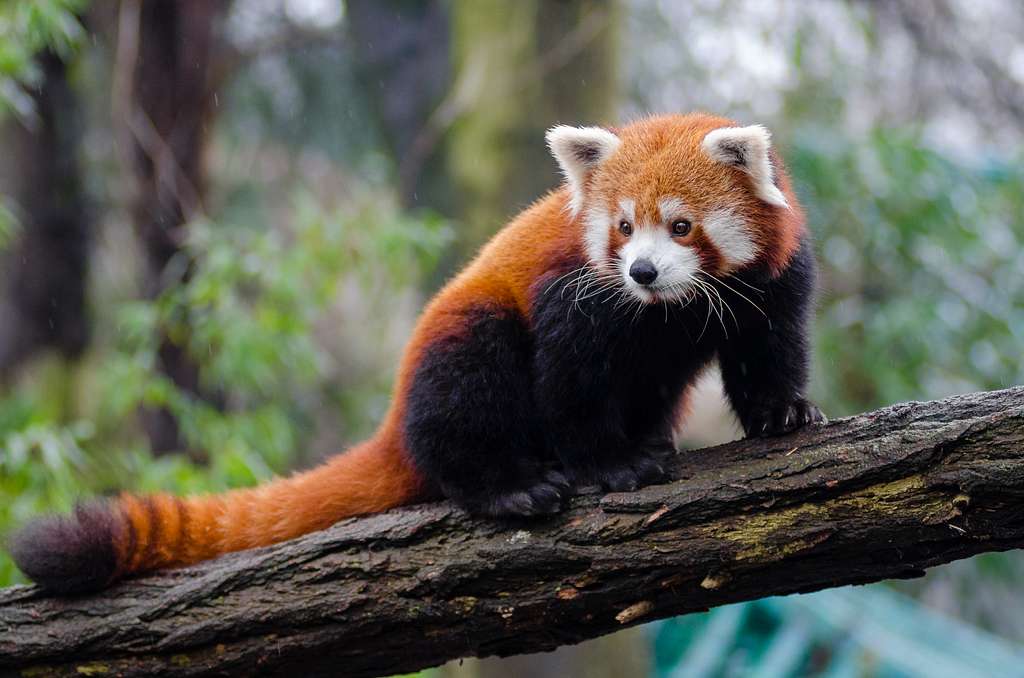
> redpanda ascii
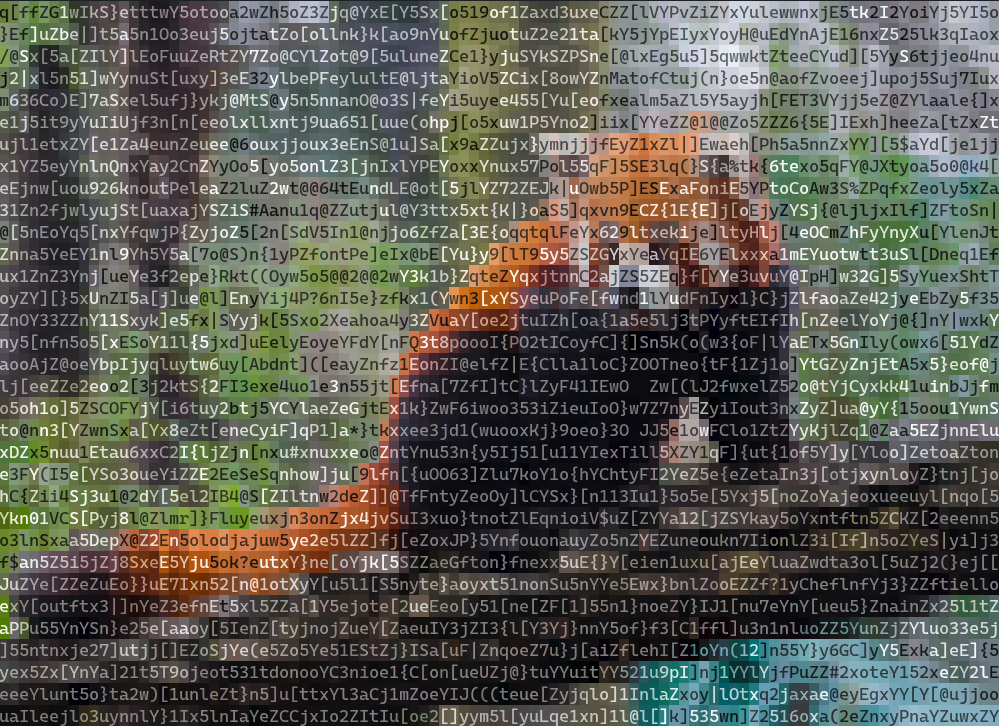
> redpanda quarterblock
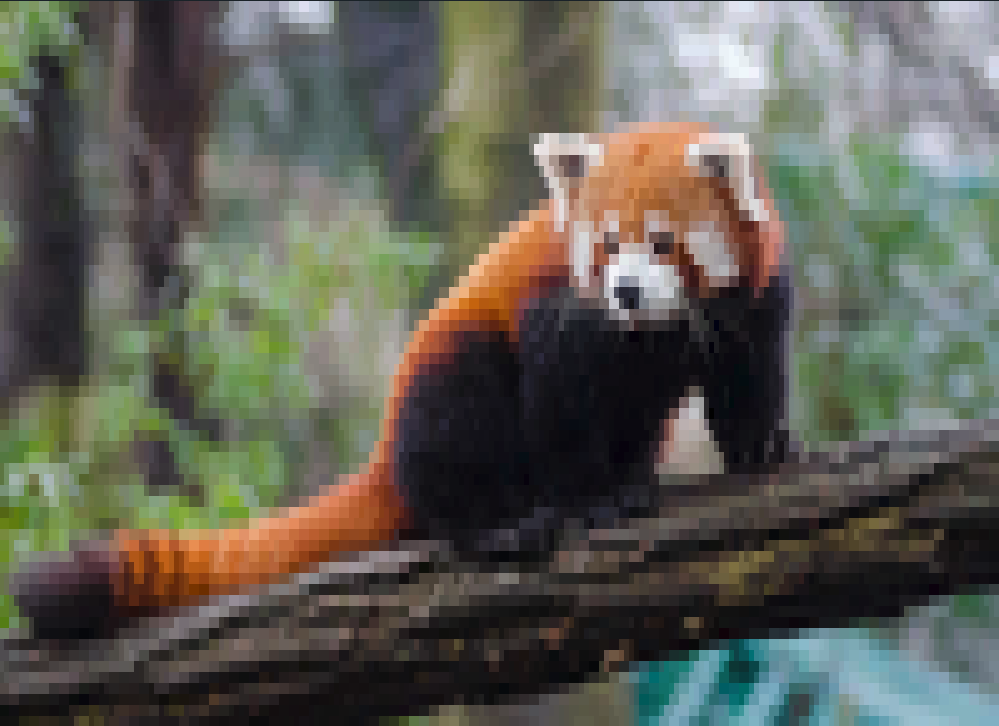
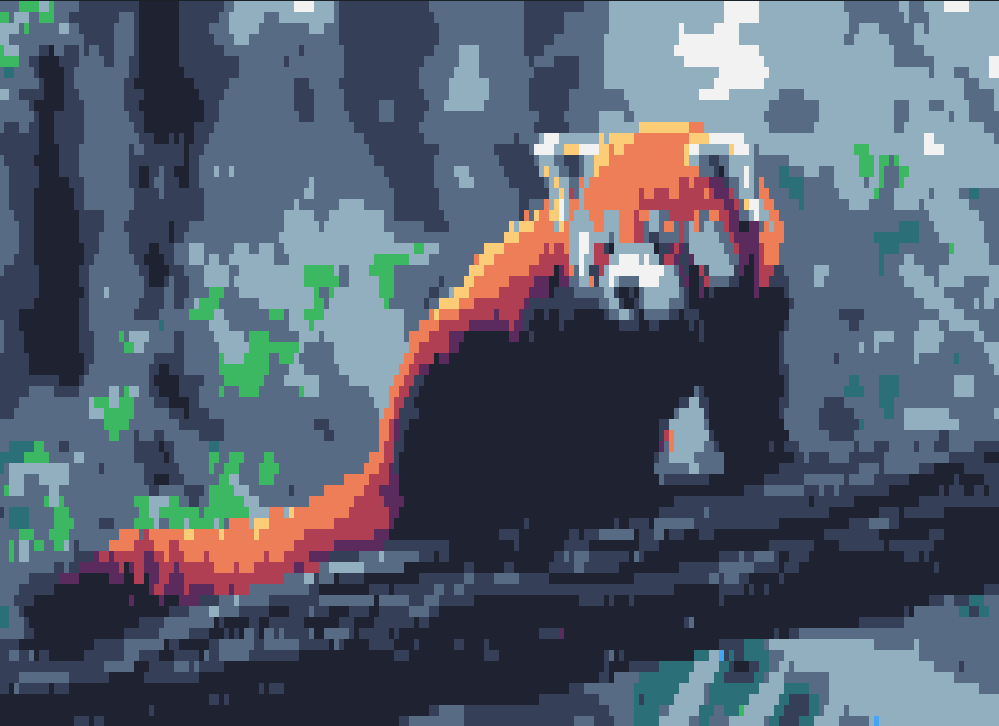
> redpanda quarterblock sweetie16
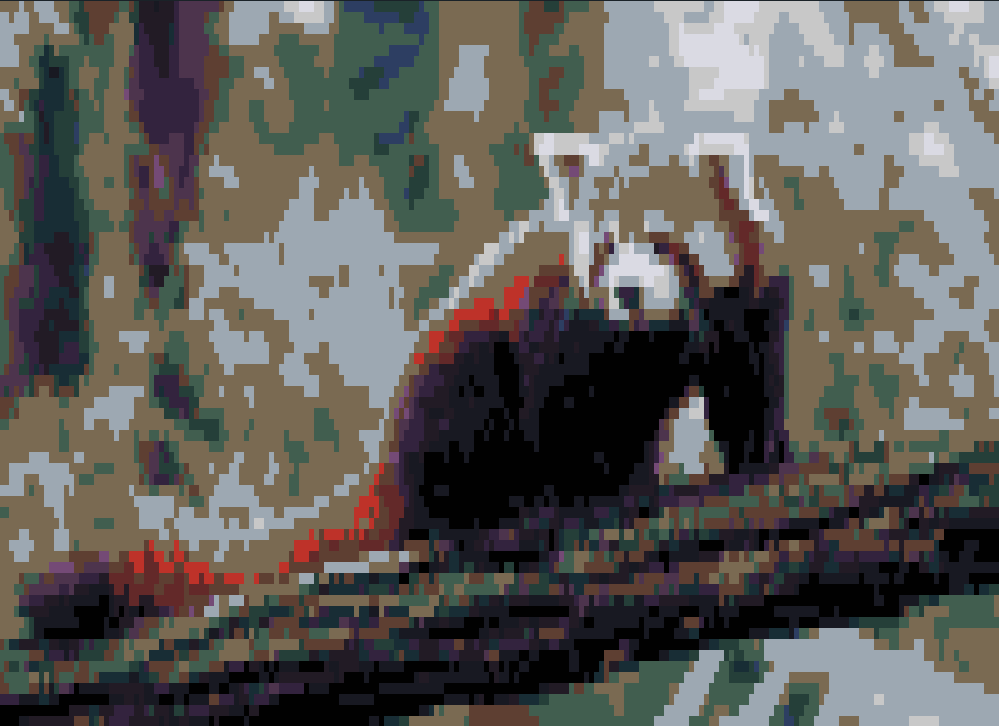
> redpanda quarterblock horrorbluedark
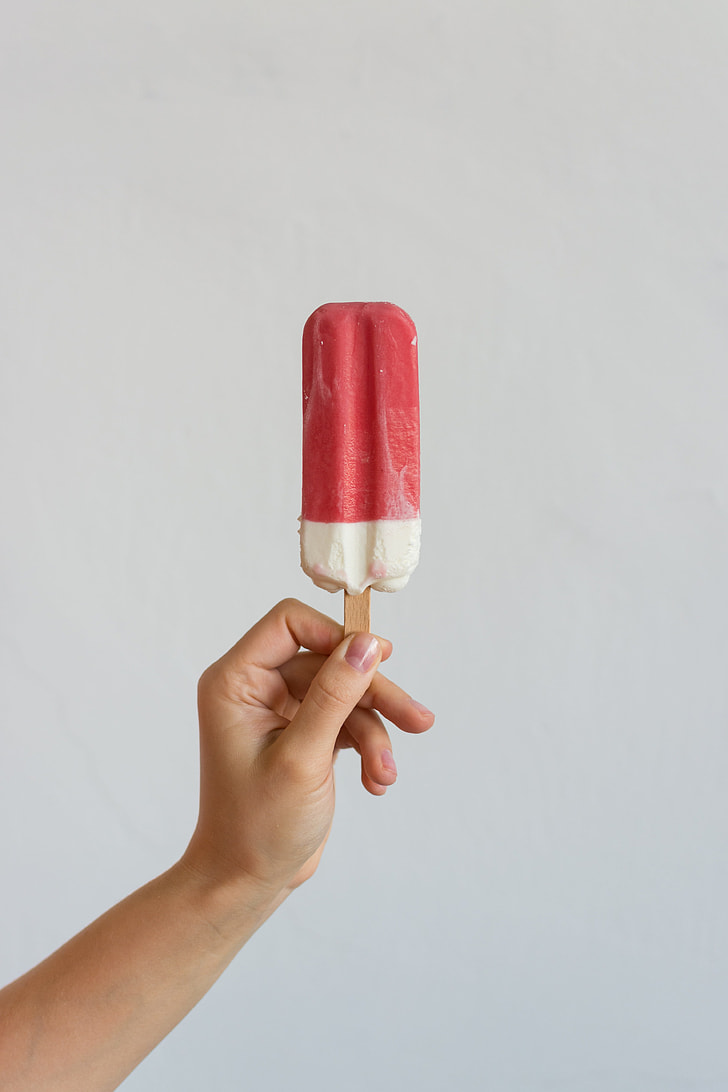
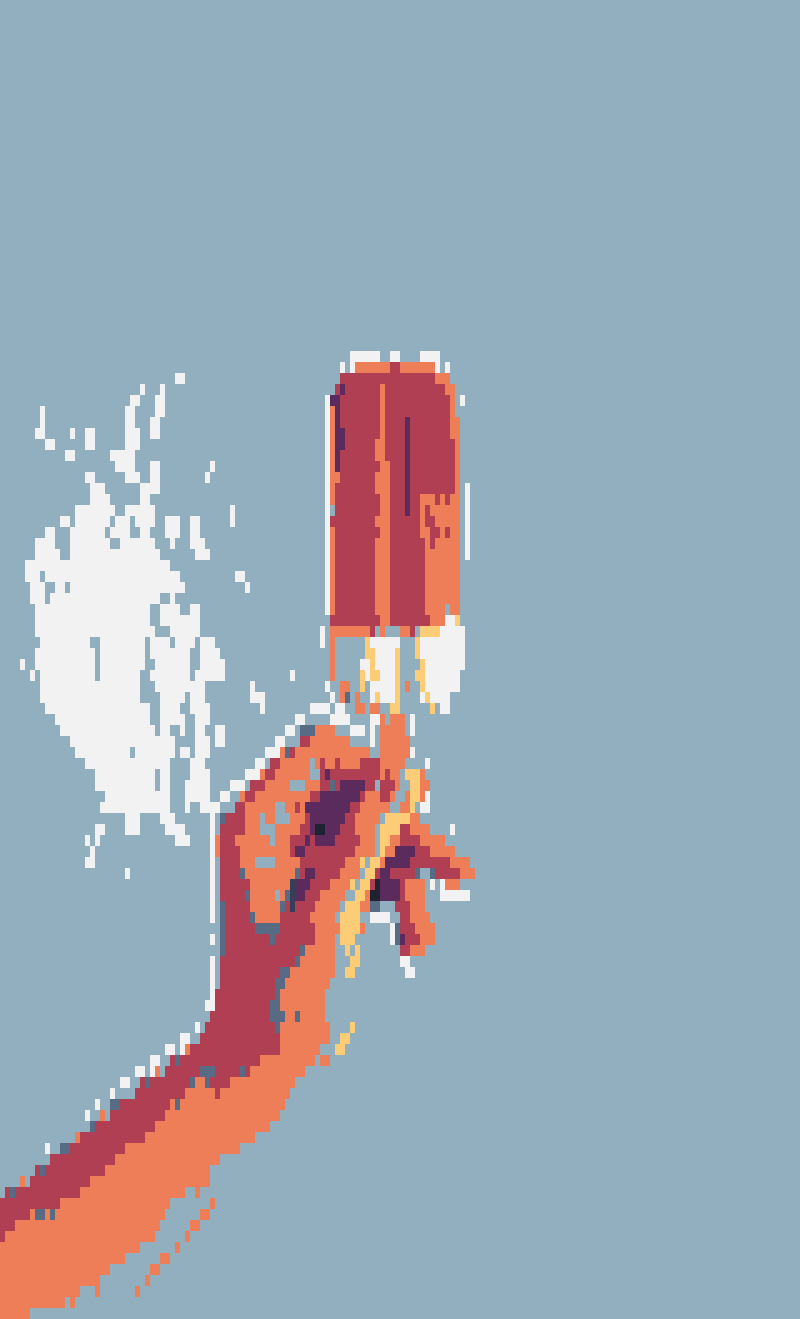
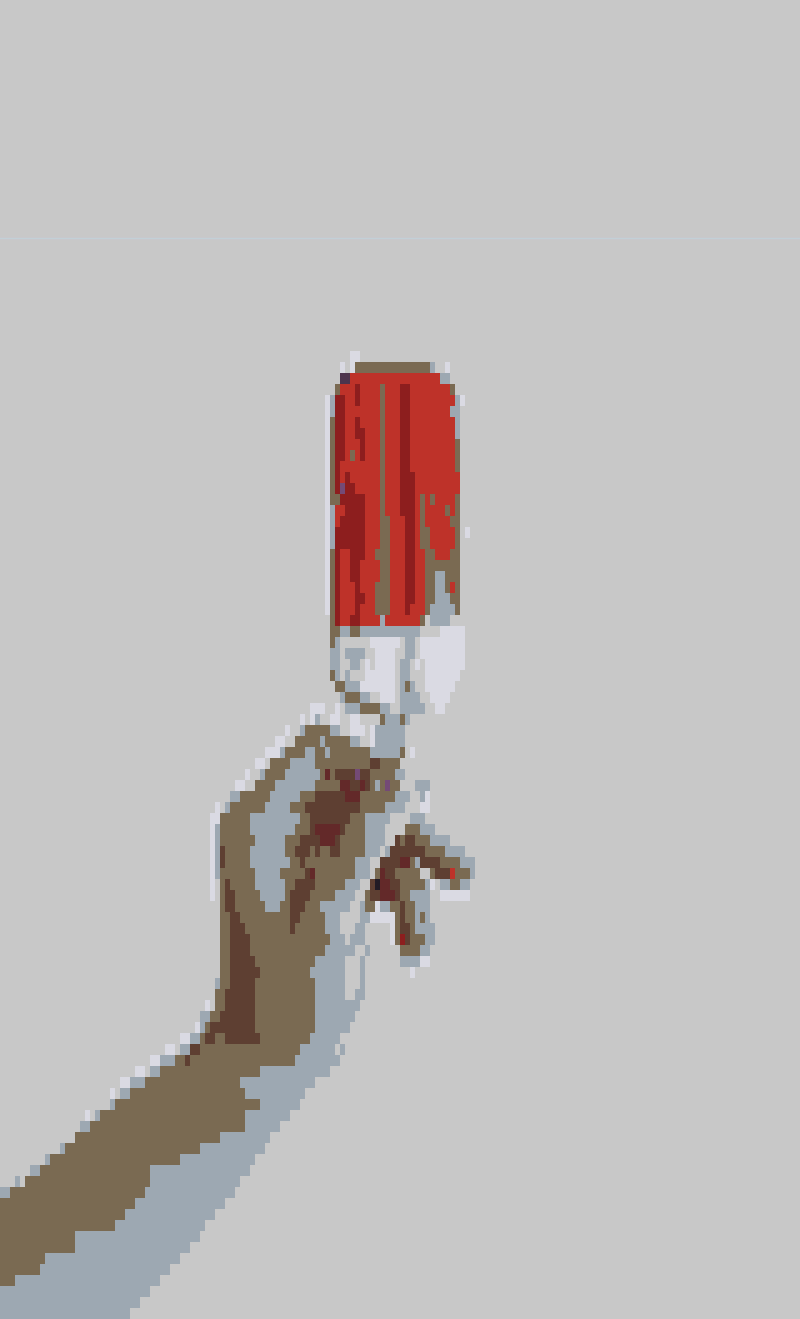
> popsicle
> popsicle ascii
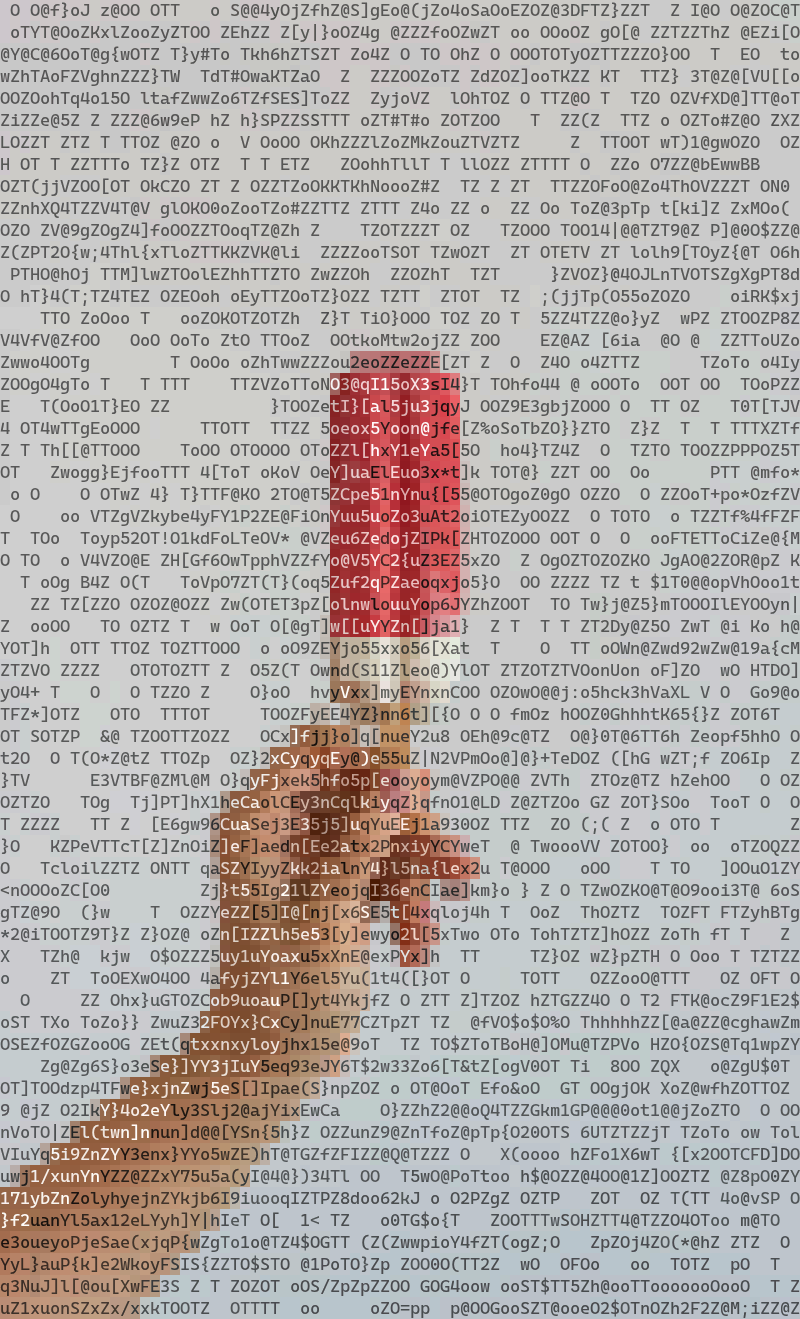
> popsicle quarterblock
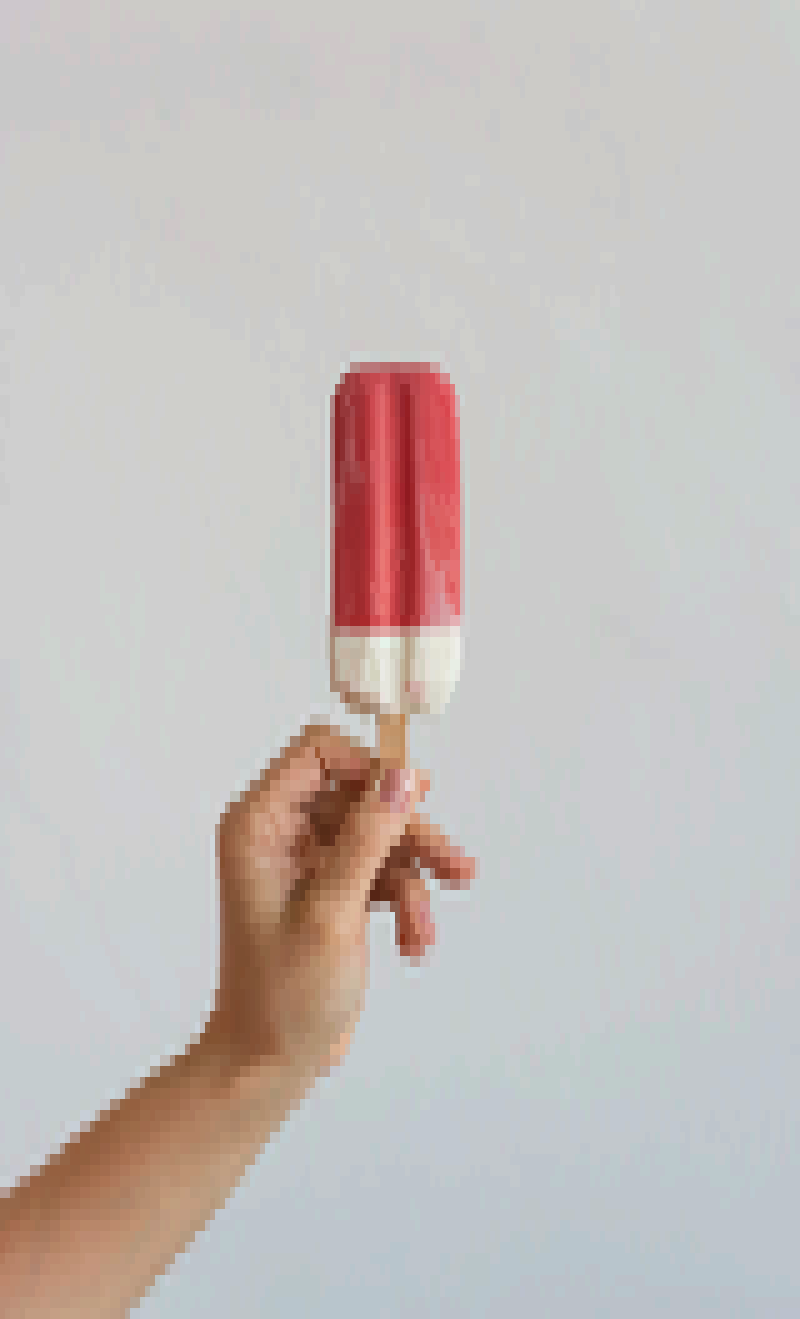
> popsicle quarterblock sweetie16
> popsicle quarterblock horrorbluedark
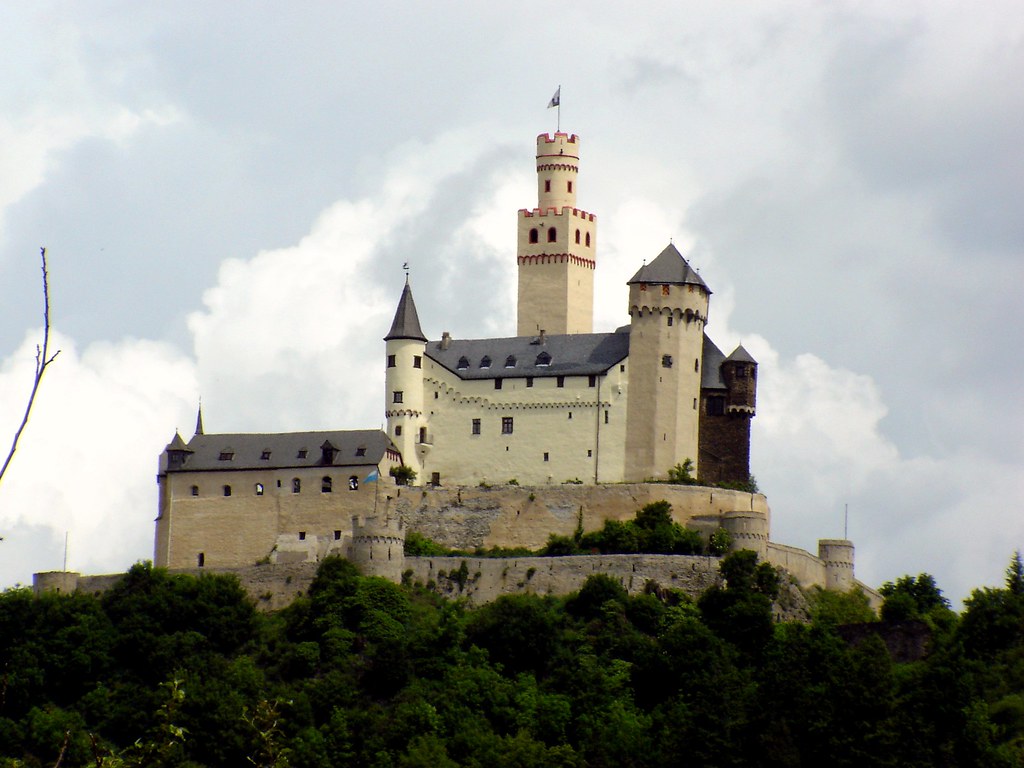
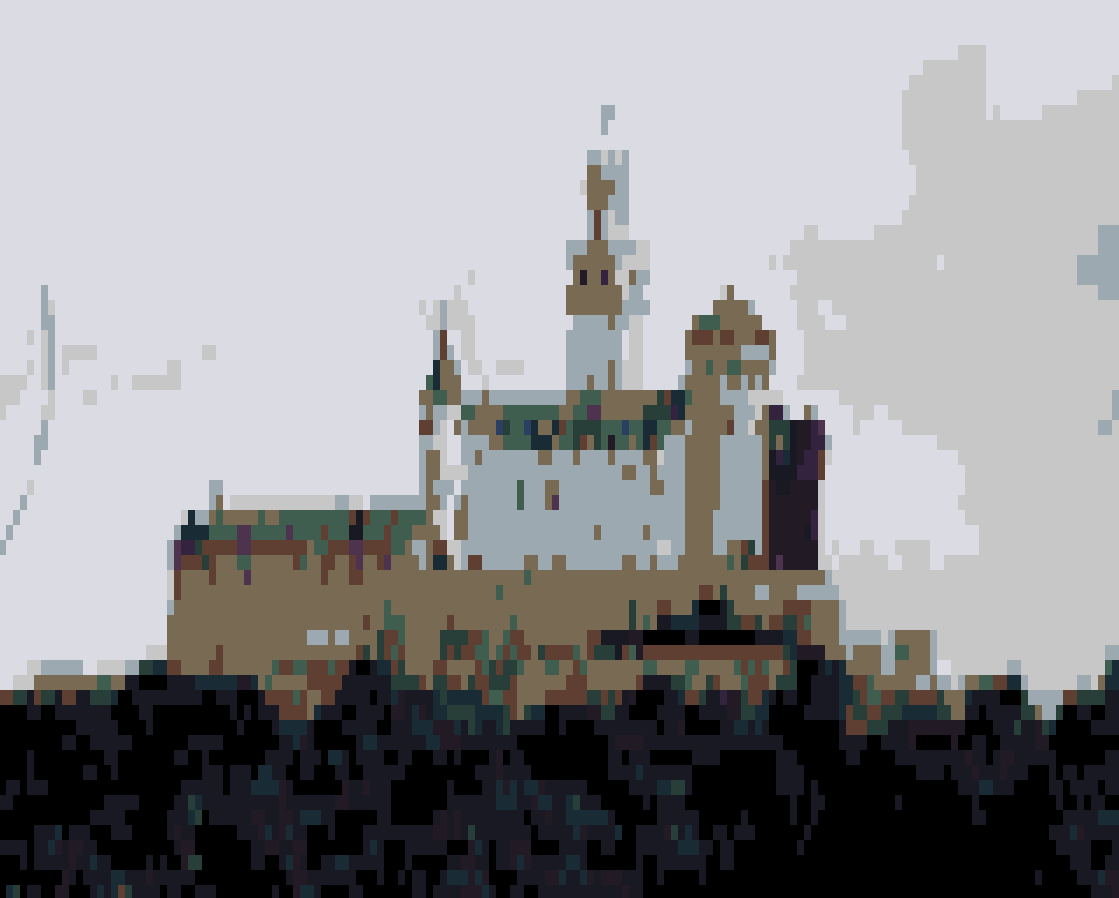
> castle
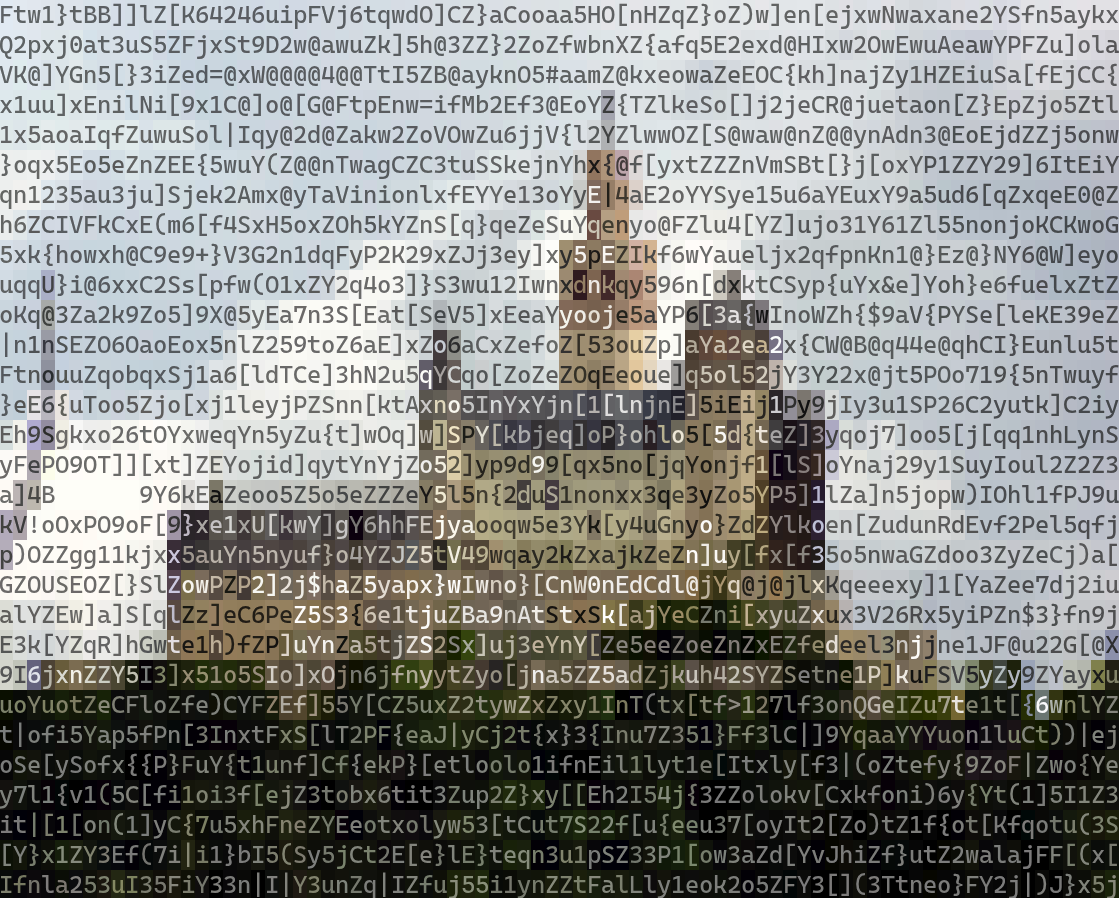
> castle ascii
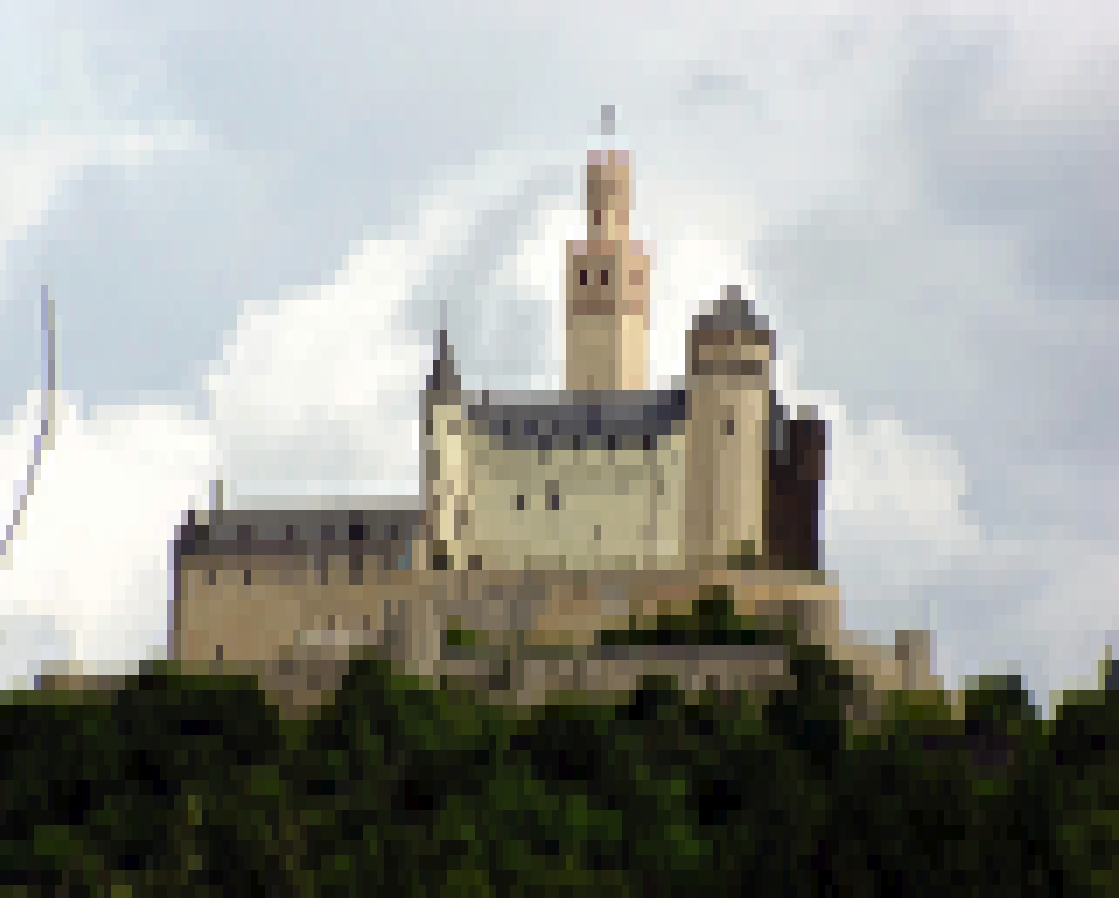
> castle quarterblock
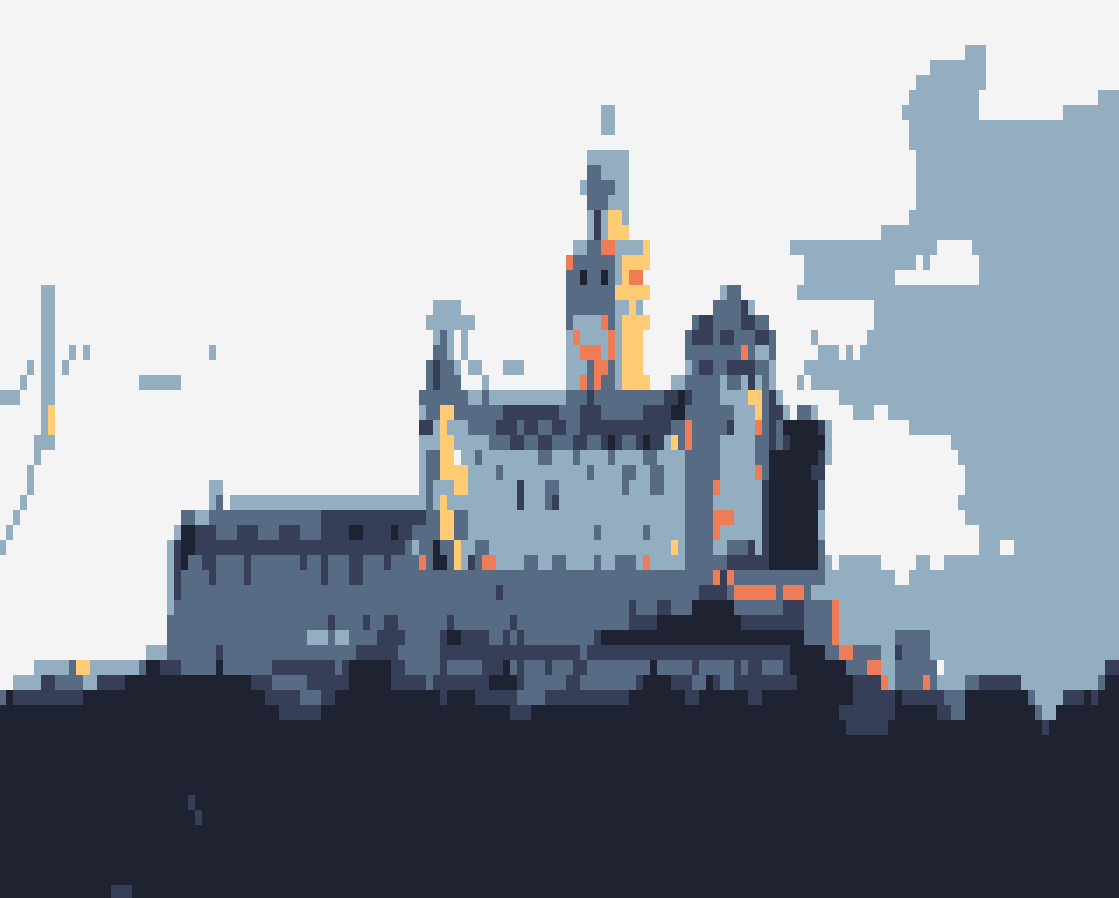
> castle quarterblock sweetie16
> castle quarterblock horrorbluedark
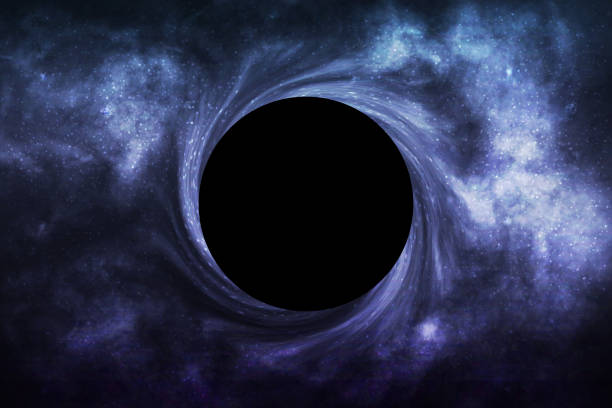
> blackhole
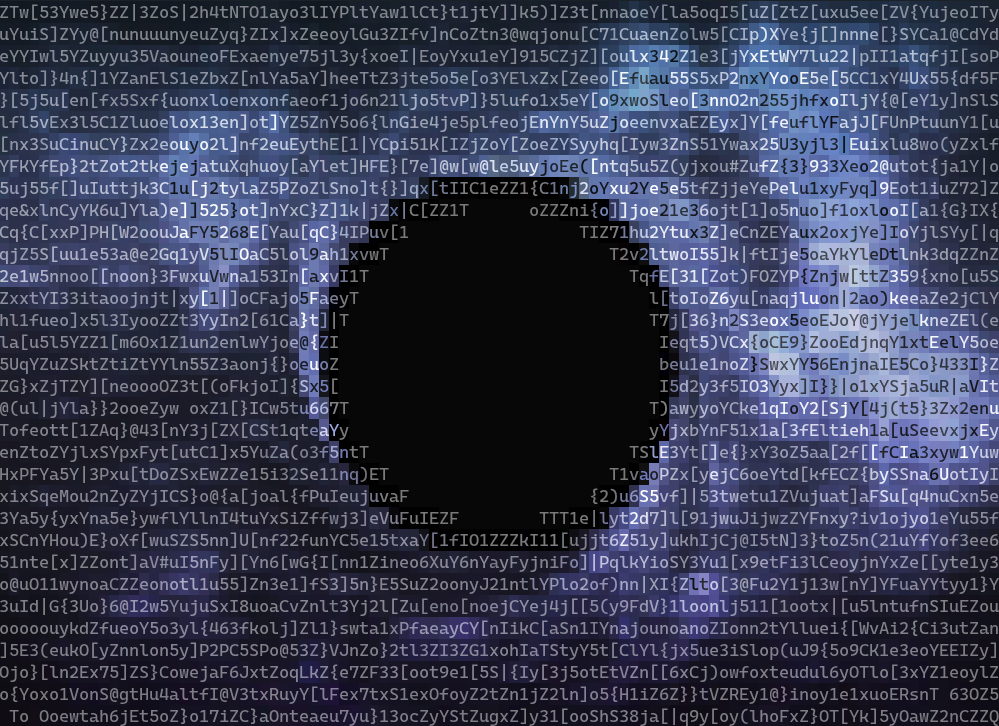
> blackhole ascii
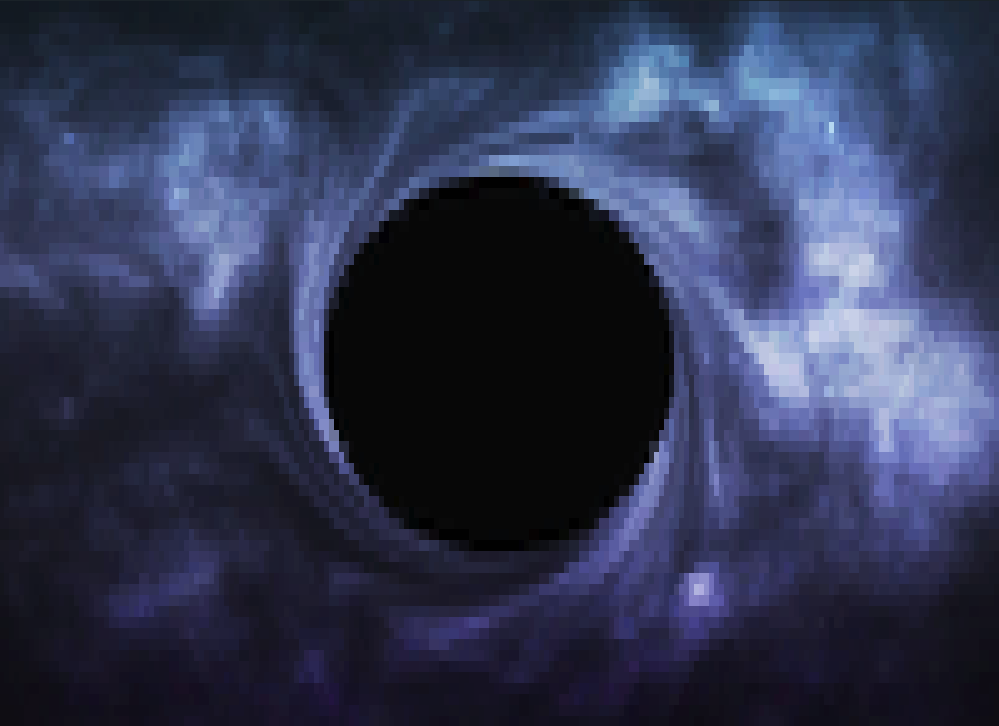
> blackhole quarterblock
> blackhole quarterblock sweetie16
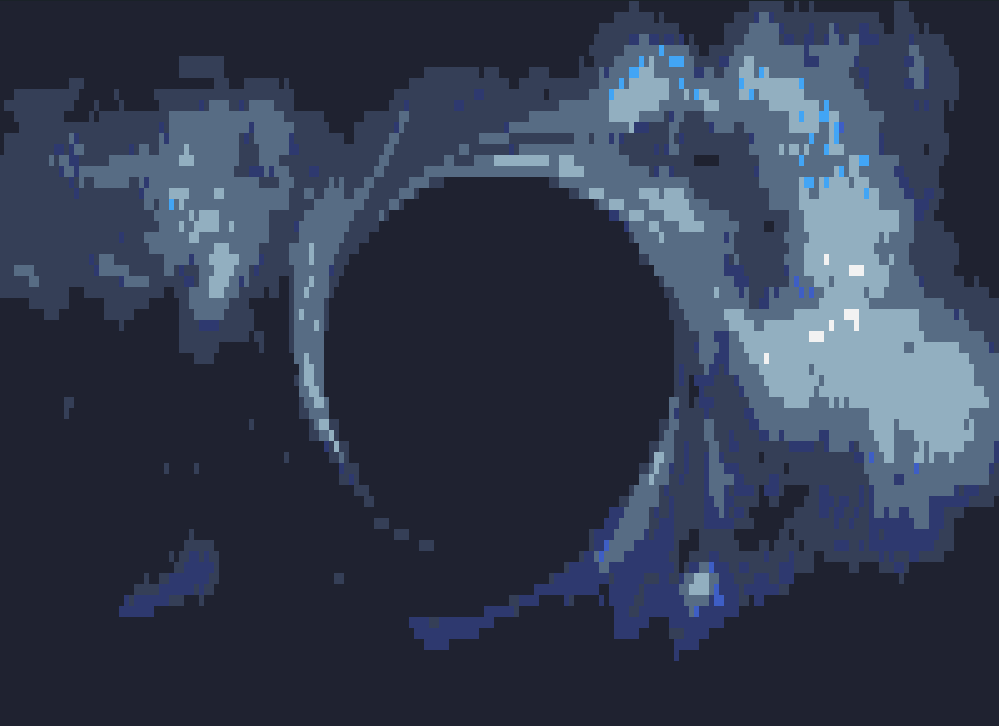
> blackhole quarterblock horrorbluedark
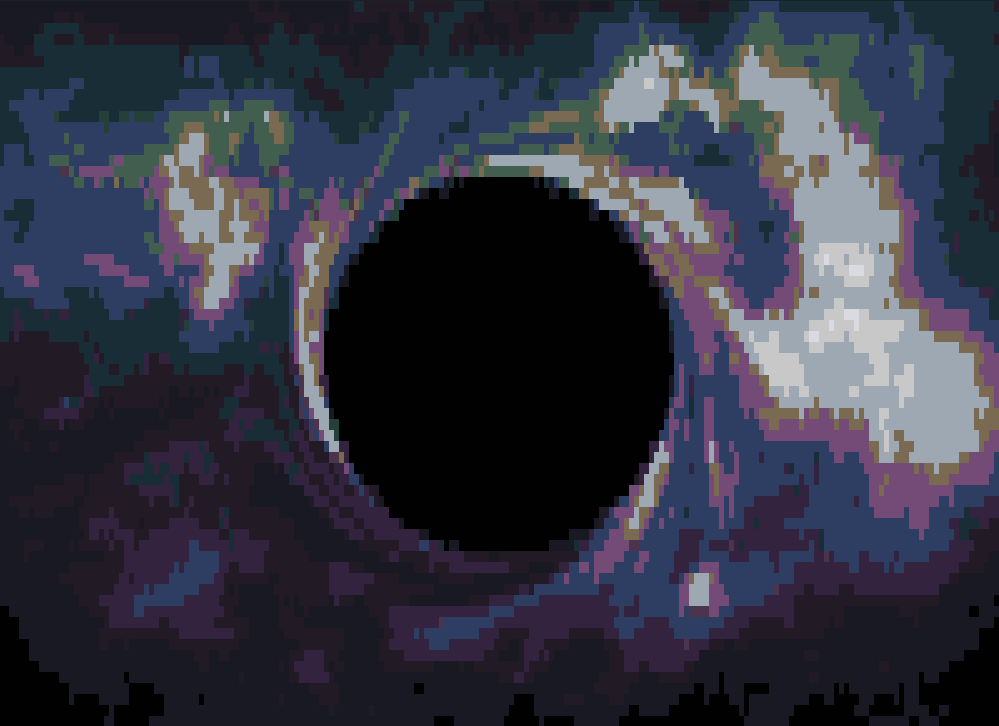
## Todo
- Option for color text on constant background (opposite of current)
- Allow basic image manipulation in bin, e.g. contrast, saturation, brightness
- Manually override fg text
## License
This project is licensed under the **MIT License**. See the [LICENSE](https://spdx.org/licenses/MIT.html) file for details.