 1
 2
 3
 4
 5
 6
 7
 8
 9
10
11
12
13
14
15
16
17
18
19
20
21
22
23
24
25
26
27
28
29
30
31
32
33
34
35
36
37
38
39
40
41
42
43
44
45
46
47
48
49
50
51
52
53
54
55
56
57
58
59
60
61
62
63
64
65
66
67
68
69
70
71
72
73
74
75
76
77
78
79
80
81
82
83
84
85
86
87
88
89
90
91
92
93
94
95
96
97
// anim // // A framework independent animation library for rust, works nicely with Iced and the others // Copyright: 2021, Joylei <leingliu@gmail.com> // License: MIT /*! # anim This is a framework independent animation library for rust, works nicely with [Iced](https://github.com/hecrj/iced) and the others. ## Showcase <center> 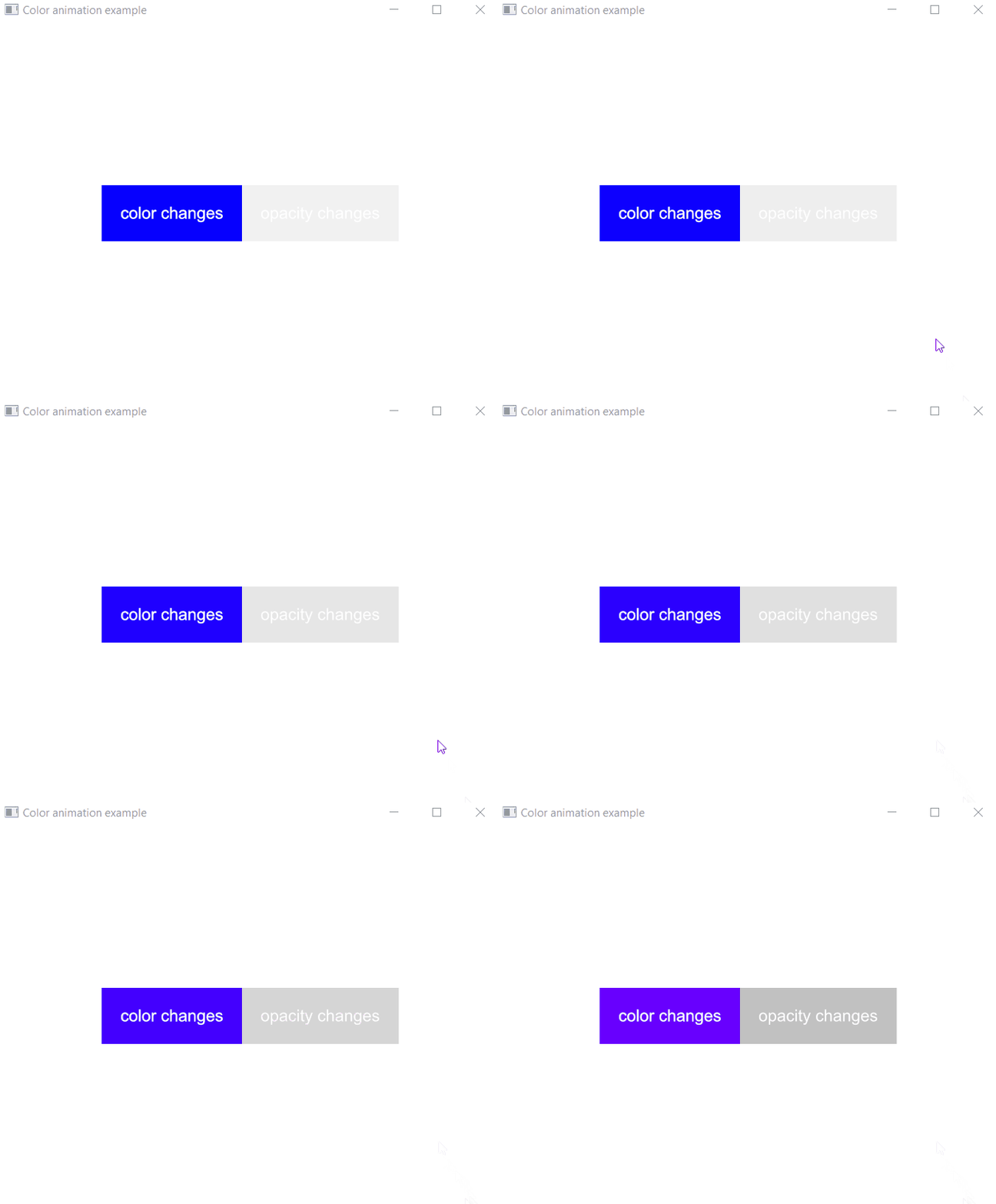 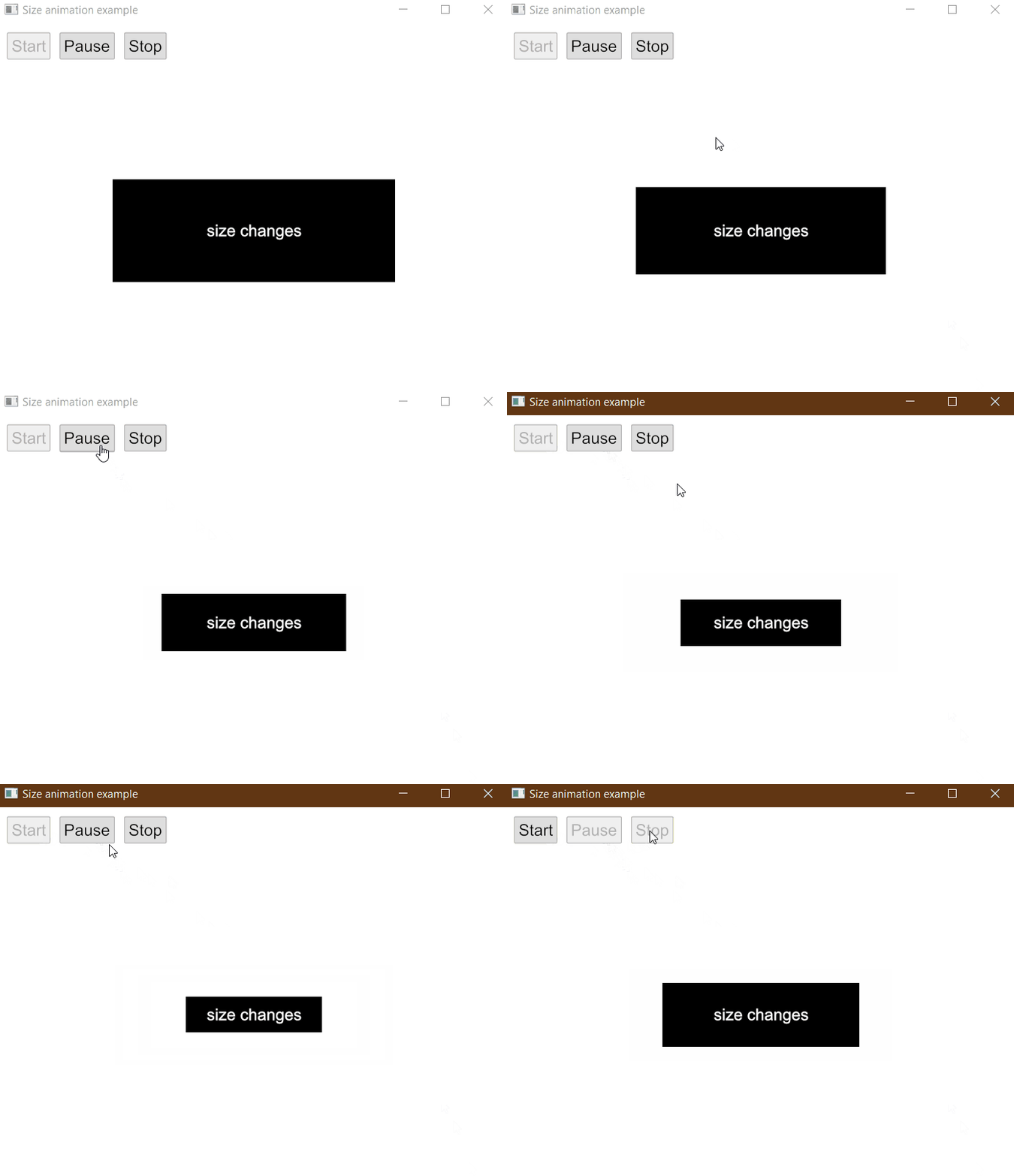 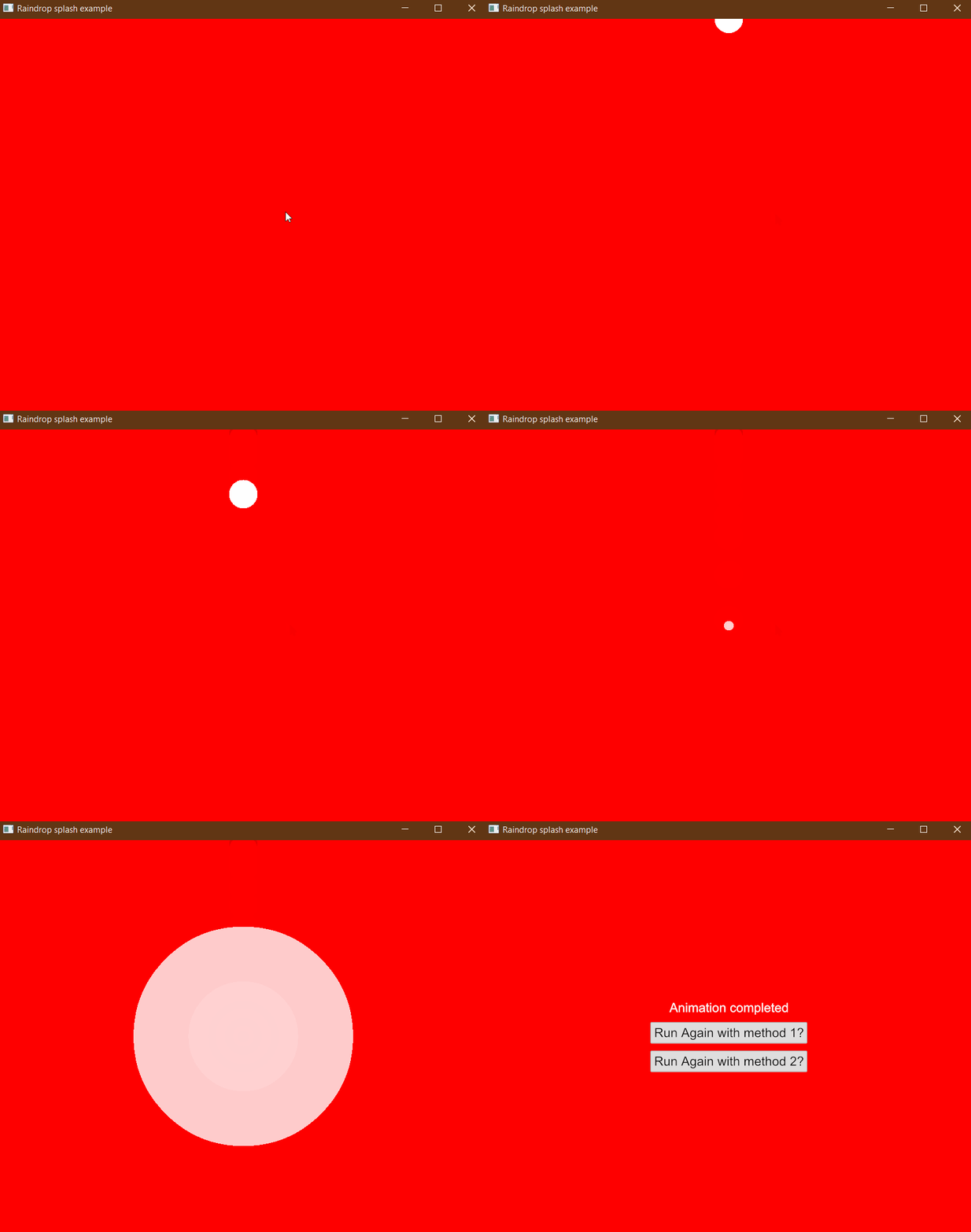 </center> ## How to install? Include `anim` in your `Cargo.toml` dependencies: ```toml [dependencies] anim = "0.1" ``` Note: `anim` turns on `iced-backend` feature by default. You need to disable default features if you do not work with `iced`. ```toml [dependencies] anim = { version="0.1", default-features = false } ``` ## How to use? There are 3 important concepts in `anim`: - `Animatable` Types derived from `Animatable` means that its values can be calculated based on timing progress, with which you can create `Animation` objects. - `Animation` The `Animation` generates values based on its timing progress. You can construct a big `Animation` from small ones. - `Timeline` With `Timeline` you can control your animations' lifetime. --- For simple scenarios, you just need `Options`. ```rust use anim::{Options, Timeline, Animation, easing}; ``` Then, build and start your animation: ```rust use std::time::Duration; use anim::{Options, Timeline, Animation, easing}; let mut timeline = Options::new(20,100).easing(easing::bounce_ease()) .duration(Duration::from_millis(300)) .begin_animation(); loop { let status = timeline.update(); if status.is_completed() { break; } println!("animated value: {}", timeline.value()); } ``` For complex scenarios, please look at [examples](https://github.com/Joylei/anim-rs/tree/master/examples/) to gain some ideas. */ #![warn(missing_docs)] mod core; /// iced animation backend #[cfg(feature = "iced-backend")] mod iced; /// thread local based timeline #[cfg(feature = "local")] pub mod local; // reexports pub use crate::core::*; #[cfg(feature = "iced-backend")] pub use crate::iced::*;