
alix





Early WIP. Deck and persisted-state formats still change before 1.0, without runtime compatibility paths. Expect resets between commits and keep an independent backup for study history you care about.
alix is a plain-text spaced-repetition learning tool that turns your own
material into decks you study, then has you prove you actually grasped it, not
just memorized it. It uses AI only where that helps: generating decks from a
source you bring (an article, a paper, a codebase), a tutor on any card, and an
exam that grades your written answers against that source. Reviewing runs fully
offline; you work through several degrees of depth, from recognizing an
answer to reconstructing it from memory, and only passing that exam marks a deck
as understood.
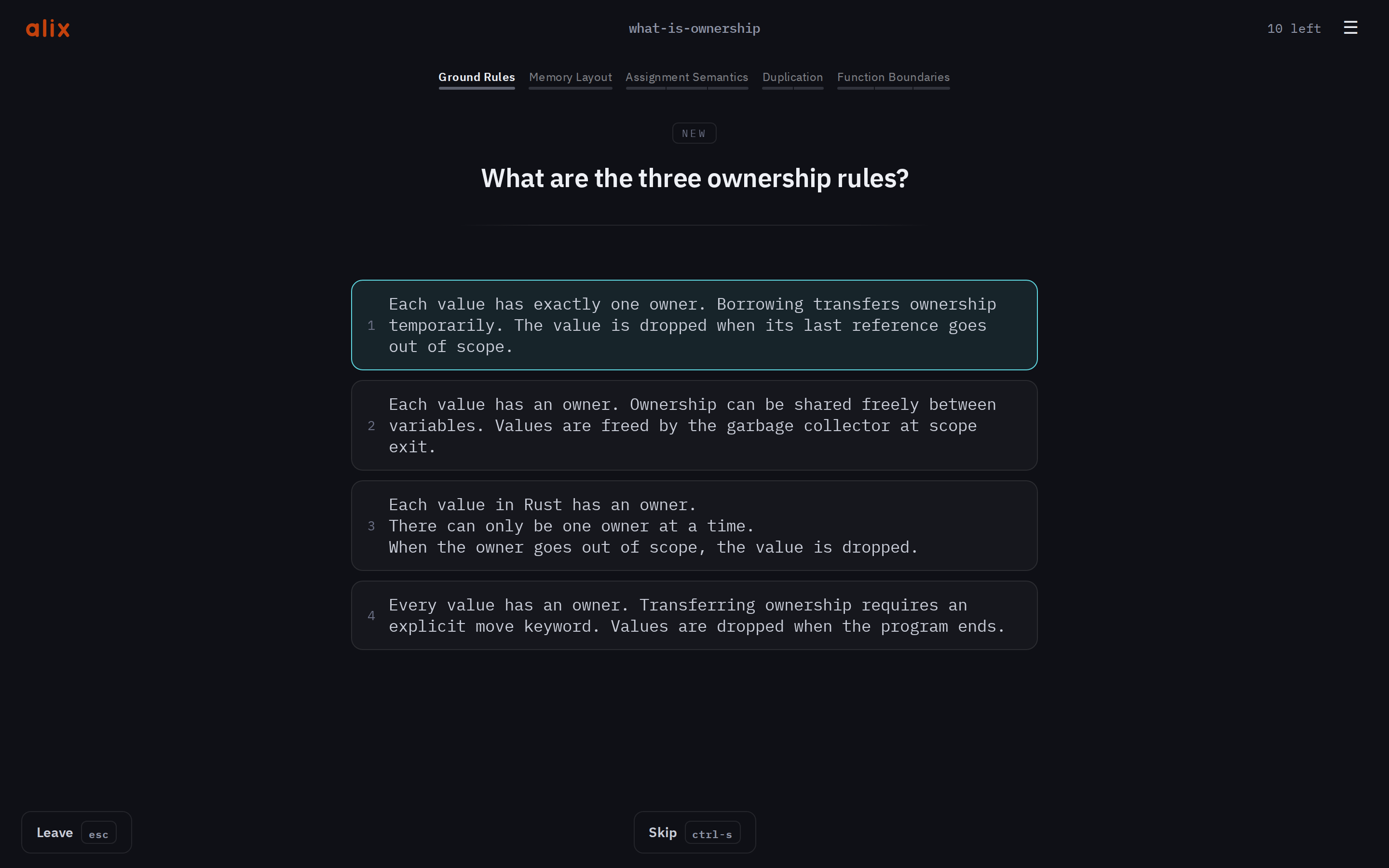
Manual → alix.study/book · Slides → alix.study/slides.html · Site → alix.study
Feedback → bugs via the issue form, security reports via SECURITY.md, ideas at contact@alix.study
Install
# or a prebuilt binary:
|
The prebuilt installer resolves one release tag, downloads that release's
archive and SHA-256 record, and verifies the archive before extracting it.
Pin a particular release with
curl -sSf https://alix.study/install.sh | ALIX_VERSION=v0.8.0 sh.
The core needs nothing else. The AI features (the generate subcommands, deck augment, the
exam, and the tutor) shell out to a model CLI you
install and log in to yourself: Claude Code
by default, or Gemini, Codex, or Copilot via [ask] backend. Each backend gets
read-only tools only, and alix stores no API keys. See
Getting started and
Configuration.
Quick start
# make decks and workspaces from your own material
# then study, always in the web app (pick a deck or workspace, then a depth)
A deck is a text file
## What does a String own?
A `Vec<u8>`, its bytes on the heap.
> [!NOTE]
> Capacity can exceed its length.

## Fill in the blank
let mut x = 0;
<!-- blank: span hidden="mut" -->
The front is the ## line; the plain lines below are the answer. A > [!NOTE]
line opens a note shown after you answer (a blockquote without one of GitHub's
five alert badges is a quotation, and belongs to the answer), and a <!-- -->
directive on a card tunes it
(here the blank: directive hides mut in the answer, making the card a
fill-in-the-blank). Run alix deck init <file> once on a hand-written deck: it mints the
stable deck and card ids that make the file appear in the picker and carry
review history. Full format and every directive:
the deck format,
directives.
Math stays editable LaTeX in the deck: write $a^2 + b^2 = c^2$ inline, or put
$$\int_0^1 x\,dx = \frac{1}{2}$$ on a whole line for a centered equation.
The web and mobile review clients render the same self-contained formula, while
grading and card identity keep using the source text.
Commands
| Command | What it does |
|---|---|
alix |
Open the web app to pick a deck or workspace |
alix profile |
Define and launch a named instance per person (decks, port, kids/adult) |
alix deck generate <source> |
Draft one deck from a page, a file, or a folder (--trace for a trace) |
alix workspace generate <dir> |
Explore a folder for a learning plan and build a workspace |
alix deck init <deck> |
Initialize a hand-written deck once (mints its stable ids) |
alix deck augment <deck> --target … |
Add distractors, notes, or key points |
alix deck copy|move <deck> <workspace> |
Transfer one deck and its owned files between workspaces |
alix deck remove <deck> |
Delete a deck and everything that is its alone (cannot be undone) |
alix deck restore <deck> |
Swap a deck with its .bak backups, undoing the last overwrite |
alix workspace init <dir> |
Scaffold an empty workspace to grow into |
alix workspace augment <dir> --target … |
Warm every deck in a workspace at once (plus the workspace icon) |
alix workspace update <dir> |
Stage a source-aware card update; inspect it, then --apply |
alix workspace deadline <dir> [<date>|clear] |
Show, set, or clear a workspace's "ready by" date |
alix <dir> |
Serve a folder or workspace as its own scoped instance |
alix deck import <file.tsv> |
Import an Anki TSV export (--workspace places it) |
alix stats <path> · alix list <path> |
Progress · schedules (deck, folder, or workspace) |
alix reset <path> |
Clear stored progress (deck, folder, or workspace) |
alix share <path> · alix receive <code> |
Send/get decks over magic-wormhole |
alix bug-report [--out <dir>] [--include-deck <path>] |
Write a private diagnostics archive for you to review and attach |
alix config |
Show the config (--init writes a starter file) |
alix doctor [path] |
Check the setup, or lint a deck; --backends probes the AI |
Every flag and option: command reference.
What's inside
Each links to its chapter in the manual:
- Reveal methods and session depths (Recognize / Recall / Reconstruct), picked per session. → Reveal & session depths
- Image occlusion and stored text blanks: mask a region of a picture or a span of text from a directive comment and be asked what's under it. → Cloze, direction & images
- Mermaid diagrams, rendered and maskable: a
```mermaidfence freezes into an image at deck init (via the optional sekien renderer), and a span over a label masks it on the rendered diagram. → Mermaid diagrams - FSRS scheduling, with card retirement and per-deck completion states. → Scheduling
- A tutor you can ask "why is that the answer?" without leaving review. → The tutor
- Deck generation and augmentation from a URL or a local source (distractors, notes, key points). → Generating decks
- An AI exam that grades open questions against the source and gates unlocks. → The AI exam
- Traces: predict-and-verify walks along one path through real source. → Trace decks
- Workspaces and generated curricula: group decks with shared settings, or turn a source (including a repo) into an ordered workspace of decks and traces. → Workspaces, Explore
- A local web app for review and the exam, LAN-shareable, no accounts or database. → The web app
- Self-contained, portable decks. Decks, frozen assets, and generated augmentation travel together. Progress is colocated by default for cloud drive or Syncthing use, or can stay in a private user-files root, no accounts. → Configuration
- A personal deadline on a workspace, with scheduling that leans toward it and a readiness readout. → Workspaces
- A paired phone can borrow your desktop's AI for the tutor and the exam, over your LAN. → Pairing a device
Development
Building a client? The web JSON API is a documented contract: docs/API.md. See CONTRIBUTING.md.
Support
alix is free and open source. Telling someone who studies is the best support; if you want to support the project financially, you can do so here.
License
Licensed under either of
- Apache License, Version 2.0 (LICENSE-APACHE or http://www.apache.org/licenses/LICENSE-2.0)
- MIT license (LICENSE-MIT or http://opensource.org/licenses/MIT)
at your option.
Bundled third-party assets (fonts) are separately licensed; see NOTICE.
Contribution
Unless you explicitly state otherwise, any contribution intentionally submitted for inclusion in the work by you, as defined in the Apache-2.0 license, shall be dual licensed as above, without any additional terms or conditions.