
md_reader-0.2.2 is not a library.
md_reader

A fast, native desktop markdown reader and editor built with egui and the help of Claude. Open a folder and browse your notes with live preview, syntax-highlighted code blocks, and a persistent session that remembers where you left off.
Features
- Three view modes — Preview, Edit, and Split (side-by-side)
- Live preview — rendered markdown updates as you type in Split/Edit mode
- Syntax highlighting — code blocks highlighted via syntect
- File-tree sidebar — browse folders, open multiple files as tabs
- Document outline — collapsible heading tree with auto-scroll tracking
- Full-text search — Ctrl+F with case-sensitive and whole-word options
- Four themes — Light (Manuscript), Coal, Navy, Ayu
- Zoom — Ctrl+Scroll to scale content independently of the UI
- File watching — auto-reloads files edited externally
- Session persistence — restores open tabs, view mode, theme, and zoom on restart
- Unsaved-changes guard — prompts before closing a modified file
Preview
| Split mode (light theme) | Preview mode (coal theme) |
|---|---|
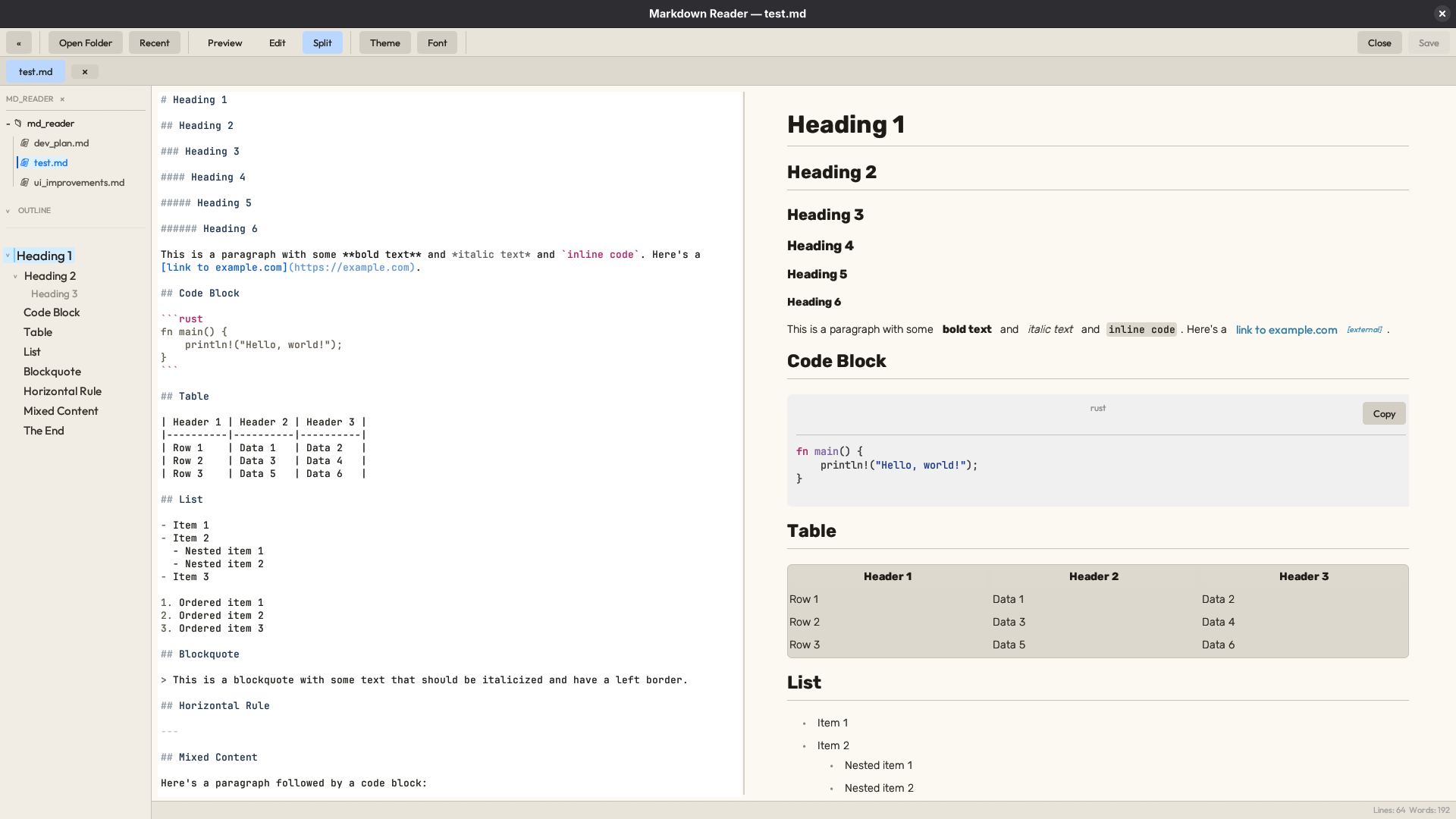 |
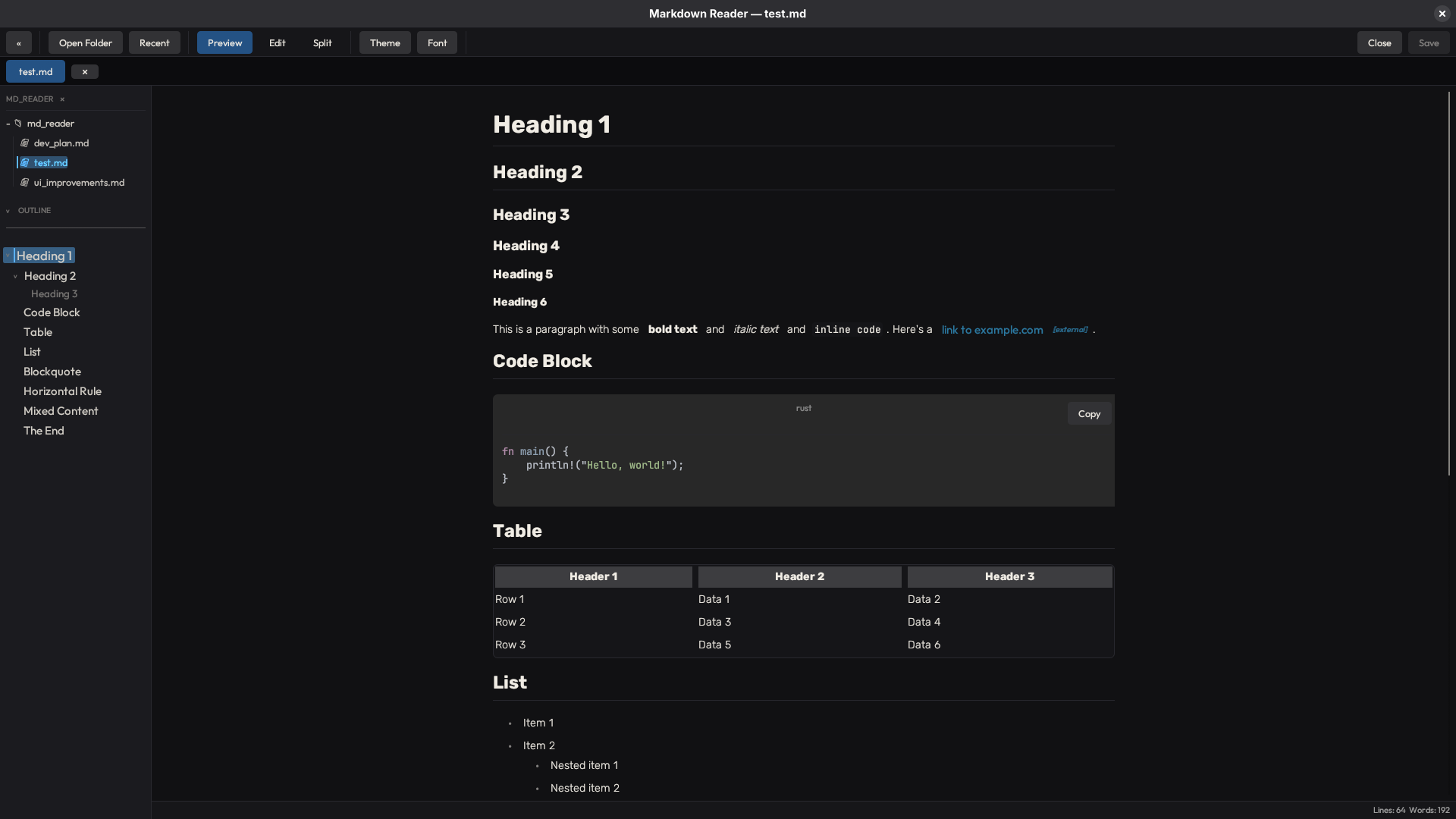 |
| Split mode (ayu theme) | Split mode (navy theme) |
|---|---|
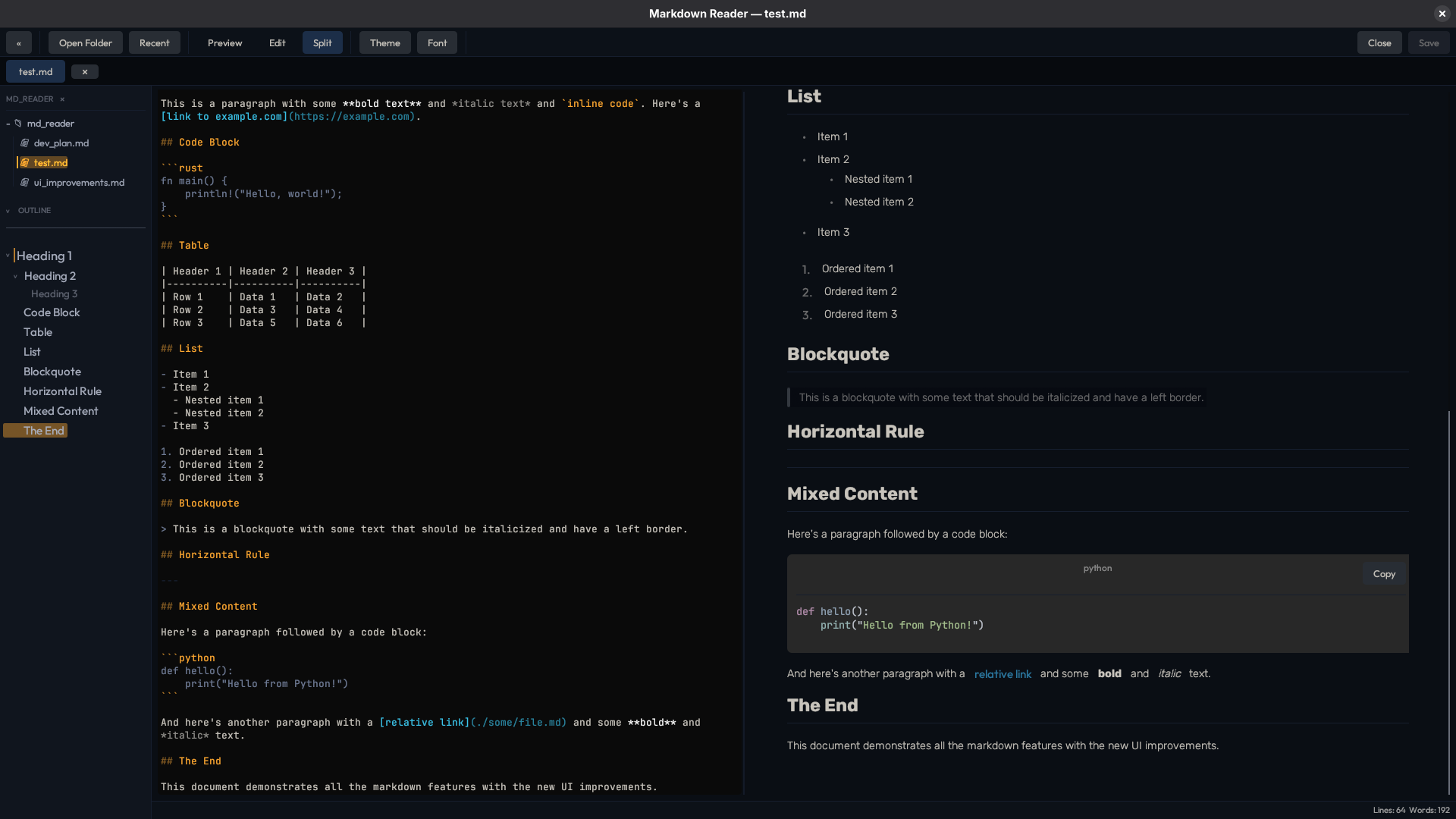 |
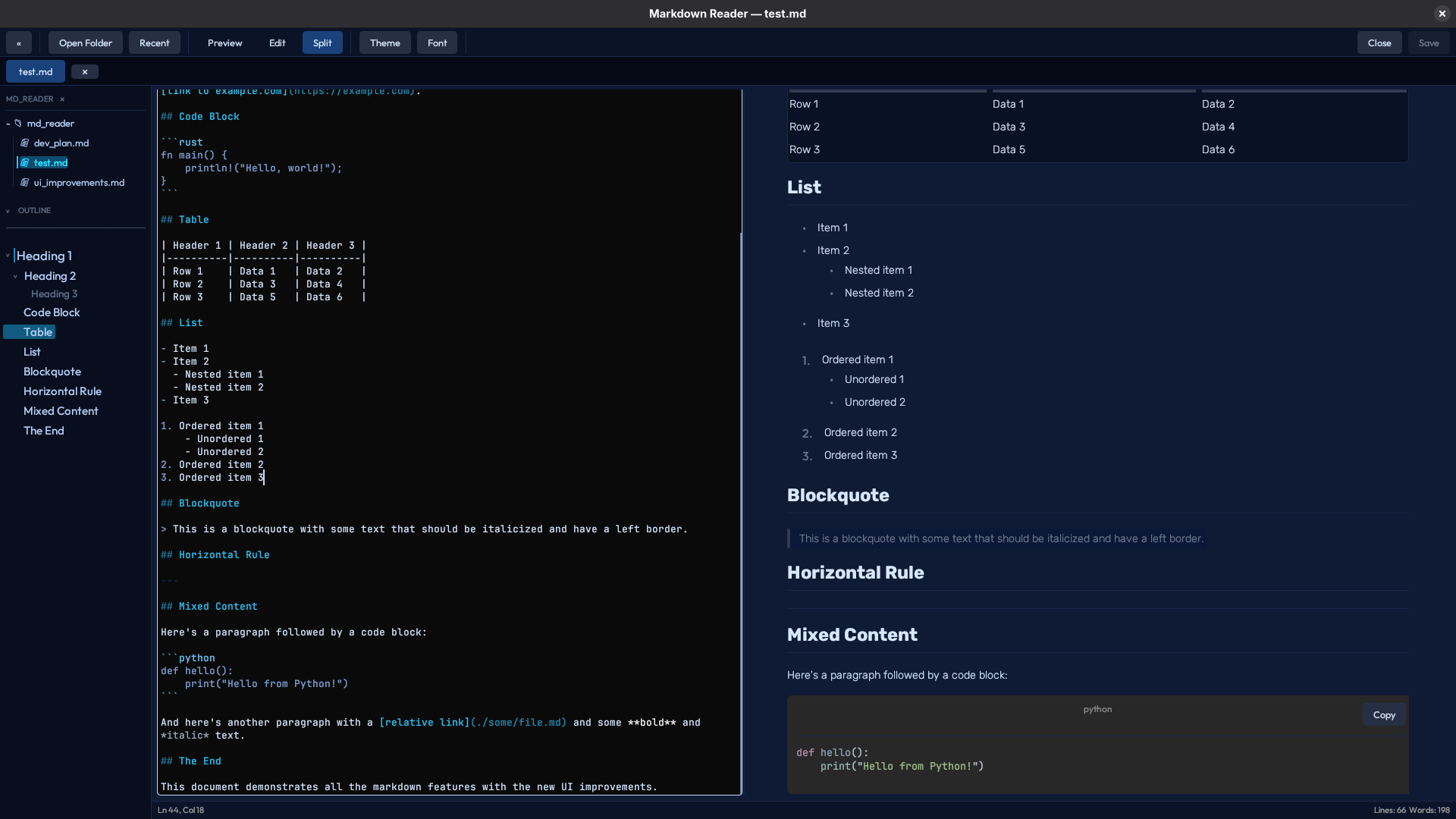 |
Installation
Requirements: a C compiler and system libraries for your platform (standard Rust toolchain setup). On Linux, you may need
libxcb/libwaylanddev packages depending on your desktop environment.
Usage
# Open the current directory
# Open a specific folder
# Open a specific file (also loads its parent directory into the sidebar)
Keyboard Shortcuts
| Shortcut | Action |
|---|---|
Ctrl+O |
Open folder |
Ctrl+N |
New file |
Ctrl+S |
Save current file |
Ctrl+W |
Close current tab |
Ctrl+Q |
Quit |
Ctrl+B |
Toggle sidebar |
Ctrl+F |
Open search bar |
Ctrl+PageUp |
Previous tab |
Ctrl+PageDown |
Next tab |
PageUp / PageDown |
Scroll preview |
Ctrl+Scroll |
Zoom content in/out |
Escape |
Close search bar |
Build from Source
License
MIT — see LICENSE.
Fonts
All fonts are licensed under the SIL Open Font License 1.1. License texts are included in assets/fonts/licenses/.
| Font | Role |
|---|---|
| JetBrains Mono | Code blocks and editor (monospace) |
| Outfit | UI chrome (toolbar, sidebar, menus) |
| Rubik | Preview body text — default |
| Nunito | Preview body text — selectable |
| Figtree | Preview body text — selectable |
| Manrope | Preview body text — selectable |
| Source Sans 3 | Preview body text — selectable |