
docs.rs failed to build filessh-0.3.4
Please check the build logs for more information.
See Builds for ideas on how to fix a failed build, or Metadata for how to configure docs.rs builds.
If you believe this is docs.rs' fault, open an issue.
Please check the build logs for more information.
See Builds for ideas on how to fix a failed build, or Metadata for how to configure docs.rs builds.
If you believe this is docs.rs' fault, open an issue.
FileSSH



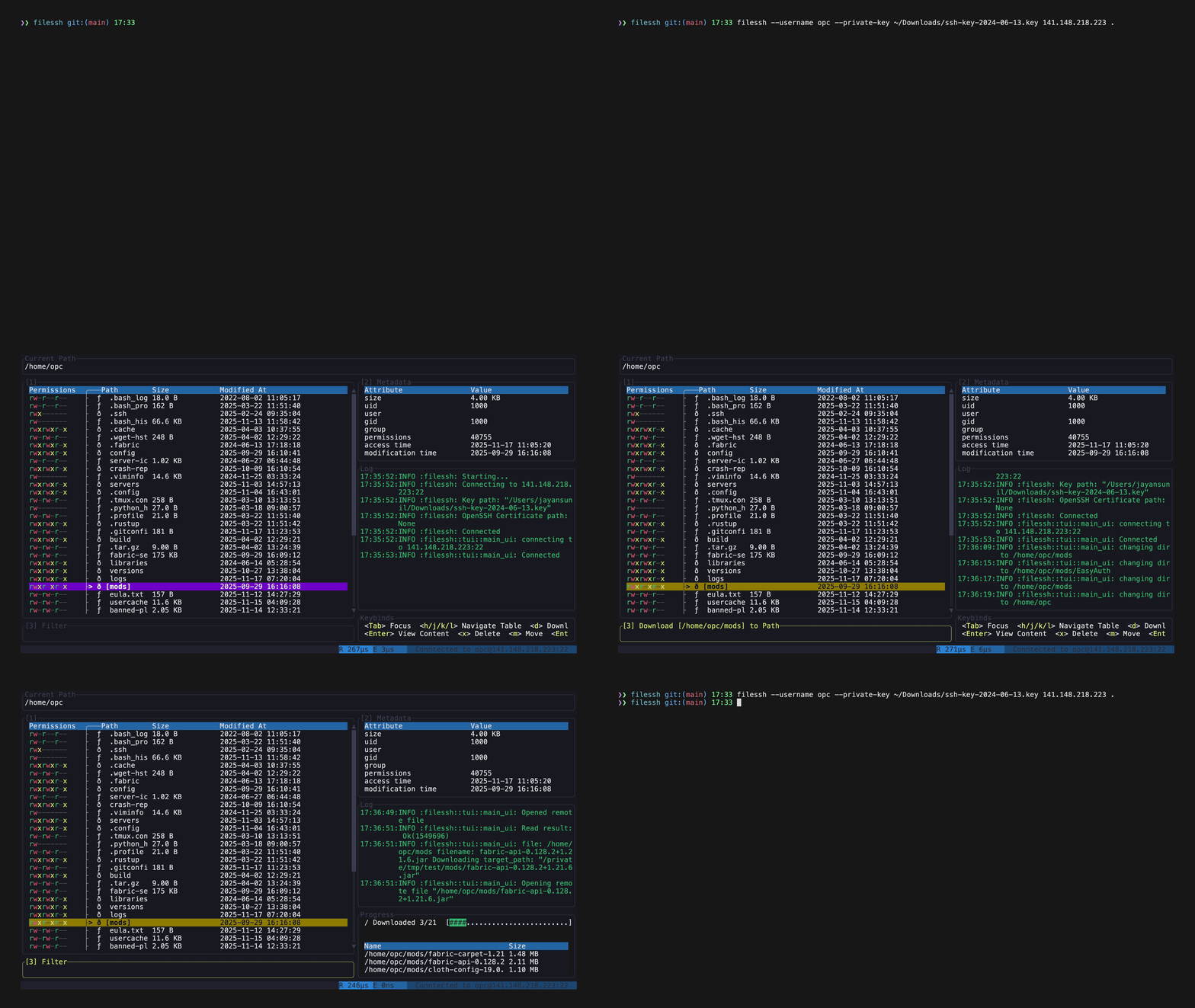
A TUI-based file explorer for SSH servers, which allows you to browse and manage files on a remote server, edit them in-place, and recursively download directories with parallel directory traversal. It also has the ability to quickly spawn SSH sessions to paths on the remote server.
Dual-licensed under MIT or the UNLICENSE.
Installation
Cargo
Build from source
- Ensure you have Rust and Cargo installed. You can find installation instructions at rust-lang.org.
- Clone the repository:
- Build the project:
The executable will be located attarget/release/filessh.
Todo
- Add support for rsync and scp
- Iron out bugs
Usage
Features
- Modify, delete and browse files on a remote server
- Recursively download directories with parallel directory traversal
- Quickly open SSH sessions to directories.
Usage
filessh [OPTIONS] [HOST] [PATH]
filessh <COMMAND>

Commands:
  connect              Connect explicitly (same as default command)
  install-man-pages    Install man pages into the system
  install-completions  Generate shell completion scripts

Arguments:
  [HOST]  The remote host to connect to (e.g., 'example.com' or '192.168.1.100')
  [PATH]  Initial directory path to open on the remote host

Options:
  -p, --port <PORT>
          The port number to use for the SSH connection [default: 22]
  -u, --username <USERNAME>
          The username for logging into the remote host
  -k, --private-key <PRIVATE_KEY>
          Path to the private key file for public key authentication
  -o, --openssh-certificate <OPENSSH_CERTIFICATE>
          Optional path to an OpenSSH certificate
  -h, --help
          Print help
  -V, --version
          Print version
Example