Expand description
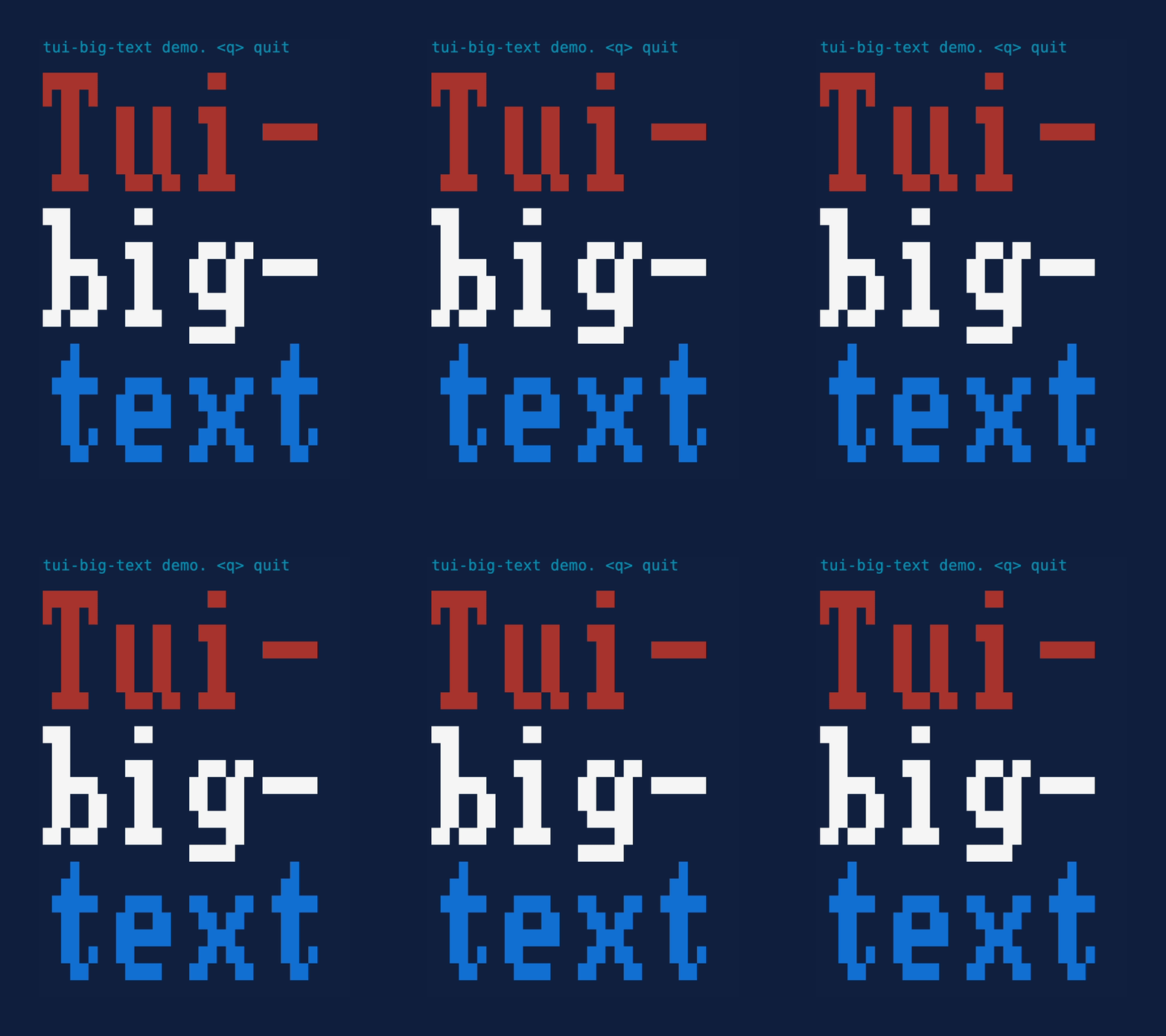
A Ratatui widget to render gloriously oversized pixel text using glyphs from the font8x8 crate. Part of the tui-widgets suite by Joshka.






GitHub Repository · API Docs · Examples · Changelog · Contributing
§Installation
cargo add ratatui tui-big-text§Usage
Create a BigText widget using BigText::builder and pass it to render_widget. The
builder allows you to customize the Style of the widget and the PixelSize of the
glyphs.
§Examples
use ratatui::prelude::{Frame, Style, Stylize};
use tui_big_text::{BigText, PixelSize};

fn render(frame: &mut Frame) {
    let big_text = BigText::builder()
        .pixel_size(PixelSize::Full)
        .style(Style::new().blue())
        .lines(vec![
            "Hello".red().into(),
            "World".white().into(),
            "~~~~~".into(),
        ])
        .build();
    frame.render_widget(big_text, frame.size());
}
The PixelSize can be used to control how many character cells are used to represent a single
pixel of the 8x8 font. It has six variants:
Full(default) - Each pixel is represented by a single character cell.HalfHeight- Each pixel is represented by half the height of a character cell.HalfWidth- Each pixel is represented by half the width of a character cell.Quadrant- Each pixel is represented by a quarter of a character cell.ThirdHeight- Each pixel is represented by a third of the height of a character cell.Sextant- Each pixel is represented by a sixth of a character cell.QuarterHeight- Each pixel is represented by a quarter of the height of a character cell.Octant- Each pixel is represented by an eighth of a character cell.
BigText::builder().pixel_size(PixelSize::Full);
BigText::builder().pixel_size(PixelSize::HalfHeight);
BigText::builder().pixel_size(PixelSize::Quadrant);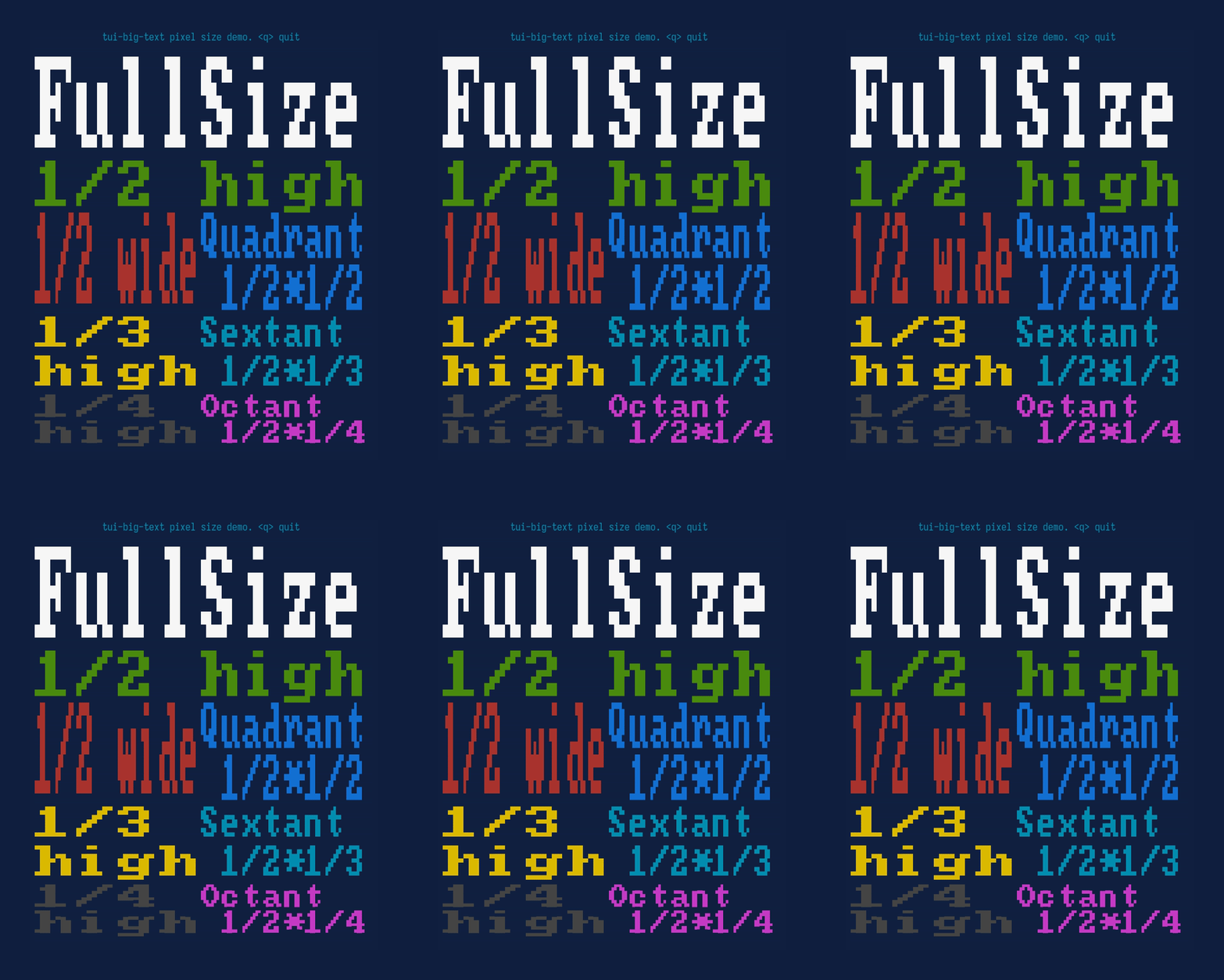
Text can be aligned to the Left / Right / Center using the alignment methods.
BigText::builder().left_aligned();
BigText::builder().centered();
BigText::builder().right_aligned();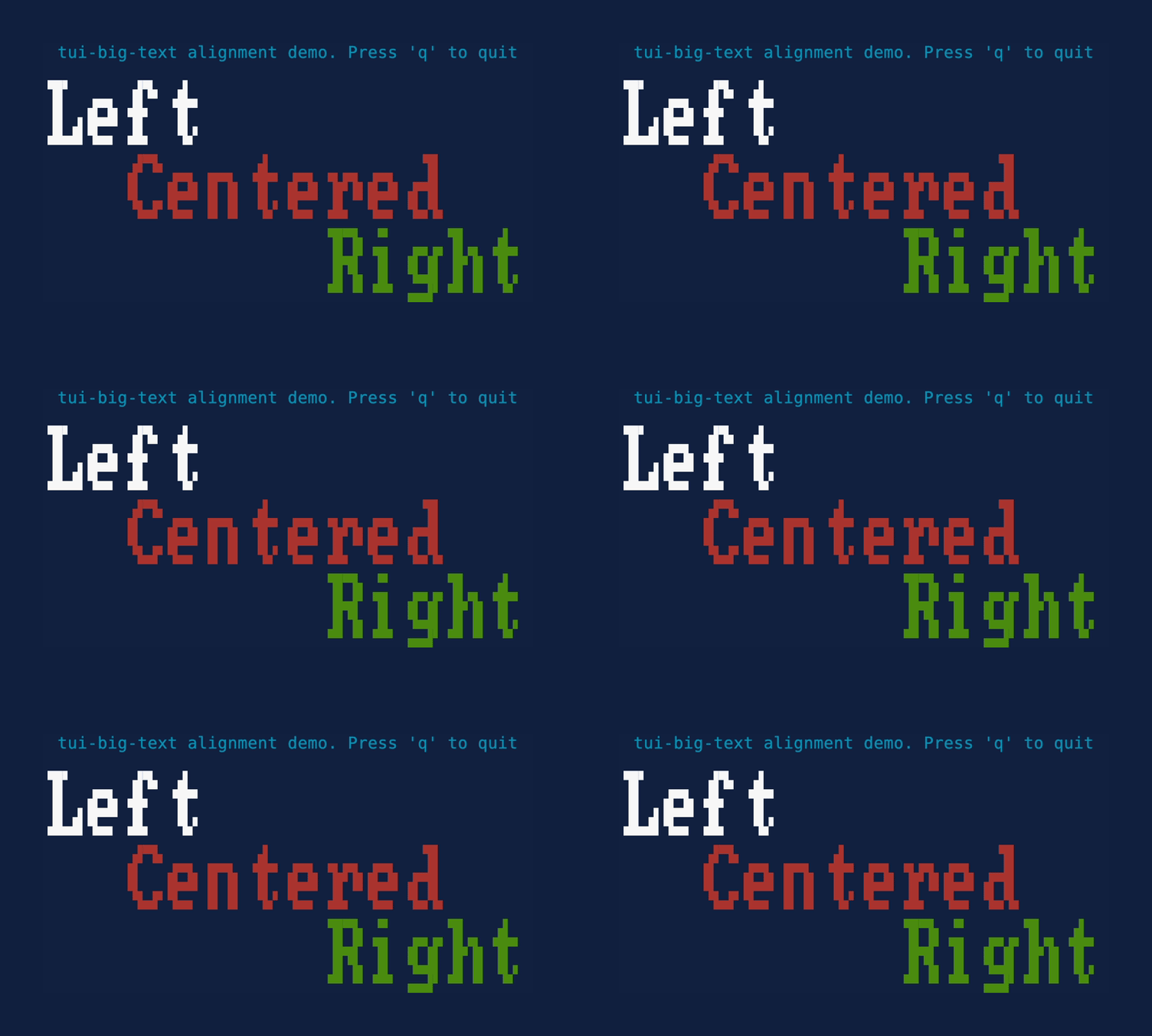
§More widgets
For the full suite of widgets, see tui-widgets.
Structs§
- BigText
- Displays one or more lines of text using 8x8 pixel characters.
- BigText
Builder - Builder for
BigText.