# Querying and filtering notes

`settle` can also query-filter notes based on various criteria, on various
elements of their metadata.

Note that all filters compound, that is to say, any resulting note must match
ALL criteria specified, not one or the other.

Also note that all filter options that accept a parameter use [regex
matching](./regex.md) by default, but if you specify the `--exact` option, then
*all* regex is disabled.

## Query parameters

### Filter by title

`settle query --title ".*word.*"` returns all notes whose title contains the
word `word`.

### Filter by project

`settle query --project "inbox"` returns all notes that are in the inbox
project.

### Filter by tag

NOTE: [subtags](./tags-and-subtags.md) are also included.

`settle query --tag "psychology"` returns every note that has a psychology tag.

### Filter by text content

`settle query --text "sample"` returns every note that contains the word
"sample"

### Filter by forward links

(also read: [Links and Backlinks](./links-and-backlinks.md))

`settle query --links "Neurons"` keeps every note that `Neurons` links to, i.e.
its forward links.

`settle query --links ".*connection.*"` keeps the links of every note whose
title contains the word `connection`.

### Filter by backlinks

`settle query --backlinks "Neurons"` keeps every note that has forward links
pointing to the note called `Neurons`.

`settle query --backlinks ".*connection.*"` returns every note that links to any
note that has the word `connection` in its title.

### Filter loner notes

`settle query --loners` keeps all [loner notes](./loner-zettel.md) in your
Zettelkasten.

### Result format

`settle query --format <FORMAT>` allows you to specify a certain format
according to which you can print every queried note's data. It has a few flags:

- `%t` - replaced with the title
- `%p` - replaced with the project name
- `%P` - replaced with the absolute path to the Zettel
- `%l` - replaced with the (forward) links of the Zettel
- `%a` - when used together with the `--text` option, replaced by the matches
    that `settle` found while filtering the Zettel. This may not be that useful
    for exact matches, but it's extremely useful when using regex. Note that,
    when your query is enclosed with two `.*` on both ends, such as
    `".*example.*"`, the entire line is printed; the practical application is
    giving your queries a (somewhat limited) context.
- `%b` - replaced with the backlinks of the Zettel; note that since `settle`
    only stores forward links in the database, fetching backlinks is a
    little bit more time consuming

`settle query --format "%t [%l]" --link_sep "\t"` prints the title of every
Zettel along with its forward links. Note the `--link_sep` option; it specifies
how both forward and backward links are separated - single tabs, in this case.

The default format is `[%p] %t`, and the default link separator is ` | `.

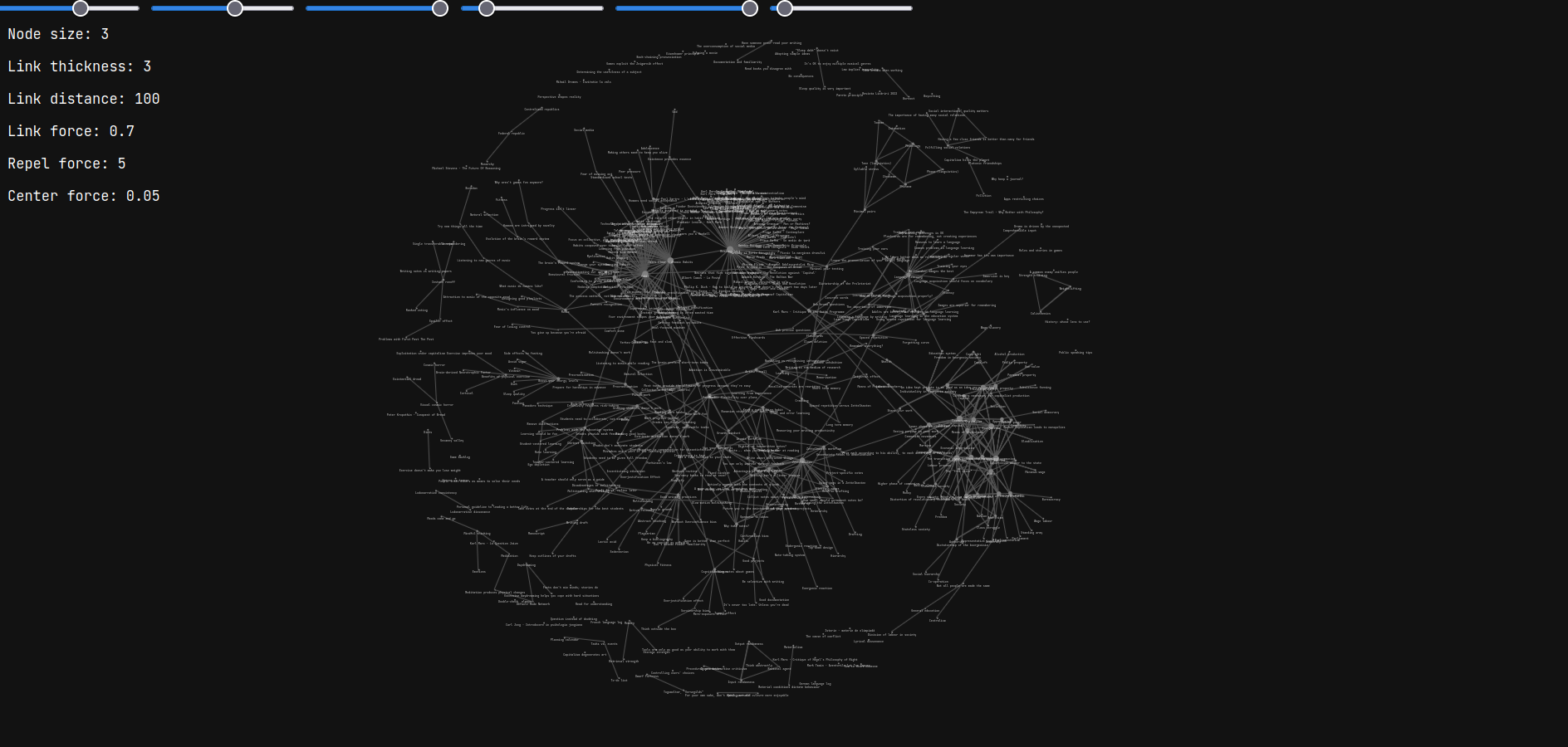
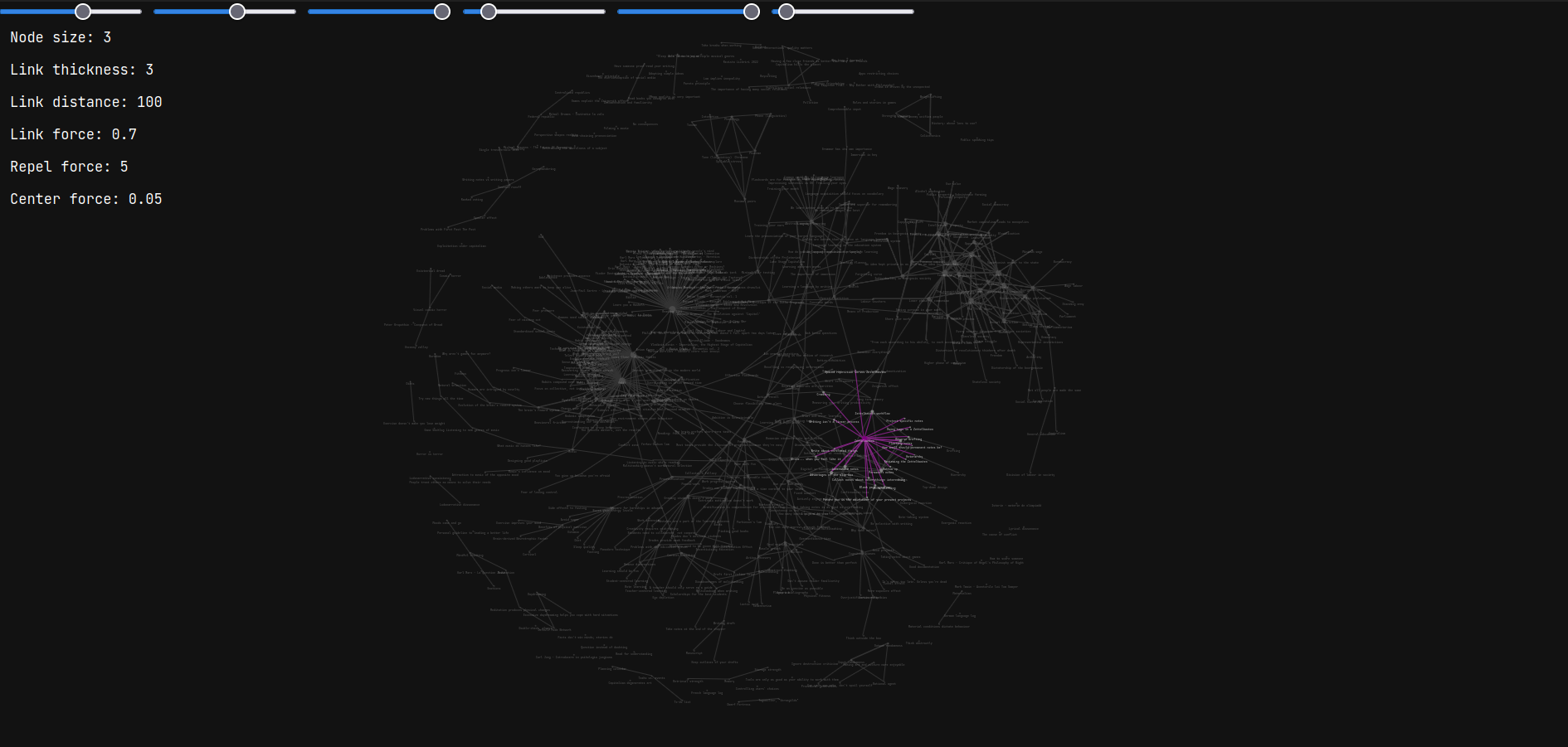
### Making a graph

(read: [Graphs](./graphs.md))

`settle query --graph` takes all the results and outputs the DOT graph result to
stdout.

## Examples

- `settle query --text "sample" --loners` returns all notes that contain `sample`
    in their text and that aren't linked with any other note in the
    Zettelkasten.

- `settle query --project "" --title ".*word.*"` returns all notes that are in
    the main Zettelkasten (the empty-string project) and have the word `word`
    within their title.

- `settle query --formatting "[%p] %t" --link_sep " | "` is the same as the
    default format. Note that, since no links are printed, the separator is
    actually never used for this format.

- `settle query --tag "literature" --links "Neurons"` returns all notes that
    have the `literature` tag and link to a note called *precisely* `Neurons`
    (note the absence of regex wildcards)

- `settle query --format "[%P]\t%l" --link_sep "\t" --title "Note.*"` takes
    every Zettel whose title starts with `Note`, printing their absolute path
    between square brackets, separating links with tabs.

- `settle query --graph` prints a DOT file of the entire Zettelkasten to stdout

- `settle query --text ".*search.*" --format "%t (%a)"` not only prints every
    Zettel that contains the word `search` in it, but it also prints every line
    containing that word.