# ghpending
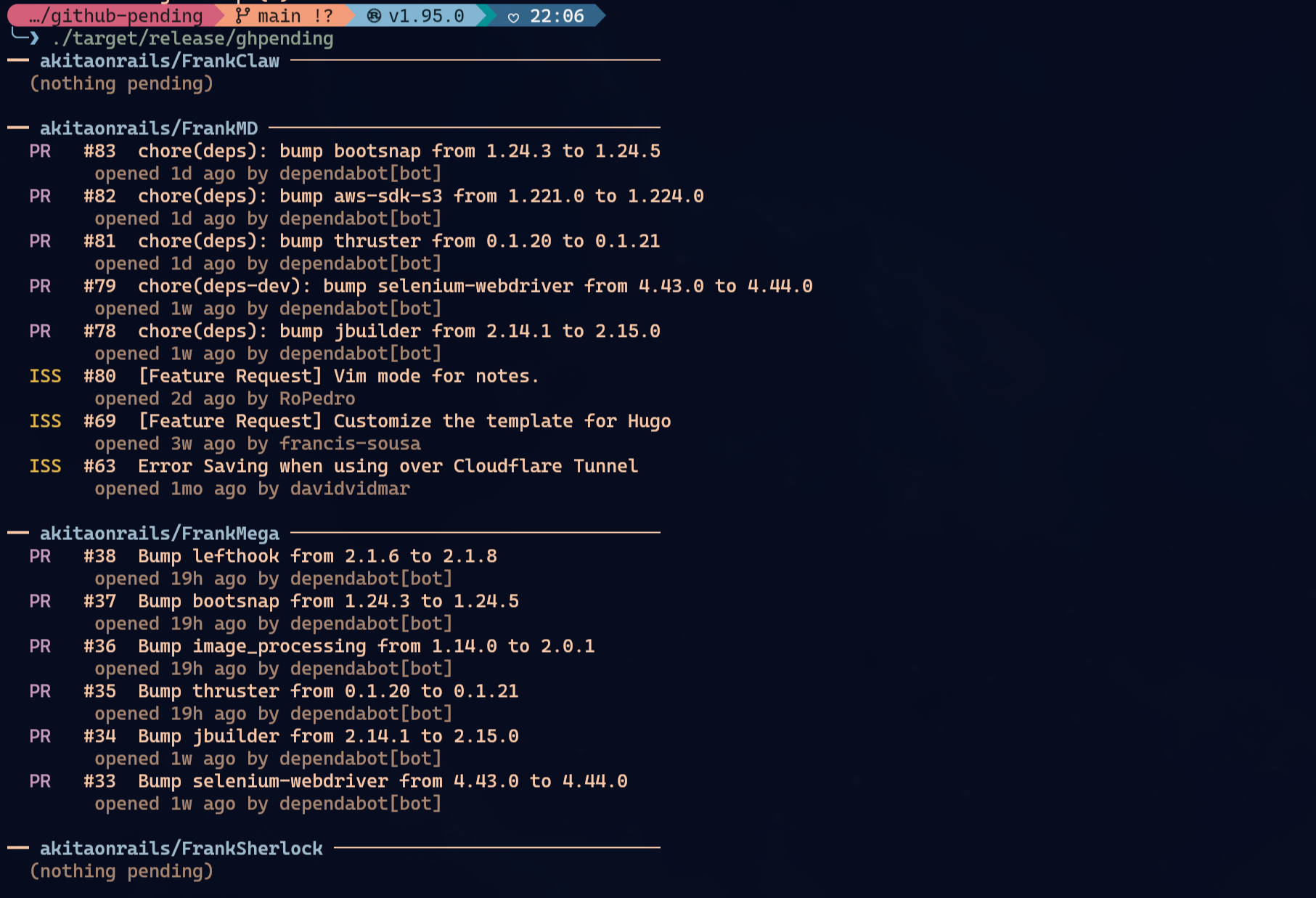
See open issues and pull requests across the GitHub repos you care about, at a glance.
## Install
### Homebrew (macOS / Linux)
```sh
brew tap akitaonrails/tap && brew install ghpending
```
### Cargo
```sh
cargo install ghpending
```
### mise
```sh
mise use -g ubi:akitaonrails/ghpending
```
### From source
```sh
git clone https://github.com/akitaonrails/ghpending
cargo install --path ghpending
```
## Usage
```sh
ghpending add # pick repos from a GitHub user/org to track
ghpending # print the digest
ghpending list # show tracked repos
ghpending rm # remove repos from the list
```
- `ghpending add` — prompts for a GitHub username or org, lists their public repos, and lets you select which ones to track. The username is saved so subsequent `add` runs skip the prompt.
- `ghpending` — fetches all tracked repos concurrently and prints a digest of open issues and pull requests.
- `ghpending list` — prints the repos currently in your watch list.
- `ghpending rm` — opens an interactive menu to select repos to remove from tracking.
## Authentication (optional)
Everything works unauthenticated for public repos, subject to GitHub's default 60 requests/hour rate limit. Set `GITHUB_TOKEN` to raise that to 5,000 requests/hour:
```sh
GITHUB_TOKEN=$(gh auth token) ghpending
```
The token is read silently at startup — no configuration needed.
## Config
The config file lives at:
- Linux: `~/.config/ghpending/config.toml`
- macOS: `~/Library/Application Support/ghpending/config.toml`
Example:
```toml
user = "akitaonrails"
repos = ["ratatui-org/ratatui", "tokio-rs/tokio"]
```
You can edit the file directly to change the `user` field or reorder repos.
## License
MIT