
ghpending-0.1.0 is not a library.
ghpending
See open issues and pull requests across the GitHub repos you care about, at a glance.
Install
Homebrew (macOS / Linux)
&&
Cargo
mise
From source
Usage
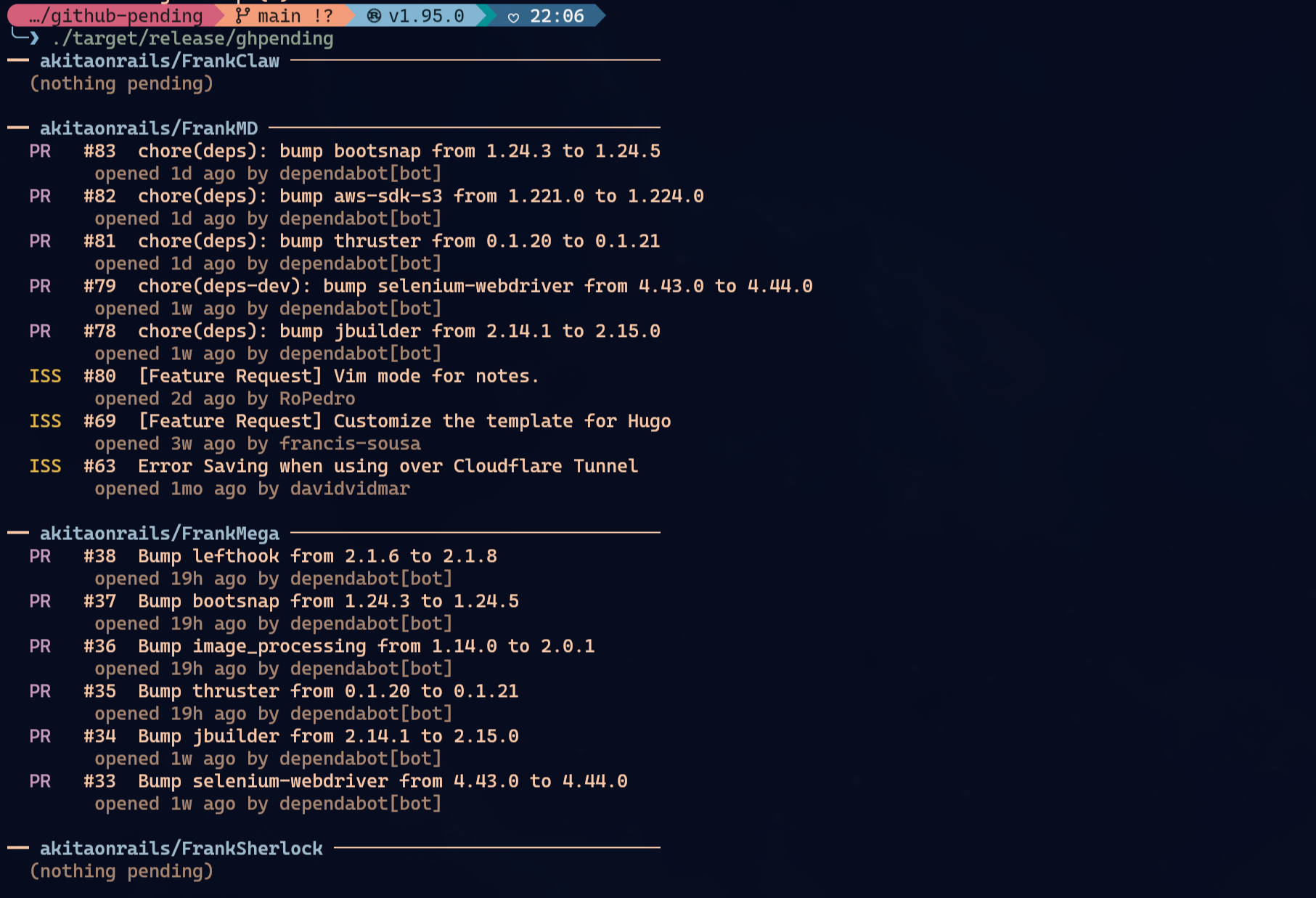
ghpending add— prompts for a GitHub username or org, lists their public repos, and lets you select which ones to track. The username is saved so subsequentaddruns skip the prompt.ghpending— fetches all tracked repos concurrently and prints a digest of open issues and pull requests.ghpending list— prints the repos currently in your watch list.ghpending rm— opens an interactive menu to select repos to remove from tracking.
Authentication (optional)
Everything works unauthenticated for public repos, subject to GitHub's default 60 requests/hour rate limit. Set GITHUB_TOKEN to raise that to 5,000 requests/hour:
GITHUB_TOKEN=
The token is read silently at startup — no configuration needed.
Config
The config file lives at:
- Linux:
~/.config/ghpending/config.toml - macOS:
~/Library/Application Support/ghpending/config.toml
Example:
= "akitaonrails"
= ["ratatui-org/ratatui", "tokio-rs/tokio"]
You can edit the file directly to change the user field or reorder repos.
License
MIT