# Bevy Round UI
This [Bevy](https://bevyengine.org/) plugin contains a shader for rendering rounded rect UI elements, with an
adjustable offset that can be used to add borders or make the node appear 3D.
## Examples
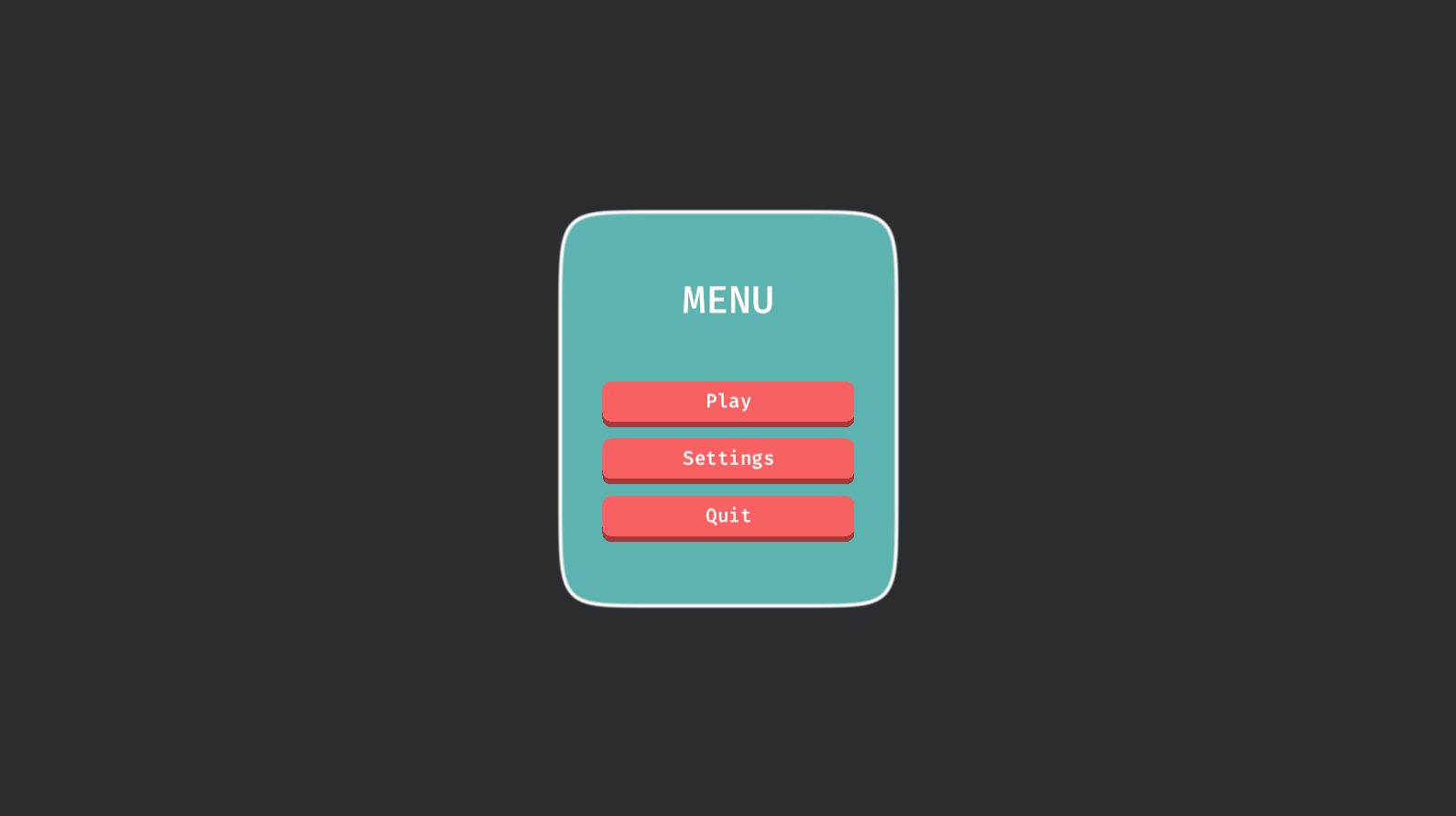
The [simple](https://github.com/robertdodd/bevy_round_ui/blob/master/examples/simple.rs) example shows how to use it
in its simplest form. The [buttons](https://github.com/robertdodd/bevy_round_ui/blob/master/examples/buttons.rs)
example shows how to use it with interactive buttons and a panel. The
[autosize](https://github.com/robertdodd/bevy_round_ui/blob/master/examples/autosize.rs) example demonstrates what it
looks like when nodes resize. The [circle](https://github.com/robertdodd/bevy_round_ui/blob/master/examples/circle.rs)
example shows how to make a circle shape. The
[shapes](https://github.com/robertdodd/bevy_round_ui/blob/master/examples/shapes.rs) example shows a number of possible
shapes. The [superellipse](https://github.com/robertdodd/bevy_round_ui/blob/master/examples/superellipse.rs) example
shows how to use the superellipse material. The
[compare](https://github.com/robertdodd/bevy_round_ui/blob/master/examples/compare.rs) example allows you to toggle
between the `round_rect` and `superellipse` materials to see the difference between them. The
[compare](https://github.com/robertdodd/bevy_round_ui/blob/master/examples/superellipse_transparency.rs) example
demonstrates the `superellipse` material working with transparency.
## Features
The following cargo features (all enabled by default) can be used to control which materials are enabled:
- `round_rect` - Enables the `RoundRectUiMaterial`.
- `superellipse` - Enables the `SuperellipseUiMaterial`.
## Basic Usage
1. Add the `BevyRoundUiDefaultPlugins` plugin to the app.
2. Create a `RoundRectUiMaterial` material.
3. Spawn a `MaterialNodeBundle` using that material.
```rust
use bevy::prelude::*;
use bevy_round_ui::prelude::*;
fn main() {
App::new()
.add_plugins((DefaultPlugins, BevyRoundUiDefaultPlugins))
.add_systems(Startup, setup)
.run();
}
fn setup(mut commands: Commands, mut materials: ResMut<Assets<RoundRectUiMaterial>>) {
commands.spawn(Camera2dBundle::default());
commands.spawn(MaterialNodeBundle {
material: materials.add(RoundRectUiMaterial {
background_color: Color::hex("#F76161").unwrap().into(),
border_color: Color::hex("#A53A3D").unwrap().into(),
border_radius: RoundUiBorder::all(20.0).into(),
offset: RoundUiOffset::bottom(10.0).into(),
}),
style: Style {
width: Val::Px(200.),
height: Val::Px(200.),
..default()
},
..default()
});
}
```
## Shapes
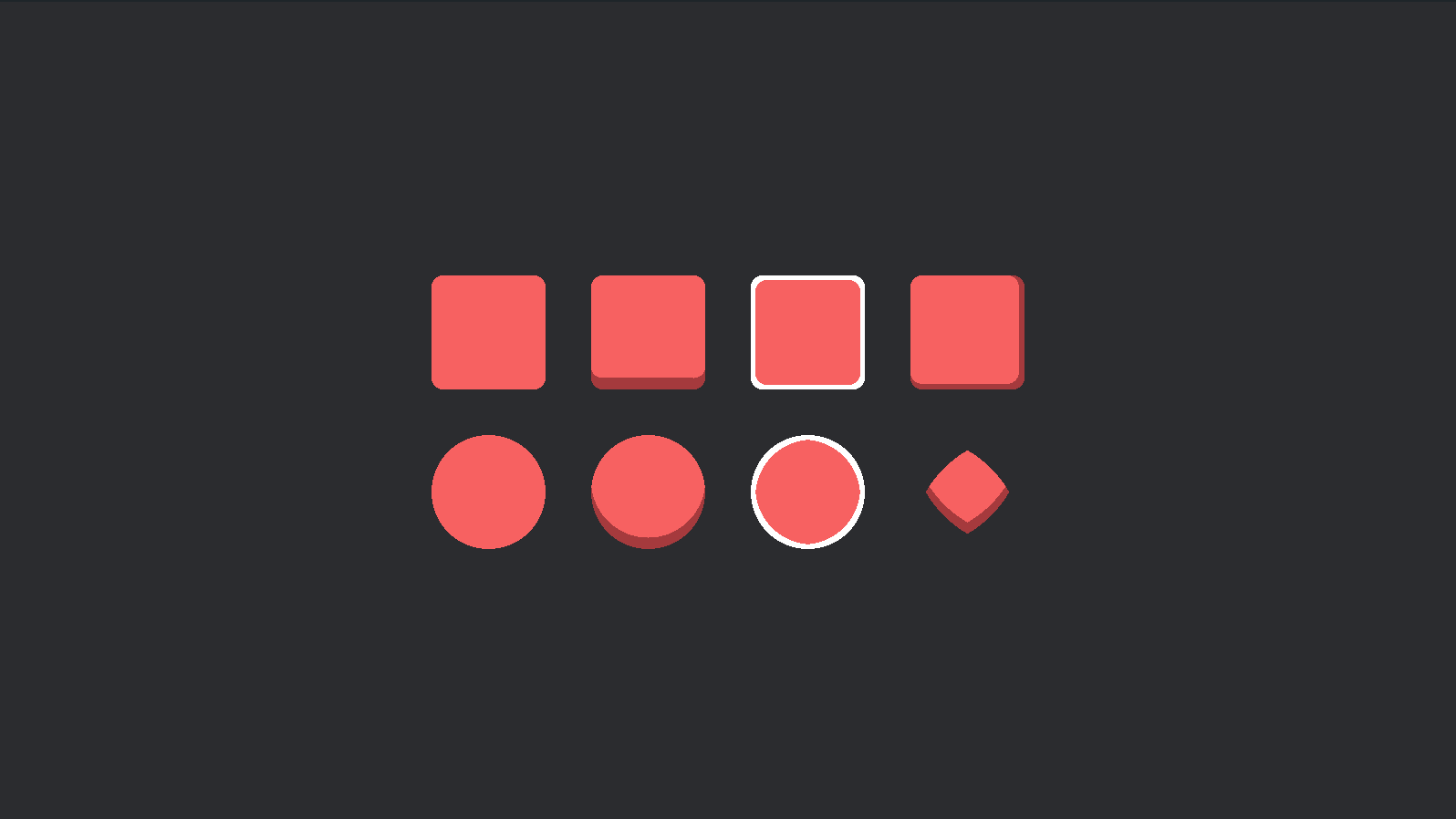
The [shapes](https://github.com/robertdodd/bevy_round_ui/blob/master/examples/shapes.rs) example demonstrates a number
of possible shapes that can be achieved by changing the `RoundRectUiMaterial::border_radius` property.
> NOTE: Bordered circles are not perfect.
## Superellipse
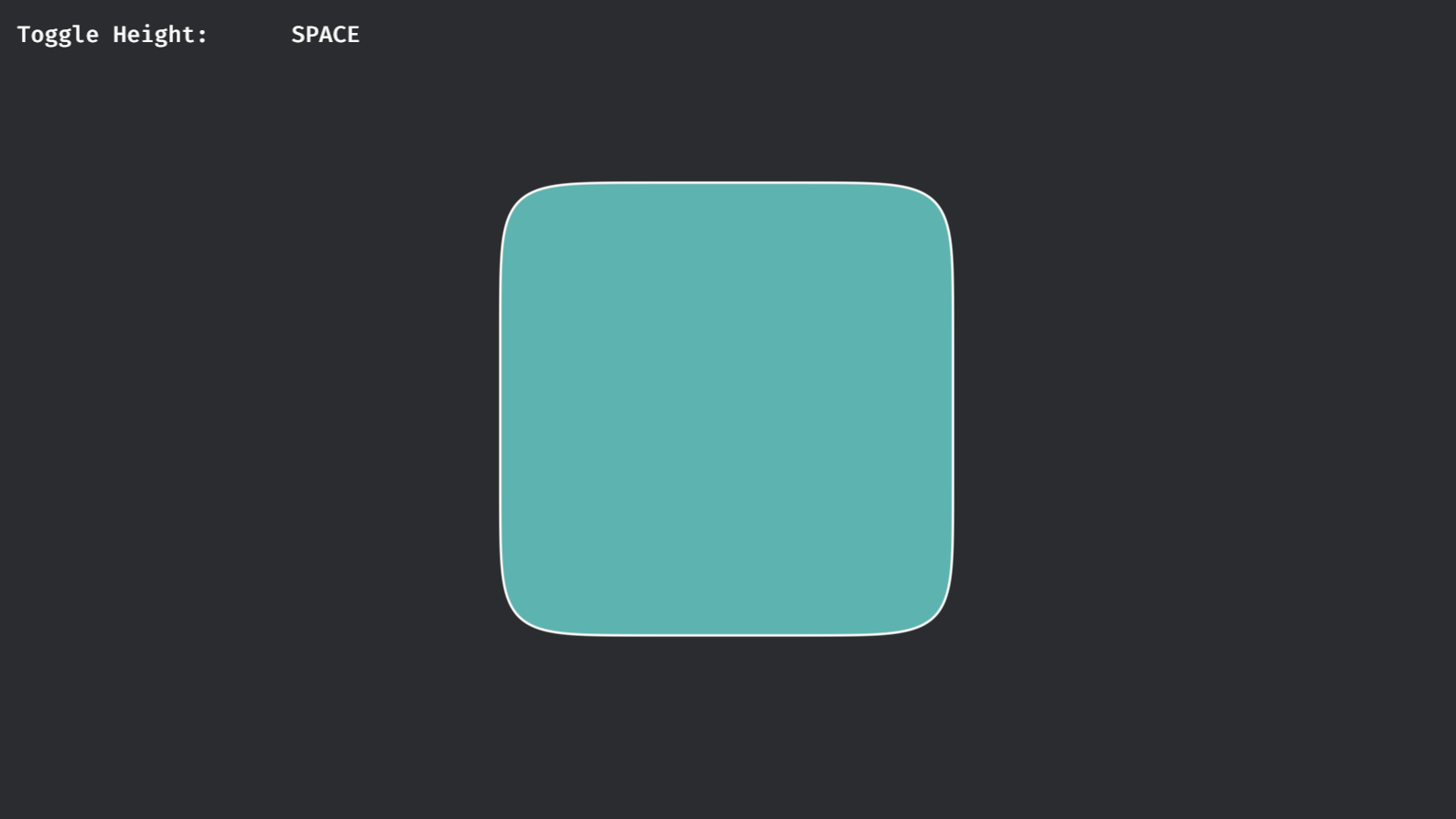
The [superellipse](https://github.com/robertdodd/bevy_round_ui/blob/master/examples/superellipse.rs) example
demonstrates using the `SuperellipseUiMaterial` material, which renders an approximate superellipse shape with an
optional border.
Also see the [compare](https://github.com/robertdodd/bevy_round_ui/blob/master/examples/compare.rs) example, which
allows you to toggle between the superellipse and round-rect materials to easily see their difference.
## Compatible Bevy versions
| `1.x` - `2.x` | `0.13` |
| `0.2` | `0.13` |
| `0.1` | `0.12` |
## License
Dual-licensed under either of
- Apache License, Version 2.0,
([LICENSE-APACHE](https://github.com/robertdodd/bevy_round_ui/blob/master/LICENSE-APACHE) or
https://www.apache.org/licenses/LICENSE-2.0)
- MIT license ([LICENSE-MIT](https://github.com/robertdodd/bevy_round_ui/blob/master/LICENSE-MIT) or
https://opensource.org/licenses/MIT)
at your option.
## Contribution
Unless you explicitly state otherwise, any contribution intentionally submitted for inclusion in the work by you, as
defined in the Apache-2.0 license, shall be dual licensed as above, without any additional terms or conditions.